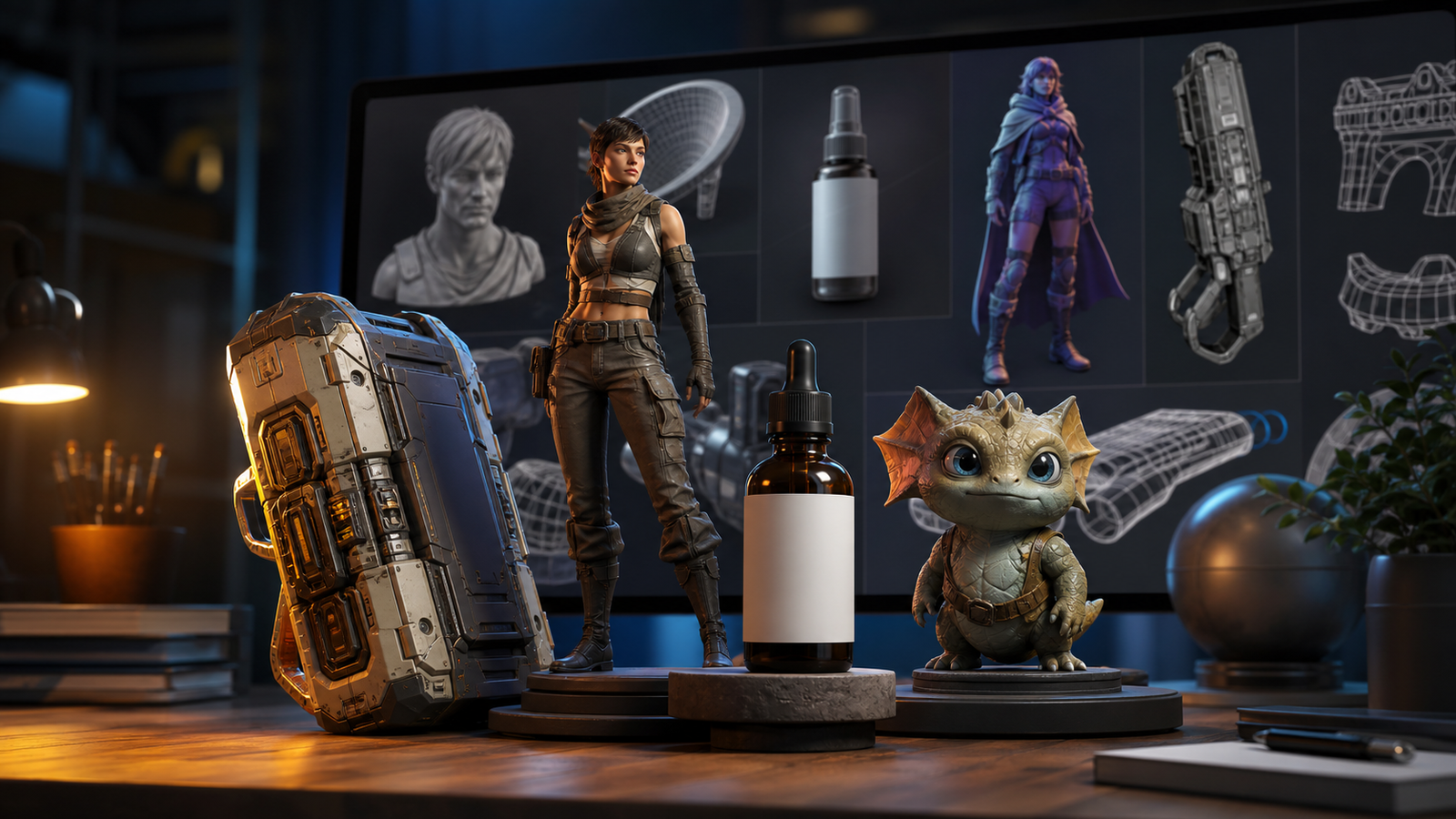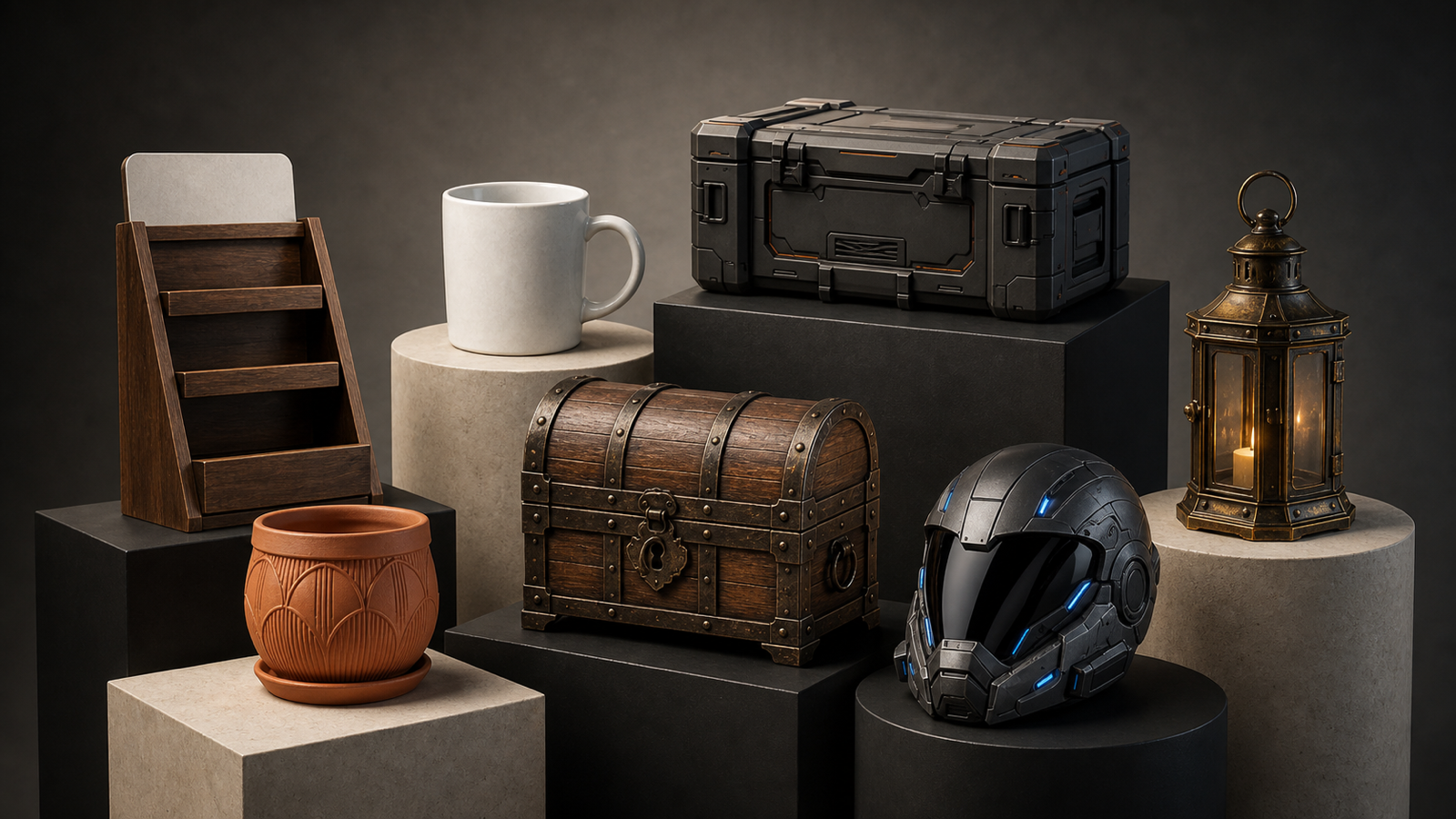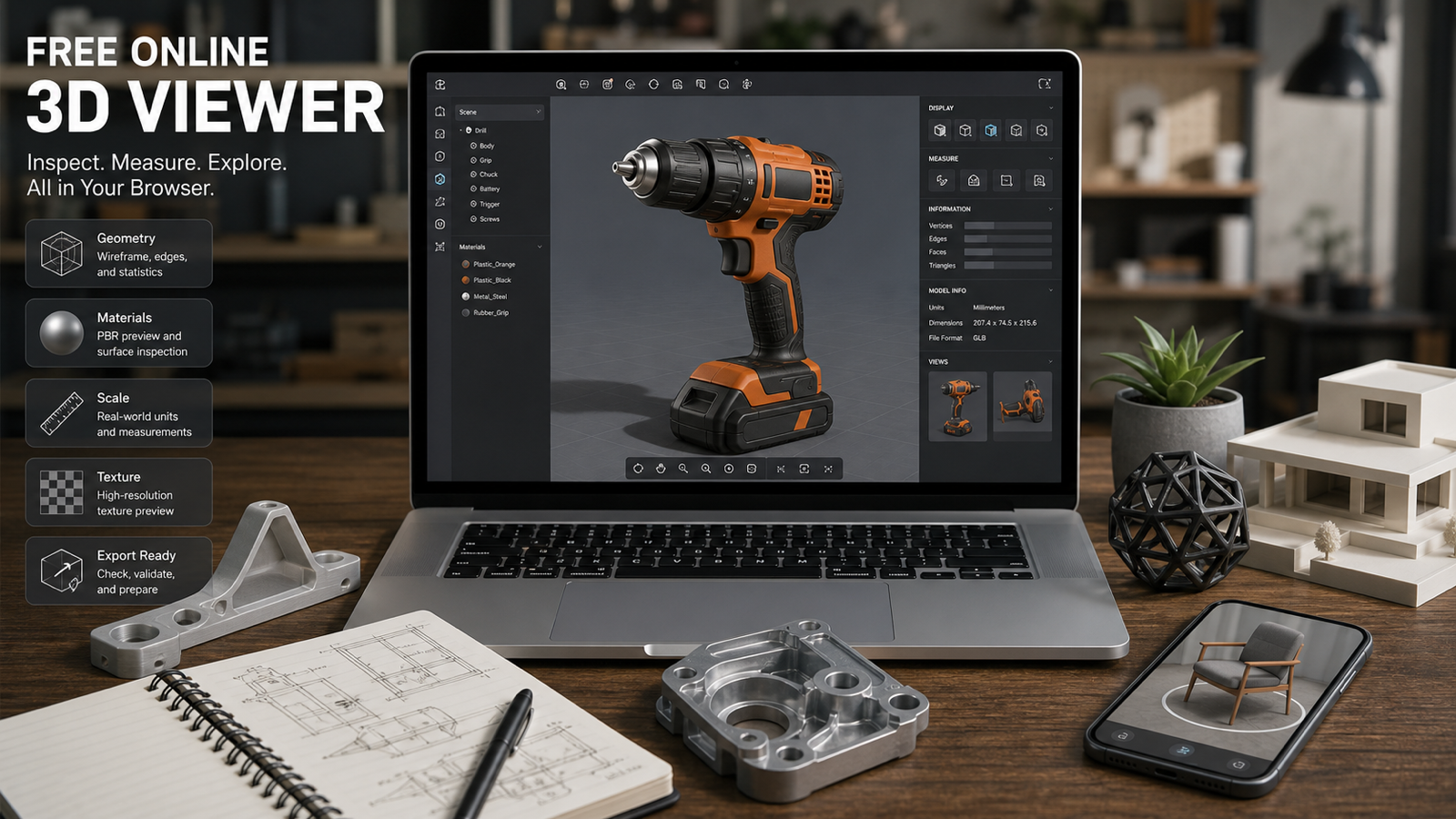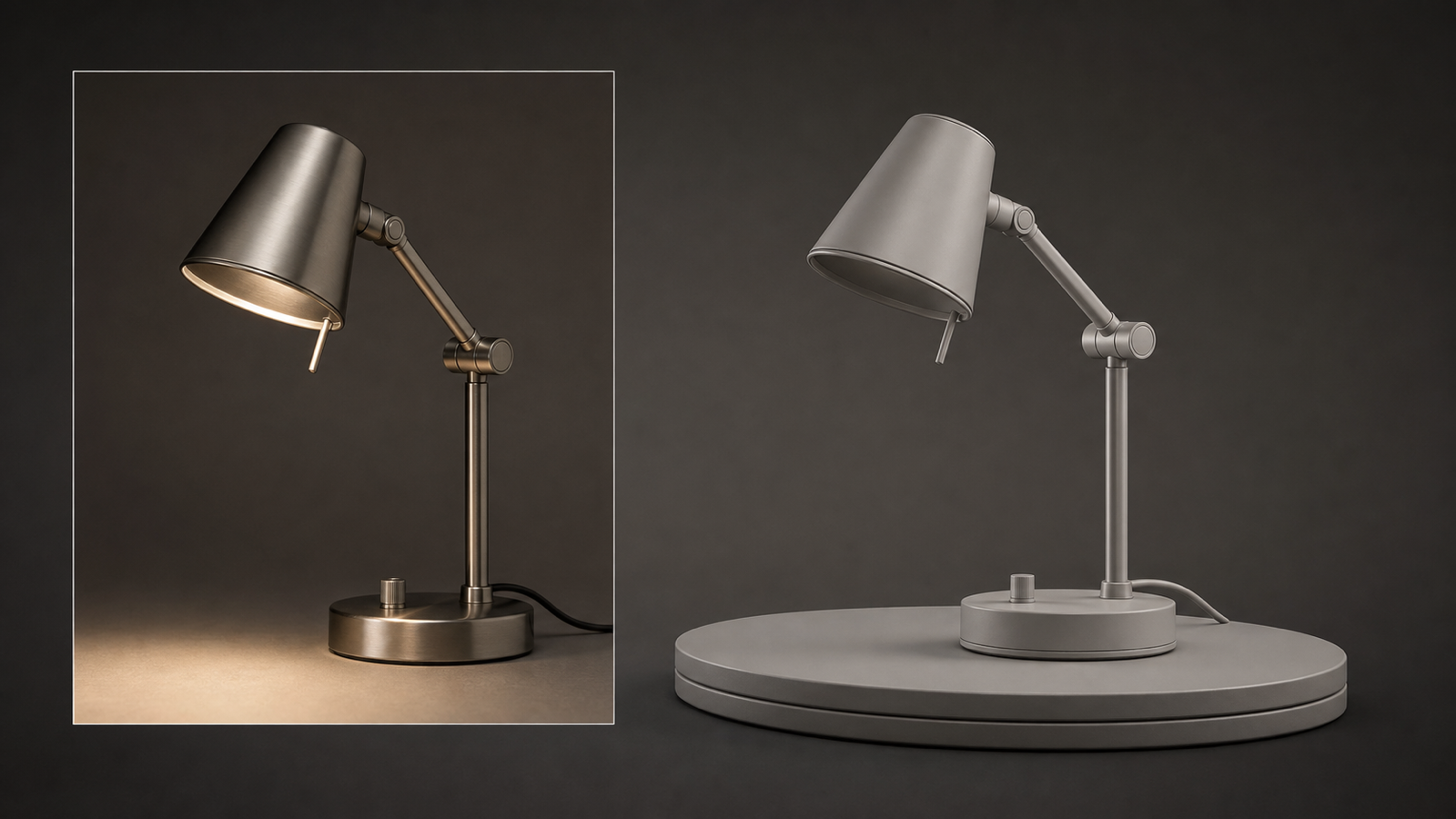
Seed3D 2.0 is ByteDance Seed’s updated 3D-content generation system, officially announced on April 23, 2026. The release focuses on a problem that has limited many AI 3D tools: a model can look convincing from one angle while failing when the asset is rotated, opened, textured, rigged, or placed into a larger scene.
The upgrade targets geometry precision, PBR materials, part decomposition, articulation, and scene-level generation. ByteDance says the system is available through the Volcano Engine Ark Experience Center, where it is listed under Vision Model and 3D Generation as Doubao-Seed3D-2.0. See ByteDance’s release announcement for the official access route and scope.
For everyday creators, See3D AI is the more approachable starting point: upload an image, generate a 3D draft, inspect it in the browser, and download the result. The distinction matters. Seed3D 2.0 is ByteDance’s official advanced system; See3D is a separate browser-based image-to-3D platform. See3D’s current image-to-3D page identifies its workflow as powered by Tripo 3D, so this review does not claim that See3D currently provides an official Seed3D 2.0 endpoint.

What Is Seed3D 2.0?
Seed3D 2.0 is a release focused on higher-precision 3D content generation rather than a small cosmetic model refresh. ByteDance describes it as an evolution from Seed3D 1.0’s single-image generation and texture work toward assets that are more useful downstream.
The system’s core architecture is coarse to fine. An initial stage establishes the object’s global structure, while a later stage recovers local detail. ByteDance also describes a locality-aware prior and voxelized positional encoding intended to preserve sharp edges, thin-walled structures, and more complex topologies.
The official release also expands the target from isolated objects to parts and scenes. Seed3D 2.0 can reason about separated components, articulated structures, and layouts assembled from multiple objects. The technical report describes a unified PBR material model, part-aware decomposition, training-free articulation, and scene-layout planning. These are capabilities reported by the authors, not a guarantee that every generated file needs no artist review.
Seed3D 2.0 should also be treated as a research and product release with stated limitations. ByteDance notes remaining room for improvement in geometric detail and generalization, texture occlusion and mapping errors, inference efficiency, and real-world use cases. It is not presented here as open source or open weight; no such licensing claim should be made without a verifiable official release.

Why Seed3D 2.0 Geometry Matters in Image-to-3D
Geometry is where single-image reconstruction becomes visibly fragile. The front of a product may be clear while its rear, underside, handle, hinge, or cavity must be inferred. A better image-to-3D model therefore has to maintain a believable silhouette across viewpoints, not merely produce a front-facing render.
Seed3D 2.0’s coarse-to-fine geometry pipeline is designed for that gap. In practical terms, the system is aiming for cleaner proportions first, then more accurate local structure: crisp corners, narrow gaps, thin edges, small openings, and details that help a prop or product survive rotation.
For a creator, the useful test is simple: rotate the result through front, side, rear, top, underside, and three-quarter views. Look for collapsed cavities, stretched handles, floating buttons, accidental holes, doubled symmetry, and surfaces that appear to have been painted onto the wrong shape. The release claims stronger geometry, but the final result still depends on the reference image, object category, hidden surfaces, and the intended level of detail.
This is why Seed3D 2.0 is interesting for game developers, product designers, and simulation researchers. Better geometry can reduce the distance between a visual concept and a usable draft. It does not remove retopology, scale checks, collision work, UV review, or topology cleanup when the asset is headed into production.
PBR Materials: Better Albedo, Metalness, and Roughness
A 3D model can have a plausible shape and still look wrong because its materials do not respond to light correctly. A glossy plastic handle, brushed metal body, painted surface, rubber grip, and glass insert each need different albedo, metallic, and roughness behavior.
Seed3D 2.0 introduces a unified PBR material model that generates albedo and metallic-roughness information together. ByteDance describes a mixture-of-experts design with VLM priors, intended to improve semantic material understanding and the boundaries between metallic and non-metallic regions.
The practical benefit is not just a prettier screenshot. Consistent material maps can make an asset more believable under a new light rig, in an ecommerce render, inside a game engine, or in a simulation scene. A metal surface should reflect like metal; a rubber grip should not behave like polished chrome; a rough painted panel should not inherit the shine of the adjacent edge.
Still, material generation needs inspection. Look for texture stretching around curves, seams that drift from the geometry, inconsistent roughness across mirrored parts, and highlights that reveal an incorrect normal or an overly smooth surface. PBR support is a meaningful upgrade, but it is not proof that every asset arrives with production-grade UVs or perfect map alignment.

Part Decomposition, Articulation, and Simulation-Ready Assets
Many objects are not one mesh in practice. A cabinet has doors and hinges. A tool has a trigger, housing, battery, and moving latch. A robot has links, joints, axes, and collision relationships. Seed3D 2.0’s part-aware generation is aimed at this more useful representation.
ByteDance describes part segmentation, articulation, joint-type and joint-axis identification, and motion references generated from image-to-video input. Its release announcement says the system can output joint information in URDF format for physics simulation engines such as Isaac Sim. That makes Seed3D 2.0 especially relevant to robotics research, embodied AI, simulation, and animation prototyping.
The phrase “simulation-ready” needs care. It describes an intended downstream capability and an output pathway, not an automatic guarantee that every generated object has correct scale, collision geometry, mass properties, joint limits, or stable physical behavior. A serious workflow still validates each part, axis, pivot, constraint, and material assumption inside the target engine.
For games and animation, part separation can also reduce manual blocking. An artist may start with a coherent articulated draft, then replace weak pieces, retopologize important surfaces, and build a cleaner rig. The value is less about pressing one button and more about getting a better first structure to work from.

Scene Generation and Downstream 3D Workflows
Seed3D 2.0 also moves beyond single-object reconstruction. The official description covers scene generation from text or multi-view and video inputs, with depth, segmentation, occlusion inpainting, and layout planning used to assemble objects into a coherent environment.
That matters for room-scale visualization, virtual production, ecommerce composition, AR concepts, game prototyping, and simulation environments. Instead of generating a lamp, chair, table, and shelf as unrelated objects, a scene-oriented system can reason about relative placement, occlusion, and the relationship between parts.
The limitation is that a good scene render is not automatically a clean scene file. Check scale, intersections, hidden geometry, object origins, material assignments, lighting assumptions, and export structure. A generated room may be convincing in a still image while containing meshes that need substantial work before real-time rendering, collision testing, or interactive use.

See3D AI as a Practical Seed3D 2.0 Alternative
Readers searching for a Seed3D 2.0 alternative often want a simpler first step: upload one clean reference image and see what an AI image-to-3D workflow can produce without setting up a research pipeline. See3D’s Image-to-3D Generator fits that practical use case.
Its current page accepts JPEG, PNG, and WebP inputs and describes a flow of upload, automated analysis and generation, then browser preview and download. That makes See3D AI useful for product visualization, design concepts, content creation, and quick 3D drafts. Its Text-to-3D Generator and online 3D viewer are useful companion pages for readers comparing workflows.
The distinction is important: See3D is not confirmed here as a Seed3D 2.0 access layer. The live image-to-3D page currently identifies the tool as powered by Tripo 3D. Verify the active model provider, supported formats, texture resolution, polygon count, generation time, credits, downloads, watermarks, privacy, retention, and commercial rights immediately before publication or purchase.
For beginners and small teams, See3D is the best simple browser-based starting point. For advanced research into geometry, part awareness, articulation, and simulation-oriented assets, Seed3D 2.0 remains the more relevant system to watch.

How to Review an AI Image-to-3D Model Before Using It
Use this checklist whether the asset came from Seed3D 2.0, See3D, or another AI 3D generator:
- Silhouette: Rotate front, side, rear, top, underside, and three-quarter views. Check proportions and hidden surfaces.
- Thin structures: Inspect handles, straps, lips, blades, wires, holes, small buttons, and narrow gaps.
- Symmetry: Compare mirrored areas for drift, doubled features, and uneven thickness.
- Materials: Check albedo alignment, metallic behavior, roughness variation, seams, normals, and texture stretching.
- Parts: Confirm that movable or editable components are separated logically and have sensible origins.
- Articulation: Test pivots, axes, joint limits, and whether the motion remains plausible through the intended range.
- Mesh cleanliness: Look for non-manifold areas, self-intersections, spikes, internal shells, loose fragments, and unstable topology.
- Export compatibility: Open the file in the target DCC, game engine, viewer, or simulation environment. Confirm scale, units, material assignments, and naming.
- 3D printing: Do not assume watertight or manifold output. Run a dedicated printability check and repair the mesh before slicing.
- Production use: Expect manual cleanup for retopology, UVs, rigging, collisions, LODs, baking, and optimization when quality matters.
This checklist is also a useful way to compare Seed3D 2.0 alternatives. A tool that produces a beautiful hero render may still be weaker for part separation or export. A tool that produces a less polished first image may be easier to repair and integrate.

FAQ and Final Verdict: Is Seed3D 2.0 Worth Watching?
Is Seed3D 2.0 open source or open weight?
Do not describe it that way unless ByteDance publishes model weights under a verifiable license. The official release describes access through Volcano Engine’s Ark Experience Center, not an open-weight distribution.
Is See3D powered by Seed3D 2.0?
Not according to the current page reviewed for this article. See3D’s live Image-to-3D page identifies its workflow as powered by Tripo 3D. Treat See3D as a related practical alternative unless its live selector and documentation explicitly confirm Seed3D 2.0 integration.
Is Seed3D 2.0 production-ready for games or 3D printing?
Not automatically. It may create a stronger starting asset, especially where geometry, materials, parts, or articulation matter, but game-engine usability, watertightness, manifold topology, rig readiness, and printability require validation.
What is the best workflow today?
Create a clean reference image, generate a first 3D draft, inspect it from every important angle, and refine the mesh, UVs, materials, pivots, and export in dedicated 3D software when production quality is required.
Final verdict
Seed3D 2.0 is worth watching because its improvements target the parts of AI 3D generation that determine downstream usefulness: geometry that survives rotation, materials that respond to light, parts that can be edited, articulated objects that can be tested, and scenes that can be assembled with more structure. ByteDance’s own caveats are a useful reminder that this is still an evolving system, not a universal replacement for 3D artists.
The practical recommendations are straightforward:
- Best for advanced research and simulation-oriented generation: Seed3D 2.0.
- Best for part-aware and articulated asset research: Seed3D 2.0.
- Best for a simple browser-based starting point: See3D Image-to-3D.
- Best for fast product and concept previews: See3D AI.
- Best overall workflow: clean reference image → first 3D draft → all-angle inspection → dedicated 3D cleanup.
For more context, see the See3D AI blog and its related Seed3D 2.0 review.