
Hunyuan 3.0
Create 3D models from text descriptions or reference images.
Use HunyuanCreate 3D models from images, text prompts or multiple views with See3D. Generate character models, product models and game assets, then preview your 3D model from every angle.
AVAILABLE MODELS
Create 3D models from text descriptions or reference images.
Use Hunyuan
Turn your ideas and images into 3D assets for creative projects.
Use Meshy
Generate 3D models from text, a single image, or multiple views.
Use TripoStart your 3D modeling workflow with AI-generated geometry and textures, then review and refine the results for your project.
Generate a starting 3D mesh from a reference image or text prompt to reduce the work of modeling an object from scratch.
Inspect the shape and textures of your generated 3D model, then export in an available format for further editing or use in your project.
Choose image-to-3D or text-to-3D generation, select an AI model and review your result in the browser.
Compare plans and credits for your 3D model creation workflow, from exploring an idea to building a collection of 3D assets.
FAQ
Learn how image-to-3D generation works, what affects 3D model quality and how to use your generated assets.
TEXT TO 3D
A practical text-to-3D workflow and tips for clearer prompts.
Read guideMODEL GUIDE
Learn what to inspect in geometry, texture, silhouette and exports.
Read guide3D VIEWER
Open common 3D formats and review your results before cleanup.
Read guide3D FOR YOUR IDEAS
Explore AI-generated 3D model examples for character design, product showcases, game assets and interior ideas.
Click to explore · Drag and zoom in detail
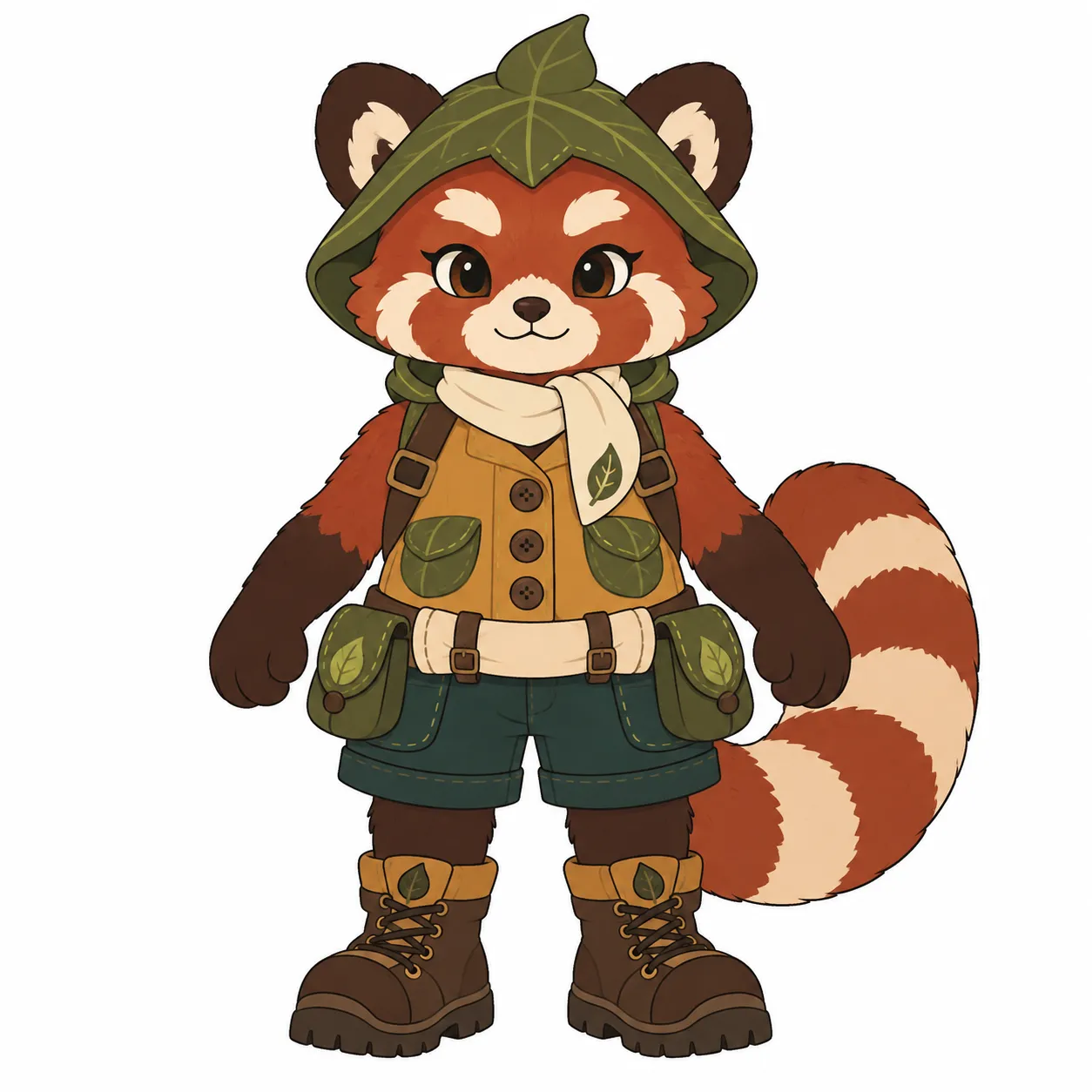
Turn character artwork into a 3D model for your brand and creative projects.
Original image
CREATE YOUR WAY
Start with an image, a text prompt or multiple reference views. Choose an AI 3D model generator, then generate, inspect and export your result.
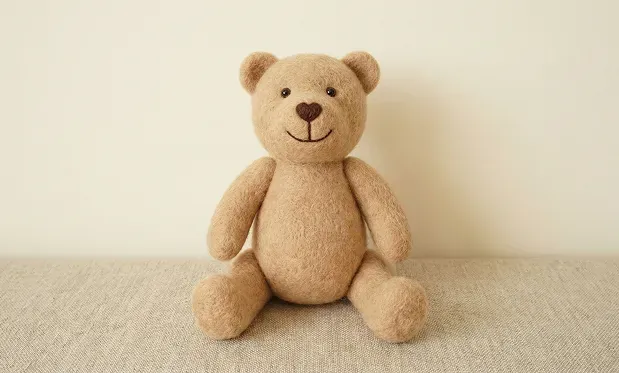
REFERENCE IMAGE
GENERATED 3D MODEL
Have a photo or a design? Upload a clear image with a complete subject to start your 3D workflow.
$95.89 PER YEAR
$191.88 PER YEAR
$479.88 PER YEAR


