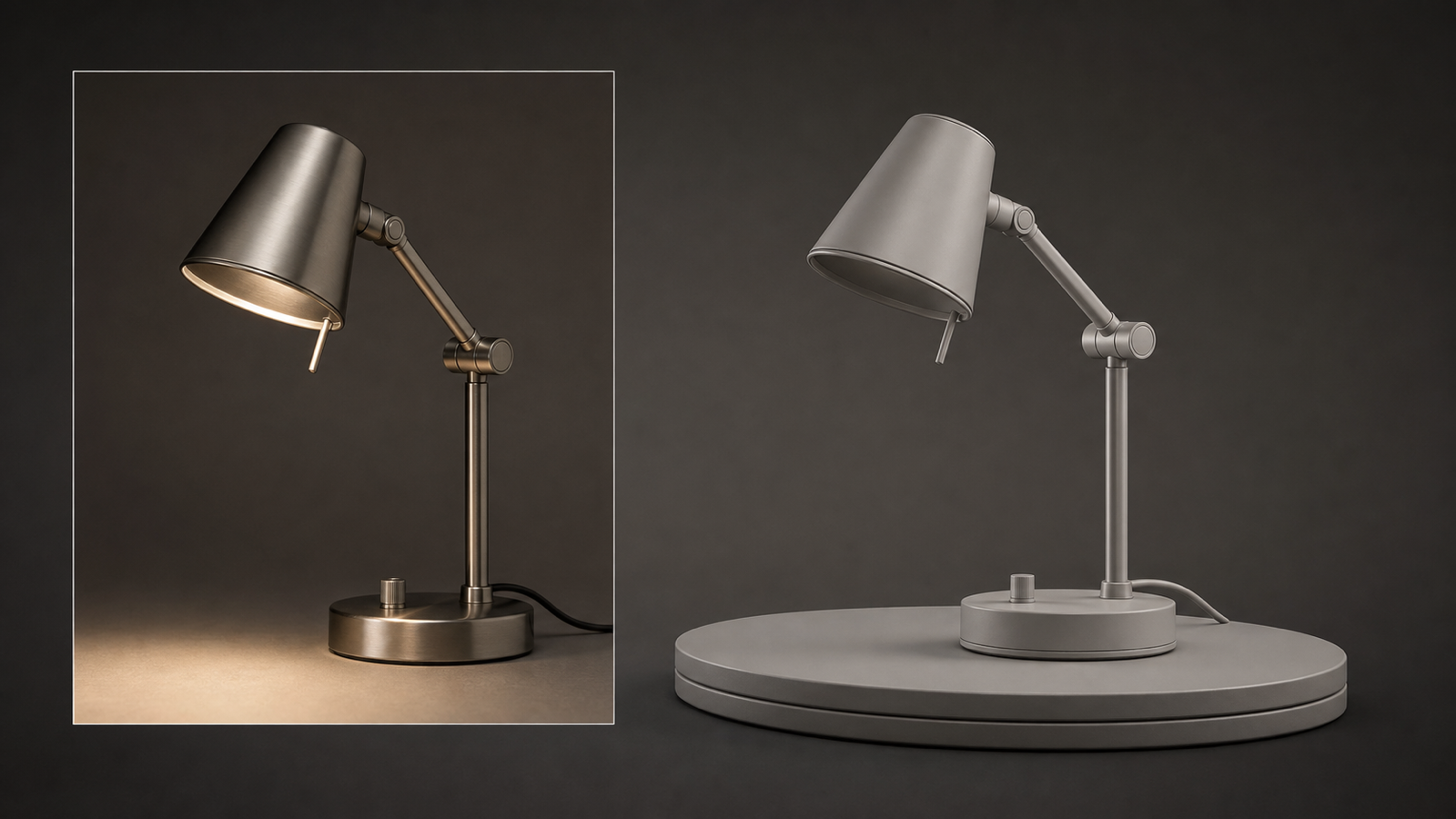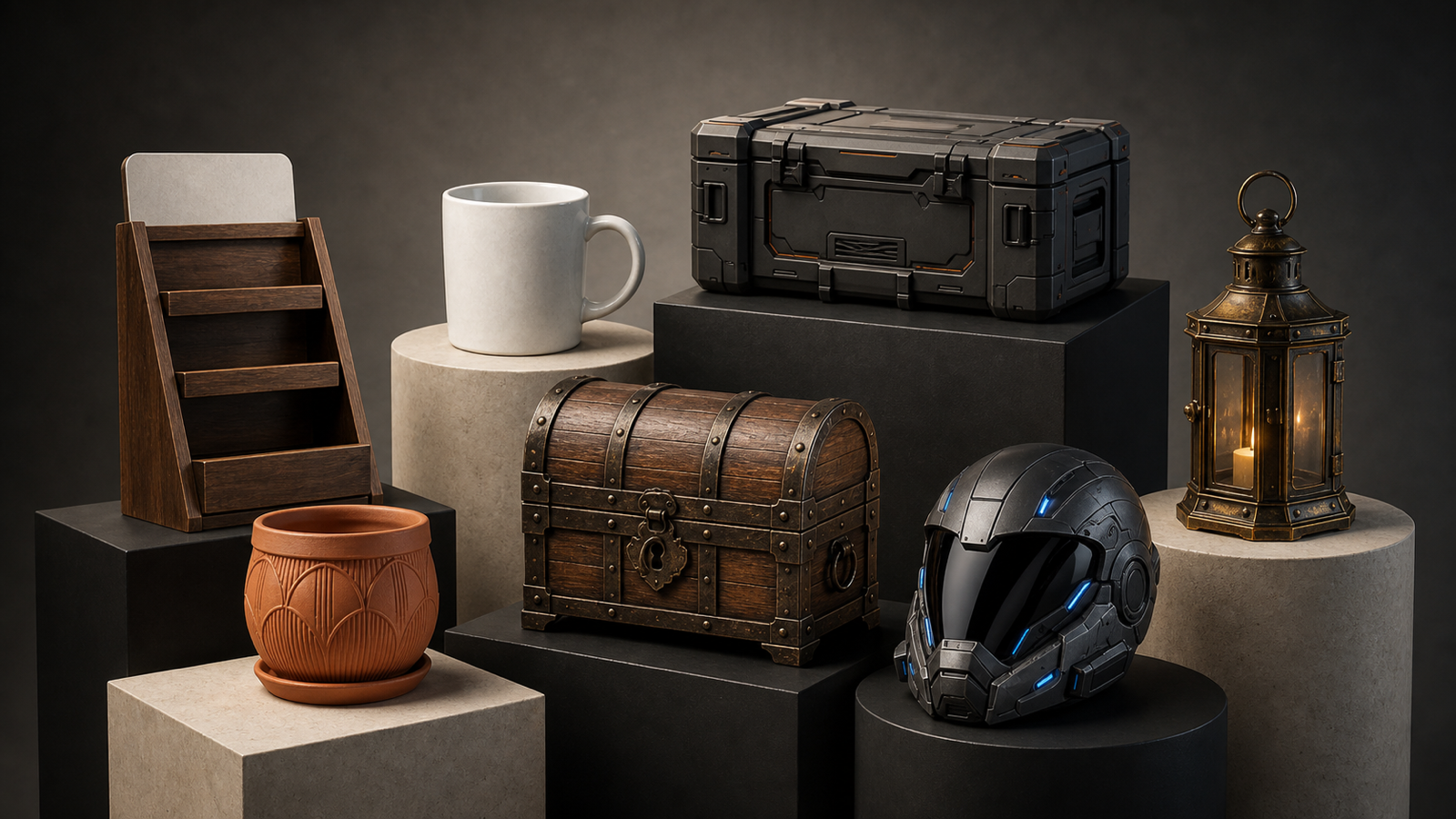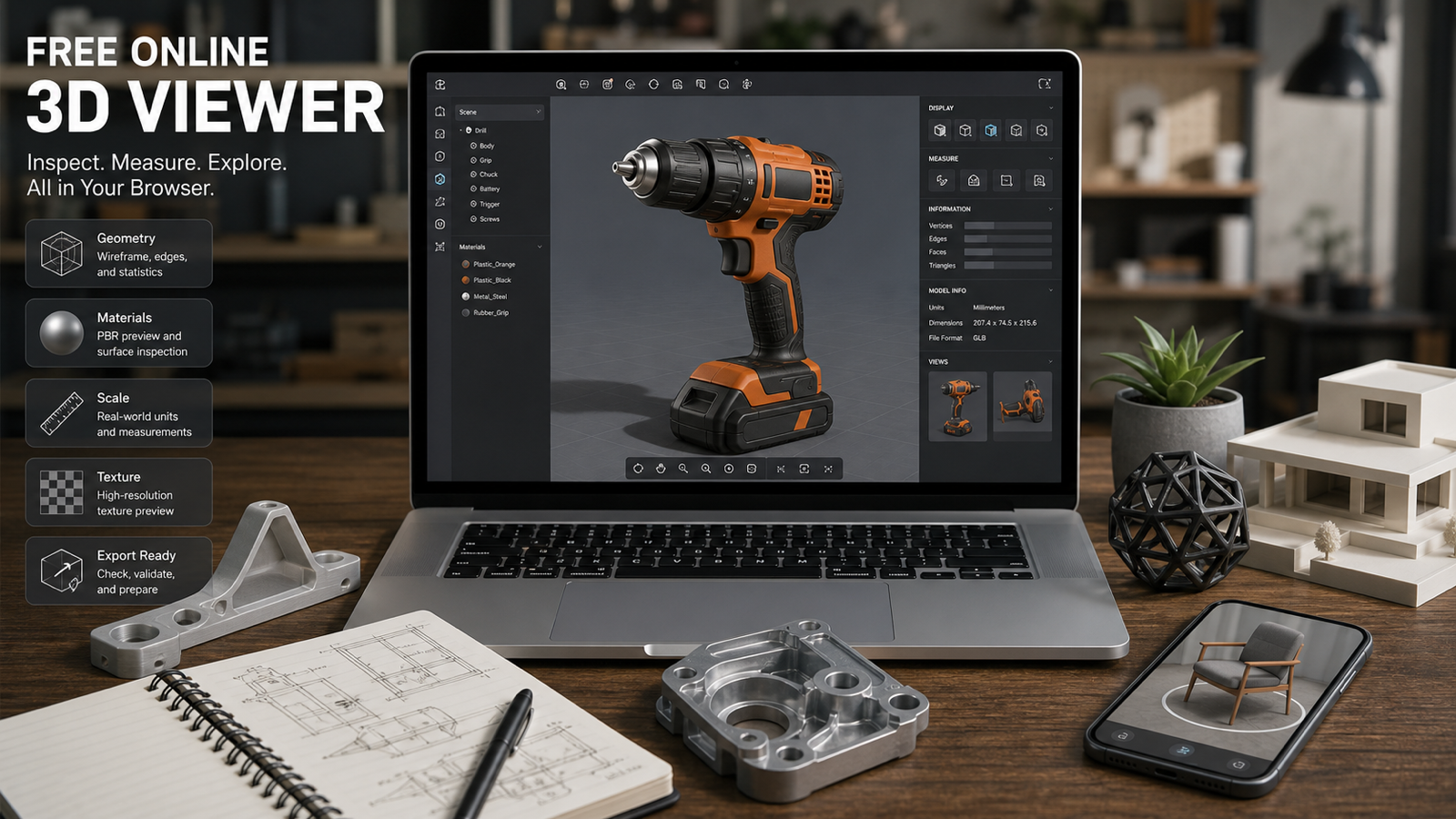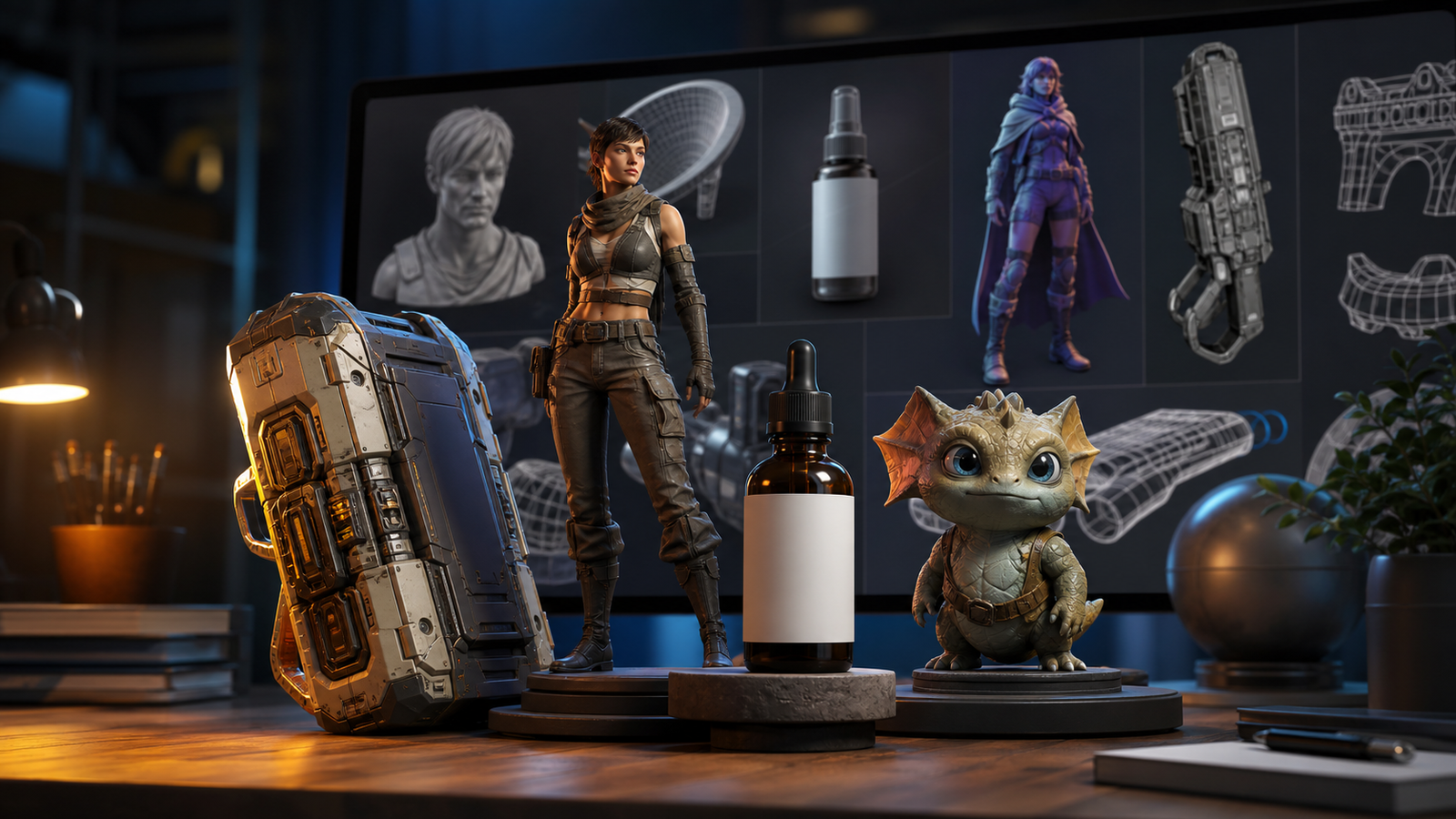
Meshy 3D 6.0 is aimed at one of the hardest parts of AI 3D generation: turning a prompt or reference image into a model that is useful after the preview window closes. The official Meshy-6 announcement, published January 18, 2026, highlights refined geometry, sharper hard-surface detail, Low Poly Mode, multi-color 3D printing workflows, and API upgrades.
For beginners, game developers, product designers, ecommerce teams, AR creators, educators, and Blender users, the practical question is whether those improvements reduce cleanup enough to matter. See3D AI provides a direct Meshy 3D 6.0 model generator with text-to-3D and image-to-3D entry points, topology and polygon settings, symmetry, remeshing, A/T-pose options, texture and optional PBR controls, plus GLB, FBX, OBJ, and USDZ export references.
This review treats “production-ready” as a workflow goal, not a guarantee. Generated assets may still need topology repair, UV inspection, scale correction, polygon reduction, rigging preparation, printability checks, and testing in the target application.

Meshy 3D 6.0 at a Glance: What Changed?
Meshy 3D 6.0 is the See3D-facing version-specific page for Meshy-6, while the official Meshy announcement describes the broader model release and its upgrade themes. The strongest change is not simply more detail. It is a push toward cleaner structure that can survive the next step in a 3D workflow.
The official announcement highlights smoother and more anatomically correct geometry for organic models, sharper edges and clearer silhouettes for hard-surface assets, a dedicated Low Poly Mode for game workflows, multi-color 3D printing support, and API improvements. These priorities matter because AI-generated 3D models often fail at exactly those boundaries: limbs merge, hard surfaces melt, topology becomes too dense, and attractive textures hide unusable geometry.
See3D’s current Meshy 3D 6.0 page presents text-to-3D and image-to-3D generation, along with topology type, target polygon count, symmetry, remeshing, A/T pose, texture, PBR, and export-oriented controls. Verify the live interface for the exact options, credit cost, queue, output limits, and licensing terms before treating any setting as guaranteed.

Text to 3D: Best for Concepts, Props, Characters, and New Ideas
Use the See3D text-to-3D workflow when the object is still flexible and you want to explore form from a written description. This is the fast route for game props, stylized characters, furniture concepts, creatures, environment objects, product ideas, and educational models.
A useful text-to-3D prompt describes the model as a 3D asset rather than a flat illustration. Include the object category, silhouette, key parts, material, surface treatment, style, intended use, and geometry constraints.
Create a stylized game prop: a compact fantasy treasure chest with a curved lid, reinforced metal bands, an oversized lock, and readable corner details. Use aged wood and dark iron materials, a strong three-quarter silhouette, symmetrical construction, clean surfaces, and simplified geometry suitable for a realtime game scene. Avoid floating parts, fragile thin details, and random decorations.
Text-to-3D is strongest when the prompt leaves room for visual invention. It is less reliable when you need exact product identity, mechanical accuracy, precise branding, or a model that must match a reference from every angle. Start with a simple asset, generate variants, and inspect the silhouette before spending time on materials.

Image to 3D: Better When Shape and Reference Matter More
Use See3D image-to-3D when you already have a product photo, concept illustration, sketch, character reference, or object image. A reference does not make reconstruction perfect, but it gives the model stronger visual anchors for proportions, color, silhouette, and surface detail.
Image-to-3D is usually the better starting point for ecommerce objects, packaging, furniture, collectibles, toys, accessories, and product prototypes. It can also help with game props when the reference clearly shows the main shape and visible materials.
The hidden-side problem still matters. A single image cannot fully reveal the back, underside, interior, thickness, or mechanical relationships of an object. Expect ambiguity where the reference provides no evidence. For important assets, supply a clearer image, use multiple views if the workflow supports them, or treat the output as a concept draft instead of a final replica.
For the cleanest input, use a single centered subject, strong lighting, visible edges, limited background clutter, and a consistent camera angle. Avoid reflections, transparent surfaces, overlapping objects, and heavy shadows when the model needs to infer geometry.

Geometry Review: Silhouette, Anatomy, Hard Surfaces, and Hidden Sides
The best Meshy 3D 6.0 review should focus on geometry before texture. A model can look impressive in one viewport angle while failing from the back, underneath, or inside a game scene.
Check the silhouette first. Does the object read correctly at a distance? Are the proportions believable? Are major parts separate where they should be? For characters, inspect hands, feet, facial structure, joints, clothing intersections, and repeated limbs. For hard-surface props, inspect corners, bevels, openings, handles, vents, fasteners, and panel transitions.
Then rotate the model slowly and look for reconstruction artifacts:
- melted or asymmetrical edges
- floating fragments and accidental plates
- holes, cavities, or fused surfaces
- stretched geometry on the hidden side
- overly thin parts that may break during use or printing
- decorative details that do not match the reference
The official Meshy-6 announcement specifically emphasizes refined organic geometry and stronger hard-surface detail. That is a useful direction, but the final result still depends on the prompt, input image, chosen settings, and target asset.

Topology, Polycount, Pose, and Rigging Readiness
Topology determines whether the model can move, deform, optimize, or render efficiently. See3D’s Meshy 3D 6.0 page presents topology and target polygon controls, symmetry, remeshing, and A/T-pose options. The right mesh for a product preview is not the same as the right mesh for a game character or a 3D-printing draft.
Use a denser result when you are preserving fine surface detail for a close product render or sculpting pass. Use a lighter result when the model is headed toward realtime, AR, mobile, or a large scene with many assets. A lower polygon target can improve performance, but it may also remove useful shape detail or create a rougher silhouette.
For characters, A-pose or T-pose output can make later rigging easier, but it does not prove the model is rig-ready. Check joint placement, limb thickness, mirrored anatomy, clothing intersections, and whether the mesh deforms cleanly. For props, topology should support the camera distance and intended interaction rather than maximizing polygon count.
Meshy’s official release page says Low Poly Mode is designed for game developers and realtime performance. Confirm whether the specific See3D interface exposes that official mode or a comparable control before describing the output as optimized for a particular engine.

Textures, Materials, PBR Maps, and Visual Consistency
Meshy 3D 6.0 is also positioned around texture quality and material control. See3D’s page references texture generation, texture prompts, optional metallic, roughness, and normal PBR maps, while the official Meshy-6 announcement emphasizes the broader model’s workflow improvements.
Texture quality should be judged by how well the surface follows the geometry. Look for seams, stretching, blurry zones, inconsistent scale, material changes across UV islands, and details that appear painted on instead of modeled. A roughness map can be technically present and still feel wrong if wood, metal, plastic, fabric, or ceramic do not respond to light consistently.
For ecommerce and product visualization, material accuracy often matters more than extra mesh detail. A product with clean proportions and believable plastic or metal may be more useful than a highly detailed model with warped labels. For games and AR, texture size, memory budget, and lighting behavior matter alongside visual richness.
PBR maps are helpful inputs for a downstream workflow, but they are not a substitute for inspection. Test the exported asset in the renderer, engine, viewer, or material setup where it will be used.

Use Cases: Games, Ecommerce, AR, Printing, and Prototyping
Meshy 3D 6.0 is a good fit for fast asset exploration across several industries, provided the output is treated as a draft that may need cleanup.
For games, prioritize silhouette, polygon budget, UV cleanliness, and realtime performance. Props, environment objects, and stylized characters are sensible starting points. For product visualization and ecommerce, image-to-3D can turn a product reference into a model for previews, product pages, client review, or AR experiments, but exact likeness and measurement still need validation.
For AR, inspect file size, texture memory, orientation, scale, and mobile performance. For 3D printing, check watertightness, wall thickness, unsupported overhangs, fragile parts, and the target slicer. The official Meshy-6 announcement mentions multi-color printing and 3MF output, but do not assume those capabilities are exposed through the See3D implementation without checking the live page.
For concept design and education, the threshold is different. A model can be valuable as a visual thinking aid even when it is not ready for a shipped game, production print, or manufactured product.

Export and Cleanup: What Still Belongs in Blender or a Game Engine?
The See3D page references GLB, FBX, OBJ, and USDZ export workflows. Those formats cover common browser, game, DCC, product, and AR handoff scenarios, but export availability and file behavior should be checked in the current interface.
Before delivery, run a cleanup pass in Blender or the target application:
- Inspect the mesh from every side, including underside and internal cavities.
- Correct scale, orientation, pivot, origin, and floor contact.
- Check for holes, non-manifold areas, floating parts, and duplicated surfaces.
- Inspect UVs, texture seams, material assignments, and PBR map alignment.
- Reduce polygons or rebuild sections that are too heavy for realtime or AR.
- Test animation deformation if the model will be rigged.
- Test watertightness and wall thickness if the model is intended for 3D printing.
- Open the exported format in the final viewer, engine, slicer, or design tool.
The output is most useful when it shortens the first 60 to 80 percent of asset creation. It does not eliminate art direction, technical validation, or production QA.

Meshy 3D 6.0 vs the Broader See3D Workflow
The dedicated Meshy 3D 6.0 page is the right entry point for version-specific searches. The broader Meshy 3D model generator page is useful for readers searching for Meshy AI more generally, while See3D’s text-to-3D and image-to-3D pages organize the two main creation paths.
This makes See3D practical for discovery and testing because the reader can choose the input mode first, then explore a model page. It also keeps the article honest: the platform is a practical access and workflow layer, while official Meshy pages remain the authority for Meshy-6 release claims, official features, API details, pricing, and terms.
For comparison work, See3D also lists other 3D model options such as Hunyuan3D and Tripo 3D. Compare them by the task you actually need to complete: product likeness, hard-surface structure, character anatomy, low-poly performance, texture quality, printing, or export compatibility.

FAQ and Final Review Verdict
What is Meshy 3D 6.0?
Meshy 3D 6.0 is the See3D-facing model page for Meshy-6, an AI 3D generation model that can create assets from text descriptions or uploaded images. The official Meshy announcement describes Meshy-6 as a January 18, 2026 release focused on geometry, hard-surface detail, low-poly workflows, multi-color printing, and API upgrades.
Is Meshy 3D 6.0 production-ready?
It is better to treat production-ready as a target workflow rather than a guaranteed output state. Generated models may still need topology cleanup, UV fixes, scale correction, texture review, polygon reduction, rigging preparation, printability checks, and application testing.
Can Meshy 3D 6.0 create models from text and images?
Yes. The current See3D page presents both text-to-3D and image-to-3D workflows. Use text when you want to explore a new concept; use an image when the object’s shape, proportions, or material need a stronger visual reference.
Is Meshy 3D 6.0 good for game assets?
It can be useful for game-asset drafts, props, characters, and environment objects. Check silhouette, polygon density, UVs, materials, performance, and deformation before calling an output game-ready. Verify whether Low Poly Mode is exposed in the See3D implementation.
Can I use Meshy 3D 6.0 for 3D printing?
It can support 3D-printing drafts, but verify watertightness, wall thickness, overhangs, fragile parts, scale, and slicer compatibility. Official Meshy-6 materials discuss multi-color printing and 3MF, but the exact See3D workflow should be verified live.
Final Verdict
Meshy 3D 6.0 is a meaningful step toward more useful AI 3D asset creation because it focuses on geometry, hard-surface structure, topology choices, textures, and downstream workflow needs. The best reason to try Meshy 3D 6.0 on See3D is not the promise of a finished asset in one click. It is the chance to move faster from a prompt or reference image to a model that can be inspected, refined, and exported.