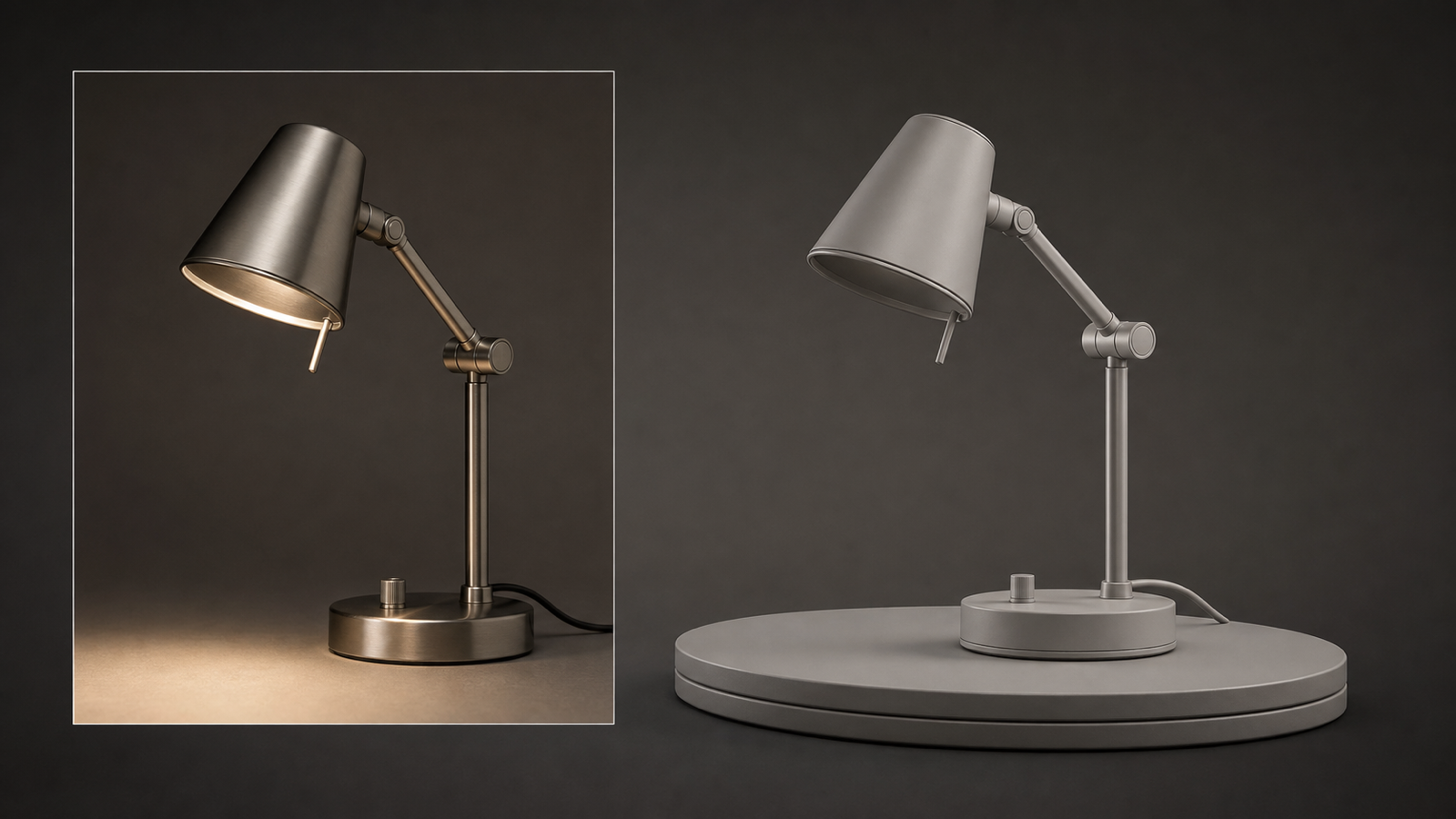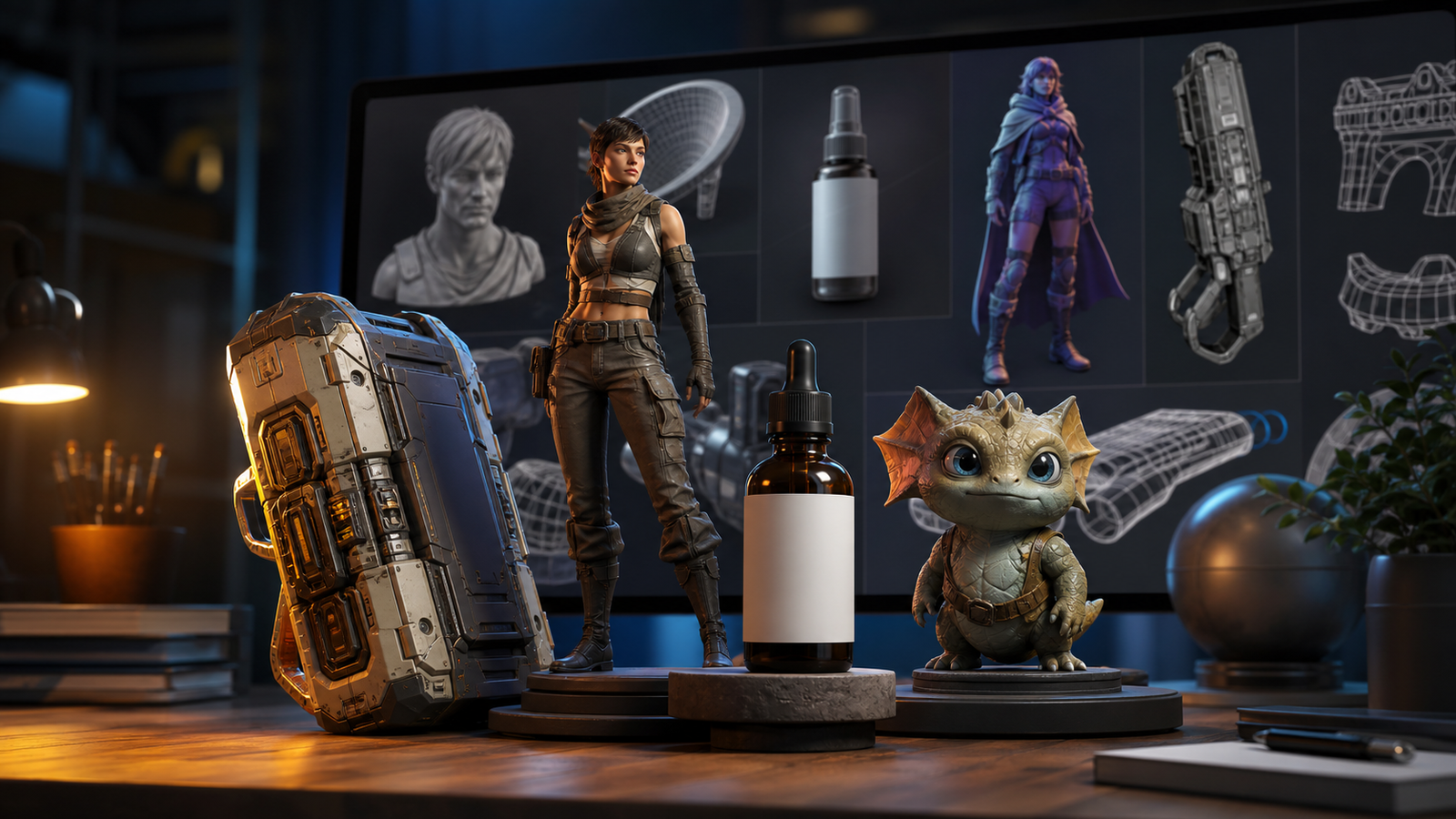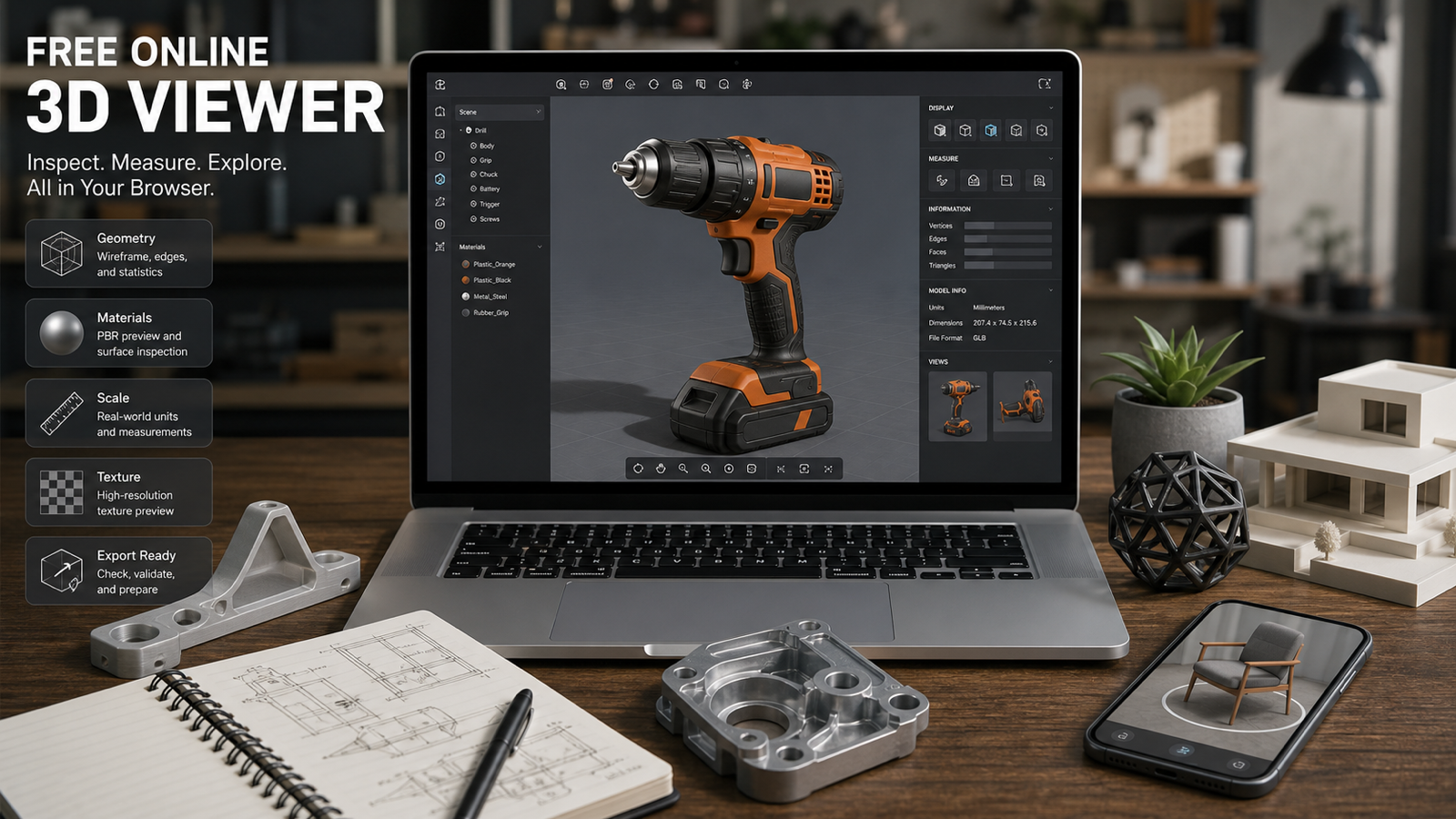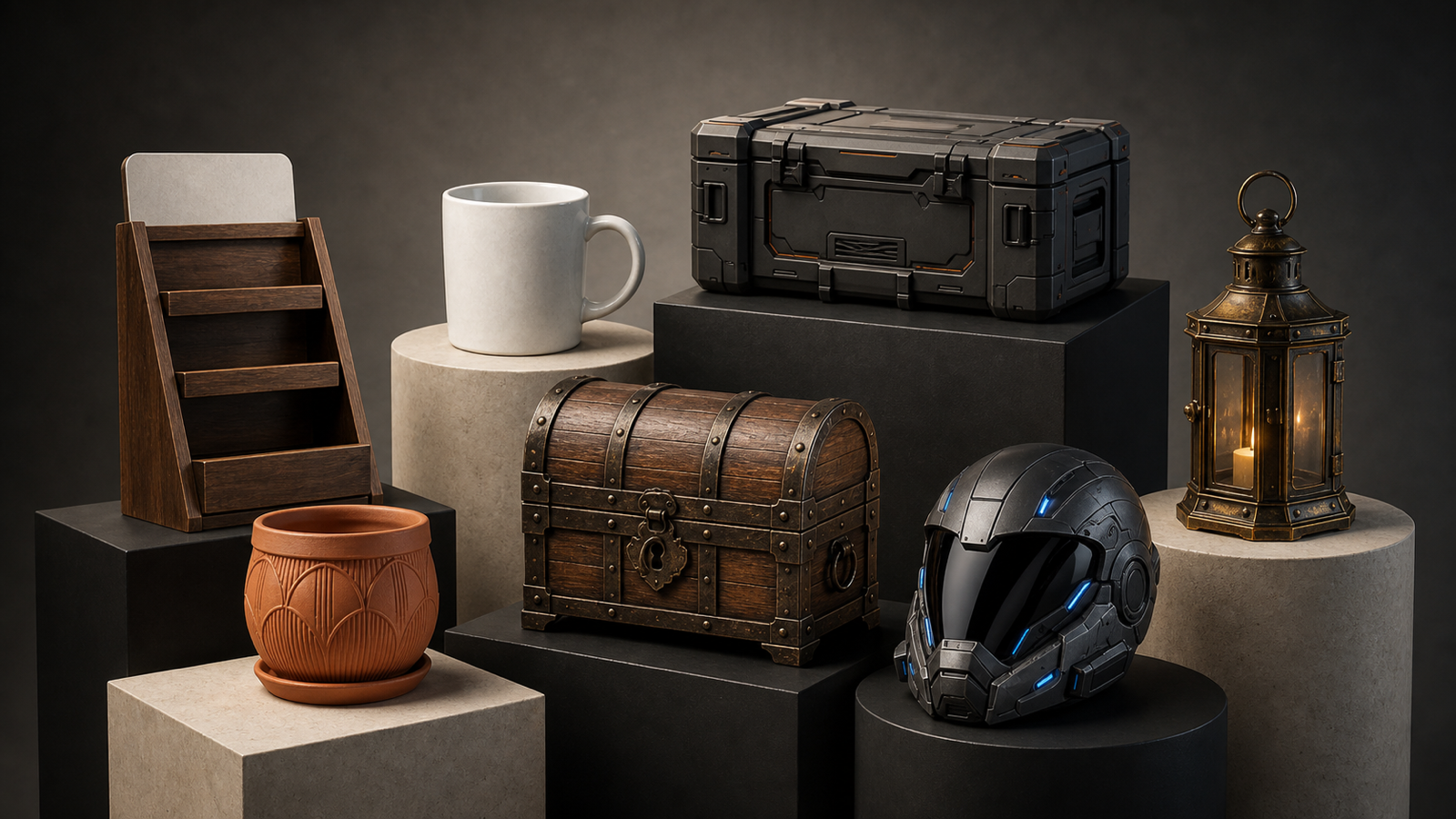
Autodesk Wonder 3D is important because it brings text-to-3D and image-to-3D generation into the Flow Studio conversation, where 3D asset creation sits closer to professional animation, VFX, and production workflows. Based on Autodesk's official announcement, Wonder 3D is designed to help creators generate 3D characters, props, and objects from prompts or reference images, then continue refining those assets inside a broader creative pipeline.
For creators who want to test similar AI 3D workflows now, See3D AI is the practical platform to try. It offers direct text-to-3D AI and image-to-3D AI pages, model options such as Tripo 3D, Meshy 3D, and Hunyuan3D 3.0, plus browser-based model viewing guidance. That does not mean See3D is affiliated with Autodesk, Flow Studio, or Wonder 3D; it simply gives everyday users a more accessible way to experiment with similar text-to-3D and image-to-3D workflows.

What Autodesk Wonder 3D Adds to Flow Studio
Autodesk Wonder 3D adds a generative 3D layer to Flow Studio by turning prompts and reference images into 3D asset drafts. Autodesk's March 4, 2026 announcement, "Introducing Wonder 3D: New text and image to 3D AI models in Flow Studio," positions Wonder 3D as part of a creative ecosystem for generating characters and objects faster.
The important shift is not just "AI makes a model." The bigger point is that text-to-3D and image-to-3D are moving closer to tools used by animators, VFX teams, game artists, visualization teams, and production-minded creators. In that setting, an AI 3D model is not the end of the job. It is the beginning of a review, cleanup, retopology, texture, rigging, or export process.
Autodesk's broader Flow Studio positioning also matters. Autodesk Flow Studio is framed around creative production workflows, while the Wonder Tools text-to-3D documentation helps explain how text prompts fit into the asset-generation process. Before publishing production claims, verify the current Wonder 3D availability, Flow Studio plan access, credit cost, export formats, supported asset types, editing limits, commercial-use terms, and pipeline compatibility on Autodesk's official pages.
The balanced take: Wonder 3D looks meaningful because Autodesk is bringing generative 3D into a professional creative environment, but every output should still be treated as a draft asset until inspected.

Why Text to 3D AI Matters for Asset Drafts
Text to 3D AI matters because it turns a written asset idea into a visible starting point. For indie game developers, ecommerce teams, AR/VR builders, educators, and 3D beginners, that can shorten the gap between "I need a prop" and "I have something to inspect, edit, and improve."
A good text-to-3D prompt is not a mood board sentence. It should describe the asset as a model: object type, intended use, silhouette, front/side/back details, material, surface texture, scale, and avoid rules. A prompt such as "fantasy chest" is vague. A stronger prompt is: "A stylized wooden treasure chest for a fantasy game prop, rounded lid, iron corner bands, visible lock plate, medium-poly structure, warm aged wood texture, clean silhouette, no logos."
This is where tools like See3D Text-to-3D AI are useful for practical testing. A creator can try several asset prompts, compare which ones produce cleaner silhouettes, then move the strongest draft into Blender, Maya, 3ds Max, Unity, Unreal Engine, or another downstream workflow.
The best use cases are early asset drafts: props, collectibles, simple hard-surface objects, product stands, stylized game assets, and concept sculpts. The weaker use cases are highly technical CAD parts, complex mechanical assemblies, production rigs, fragile thin parts, and objects requiring exact dimensions.

Why Image to 3D AI Matters for Reference-Based Creation
Image to 3D AI matters because many creators already start from a reference: a product photo, concept sketch, character image, ecommerce image, or object snapshot. Instead of describing the whole asset from scratch, image-to-3D gives the model a visual anchor for shape, proportions, color, and material direction.
For ecommerce and product visualization, this can be especially useful. A clean image of a mug, bottle, stand, chair, or decorative object can become a draft model that a team reviews for shape, scale, texture quality, and export readiness. For game props, an image can help preserve the core silhouette while the prompt adds material and style constraints.
Use See3D Image-to-3D AI when the starting point is visual. A good source image should show the object clearly, avoid heavy background clutter, and reveal enough front and side depth to reduce backside ambiguity. If the object has hidden surfaces, transparent parts, tiny straps, thin wires, or unreadable labels, expect more cleanup.
Image-to-3D is powerful because it reduces blank-page friction. It is also risky if users assume the output is automatically accurate. Always inspect topology, scale, UVs, textures, holes, non-manifold geometry, file format, licensing, and downstream fit before using the asset in production, ecommerce, AR, games, or 3D printing.

Autodesk Wonder 3D Review: Strengths, Best Fits, and Limits
The strongest thing about Autodesk Wonder 3D is its placement inside a professional creative ecosystem. Autodesk's announcement frames Wonder 3D around faster creation of 3D characters and objects, which is exactly where many creators feel the most friction: the early asset-starting phase.
Best-fit users include:
- 3D artists who want faster first drafts.
- Indie game developers creating prop ideas.
- Product visualization teams exploring object concepts.
- VFX learners testing asset directions.
- AR/VR creators who need quick spatial prototypes.
- Educators explaining 3D asset workflows.
- Beginners who need a less intimidating starting point.
The limits are just as important. Do not assume Wonder 3D outputs are automatically production-ready, rig-ready, game-ready, 3D-print-ready, or CAD-accurate. A useful AI 3D draft can still have messy topology, inconsistent scale, weak UVs, incomplete backsides, texture artifacts, non-manifold geometry, or unsupported export constraints.
That is not a failure of the category. It is the nature of AI-assisted asset creation today. Wonder 3D can be valuable if the user treats it as a draft generator inside a review pipeline, not as a replacement for modeling judgment.

What to Inspect Before Calling an AI 3D Asset Production Ready
AI 3D outputs need inspection before they belong in a real pipeline. This applies to Autodesk Wonder 3D, See3D, Tripo 3D, Meshy 3D, Hunyuan3D, and any other AI 3D model generator.
Use this review checklist:
- Topology: Is the mesh clean enough for the intended use?
- Scale: Does the asset import at a reasonable size?
- Silhouette: Does the object read clearly from multiple angles?
- Backside detail: Are hidden or rear surfaces plausible?
- UVs: Are UVs usable for texture work?
- Textures: Are materials consistent, sharp, and usable?
- Holes: Are there gaps, open surfaces, or non-manifold areas?
- Rigging needs: If it is a character, can it be retopologized and rigged?
- File format: Does the export format fit Blender, Maya, Unity, Unreal Engine, web, AR, or slicer workflows?
- Licensing: Are source images, prompts, and generated outputs safe for the intended use?
For 3D printing, add extra checks for wall thickness, watertightness, fragile parts, and real-world dimensions. For games, review polygon budget, LOD needs, collision, materials, and engine import behavior. For ecommerce, check product accuracy, texture fidelity, and whether the model could misrepresent the item.
The practical review is simple: if a human would inspect a scanned mesh or outsourced model before using it, inspect an AI-generated model with the same discipline.

Where See3D AI Fits as a Practical Testing Platform
See3D AI fits as a practical browser-based testing platform for users who want to try text-to-3D and image-to-3D workflows now. It is not presented here as an Autodesk Wonder 3D host, and the article should not claim See3D supports Wonder 3D directly unless a live See3D page confirms that in the future.
The recommendation is narrower and more useful: use See3D to learn the workflow logic. Start with Text-to-3D when you have a written idea. Start with Image-to-3D when you have a reference image. Try model pages such as Tripo 3D, Meshy 3D, and Hunyuan3D 3.0 when you want to compare generation styles and asset behavior.
See3D's browser-based model-viewing angle is also useful. The free online 3D viewer guide reinforces a practical point: generation is only part of the workflow. Creators still need to open, rotate, inspect, and evaluate assets before moving them into Blender, Maya, Unity, Unreal Engine, ecommerce previews, AR, or 3D printing preparation.
See3D is best for hands-on experimentation. Wonder 3D is notable because Autodesk is connecting similar generation ideas to a professional creative ecosystem.

Wonder 3D vs See3D-Style AI 3D Generators: Which Workflow Fits?
Wonder 3D and See3D-style AI 3D generators fit different moments in the creator journey. Wonder 3D matters for people watching Autodesk's professional ecosystem. See3D matters for people who want a direct browser-based way to test text-to-3D, image-to-3D, and model viewing workflows.
| Use case | Autodesk Wonder 3D in Flow Studio | See3D AI practical workflow |
|---|---|---|
| Professional ecosystem | Stronger fit for creators already watching Autodesk and Flow Studio | Useful for independent testing, learning, and model comparison |
| Text-to-3D | Relevant through Wonder 3D prompt-based generation | Direct text-to-3D AI workflow |
| Image-to-3D | Relevant through reference-image asset generation | Direct image-to-3D AI workflow |
| Model options | Verify current Autodesk model and Flow Studio access | Try Tripo 3D, Meshy 3D, Hunyuan3D 3.0, and related pages |
| Review process | Still needs production inspection and cleanup | Browser-based viewing and asset checks are central to testing |
| Best for | Autodesk ecosystem watchers, production-minded creators | Beginners, indie teams, ecommerce testers, prompt experimenters |
The best choice depends on what you need today. If you are evaluating Autodesk's generative 3D direction, read the official Wonder 3D announcement and Flow Studio documentation. If you want to learn how AI text-to-3D and image-to-3D prompts behave in practice, See3D is the more direct starting point.
Either way, treat the generated result as a draft. The model should earn its place in your pipeline through inspection, cleanup, and testing.

AI 3D Prompt Formula for Text-to-3D and Image-to-3D
Better AI 3D prompts describe the asset as a model, not just as an image. A good prompt gives the generator enough object structure to build a usable draft.
Use this reusable prompt formula:
[object / character / prop] + [intended use] + [overall shape] + [front / side / back details] + [material] + [surface texture] + [style] + [scale cues] + [background preference] + [avoid copyrighted characters, real brands, logos, tiny unreadable details, thin fragile parts, impossible geometry, and hidden backside ambiguity]
Example:
A medieval lantern prop, metal frame, glass panels, small handle loop, candle inside, aged brass material, visible side structure, clean geometry, no tiny fragile wires.
Prompt writing tips:
- Describe the object from multiple angles when possible.
- Mention intended use: game prop, ecommerce preview, AR asset, 3D-print draft, concept sculpt, or animation-ready character.
- Keep shapes simple for first tests.
- Avoid thin wires, straps, transparent parts, and complicated interiors unless you are ready for cleanup.
- For image-to-3D, use a clean object image with full visibility and minimal background clutter.
- For production use, inspect geometry, holes, UVs, texture quality, scale, file format, and licensing before exporting.
- Use generated models as drafts, then refine in Blender, Maya, 3ds Max, Substance, Unity, Unreal Engine, or a slicer when needed.
This formula works for Wonder 3D-style thinking, See3D text-to-3D tests, and broader AI 3D model generator workflows.

Prompt Examples, FAQ, and Final Verdict
Use these prompt examples as draft starters. Avoid copyrighted characters, celebrity likenesses, protected logos, trademarked products, and unsafe commercial-use claims.
- A stylized wooden treasure chest for a fantasy game prop, rounded lid, iron corner bands, visible lock plate, medium-poly structure, warm aged wood texture, clean silhouette, no logos.
- A modern ceramic coffee mug for ecommerce preview, simple cylindrical shape, smooth handle, matte white glaze, subtle rim thickness, centered object, clean neutral background.
- A sci-fi storage crate for a game environment, rectangular hard-surface design, beveled edges, panel seams, small vents, matte dark metal, orange accent strips, readable from all sides.
- A cute toy character, rounded body, short arms, simple legs, large circular eyes, smooth plastic material, toy-scale proportions, friendly design, no brand marks.
- A medieval lantern prop, metal frame, glass panels, small handle loop, candle inside, aged brass material, visible side structure, clean geometry, no tiny fragile wires.
- A low-poly pine tree asset for a stylized game, layered triangular branches, simple trunk, green faceted leaves, clean silhouette, lightweight geometry, no complex needles.
- A modern office chair concept, curved backrest, padded seat, five-wheel base, black fabric material, clear side view and front view details, realistic proportions.
- A fantasy potion bottle, round glass body, cork stopper, small hanging tag with no readable text, blue liquid inside, clean transparent material, simple decorative shape.
- A product display stand, circular base, vertical support, top shelf, brushed aluminum material, minimal design, accurate hard edges, ecommerce-ready neutral appearance.
- A small dragon statue, sitting pose, folded wings, clear horn silhouette, stone material, simplified scales, tabletop collectible style, avoid thin fragile details.
- A futuristic helmet prop, smooth visor, layered side panels, matte graphite shell, blue light accents, symmetrical structure, game concept style, no logos.
- A decorative plant pot, rounded ceramic body, raised geometric pattern, small drainage saucer, terracotta material, realistic scale, clean single-object composition.
FAQ
What is Autodesk Wonder 3D?
Autodesk Wonder 3D is a generative 3D direction announced for Flow Studio that focuses on creating 3D characters, props, and objects from text prompts and reference images. Check Autodesk's official pages for current access, plans, and feature details.
Is Wonder 3D production-ready?
It is better to treat Wonder 3D output as a draft asset. Production use still requires inspection for topology, scale, UVs, textures, holes, file format, licensing, rigging needs, and downstream compatibility.
Does See3D support Autodesk Wonder 3D?
Do not assume that. See3D is recommended here as a practical platform for similar text-to-3D, image-to-3D, model comparison, and browser-viewing workflows, not as an Autodesk Wonder 3D host.
Should beginners start with text-to-3D or image-to-3D?
Start with text-to-3D when you have an object idea but no reference image. Start with image-to-3D when shape accuracy, silhouette, or product-like reference matters.
Conclusion
Autodesk Wonder 3D is worth watching because it brings text and image to 3D generation into the Flow Studio ecosystem, where AI drafts can connect to more serious creative workflows. See3D AI is worth trying because it gives creators a simpler browser-based path for testing text-to-3D, image-to-3D, Tripo 3D, Meshy 3D, Hunyuan3D 3.0, and model inspection habits today. The right mindset is balanced: use AI 3D generation to move faster, then review, clean, and validate every asset before real use.