If you have ever looked at an image and thought, I wish I could turn this into a 3D model without opening heavy 3D software, Hunyuan3D-2 is the kind of tool that instantly gets your attention.
Available as a free web demo on Hunyuan3D-2, it gives creators a simple way to experiment with 3D generation from an image prompt or text prompt. It is not magic, and it is not always production-ready in one click, but it is a very interesting entry point for anyone curious about image-based 3D creation.
In this guide, we will look at what Hunyuan3D-2 does, how to use it for free, what kind of results to expect, and when it makes sense to try image to 3D AI on See3D AI as an alternative. See3D AI is worth mentioning because it offers free credits through daily check-in, which can be helpful if you want a more routine-friendly browser workflow.
What Hunyuan3D-2 actually does
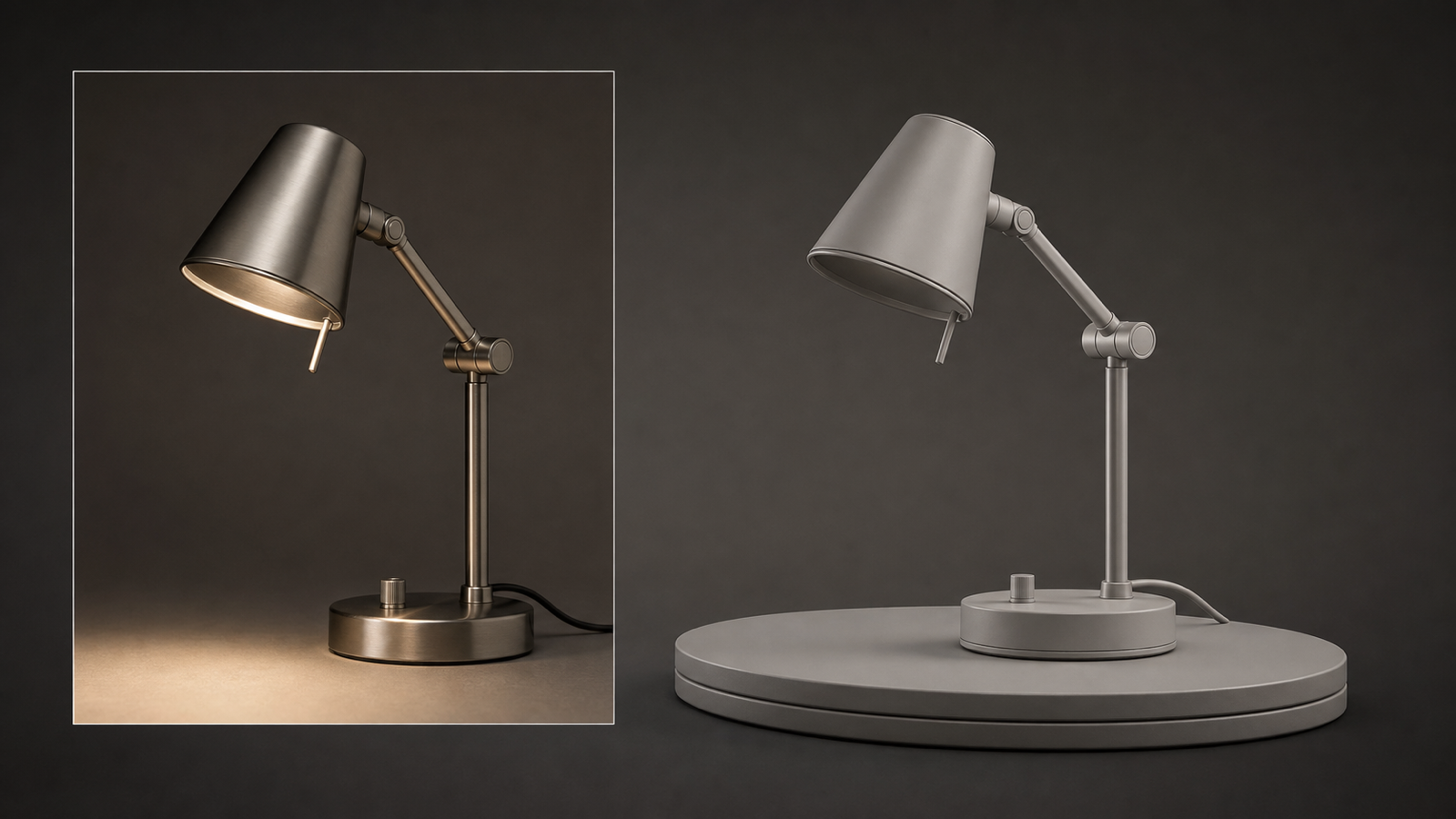
At its core, Hunyuan3D-2 is designed to generate a 3D asset from either an image or a text prompt. In practical terms, that means you can upload a picture of a subject, let the system infer its overall shape, and then get a mesh you can preview and export.
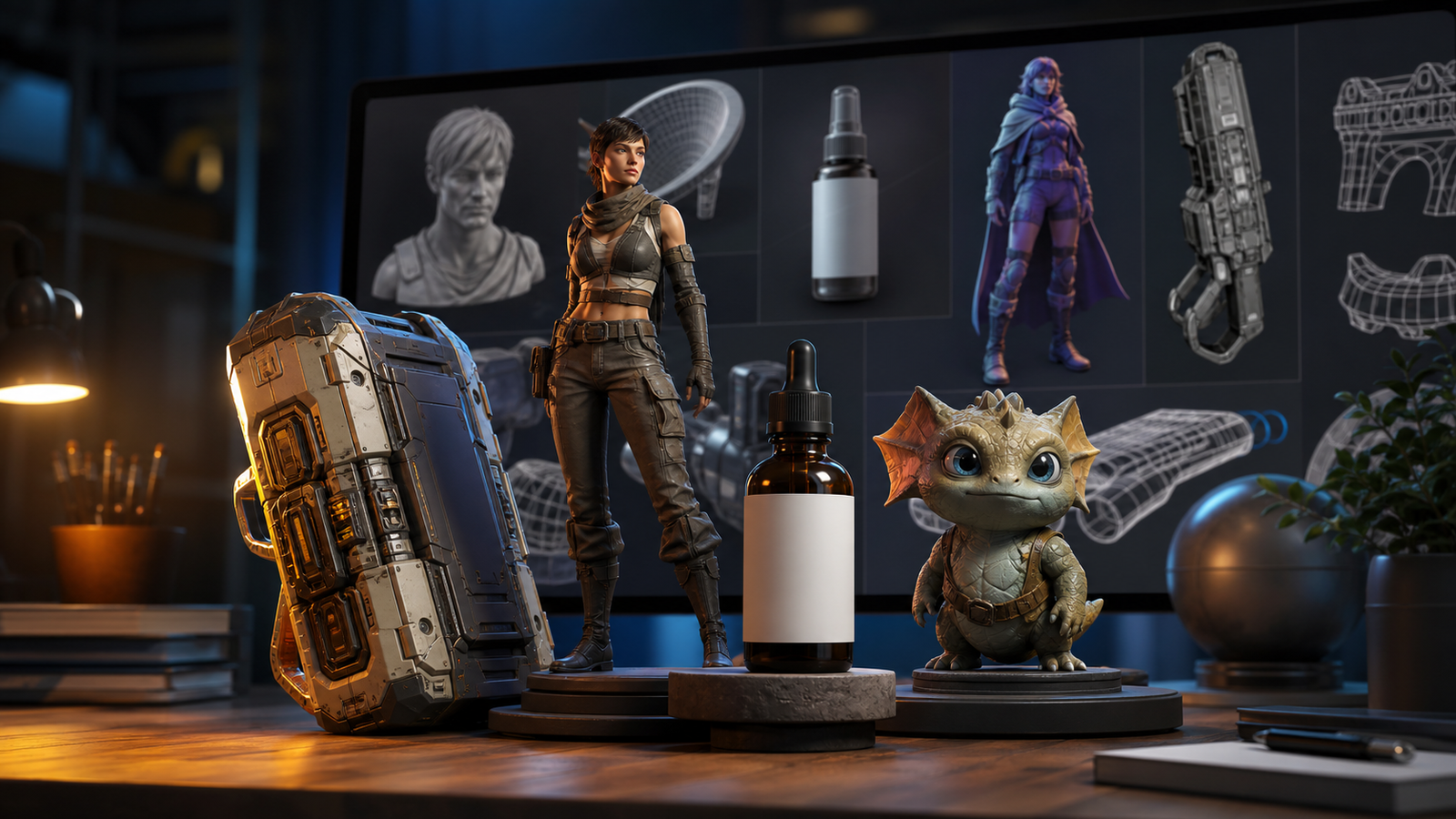
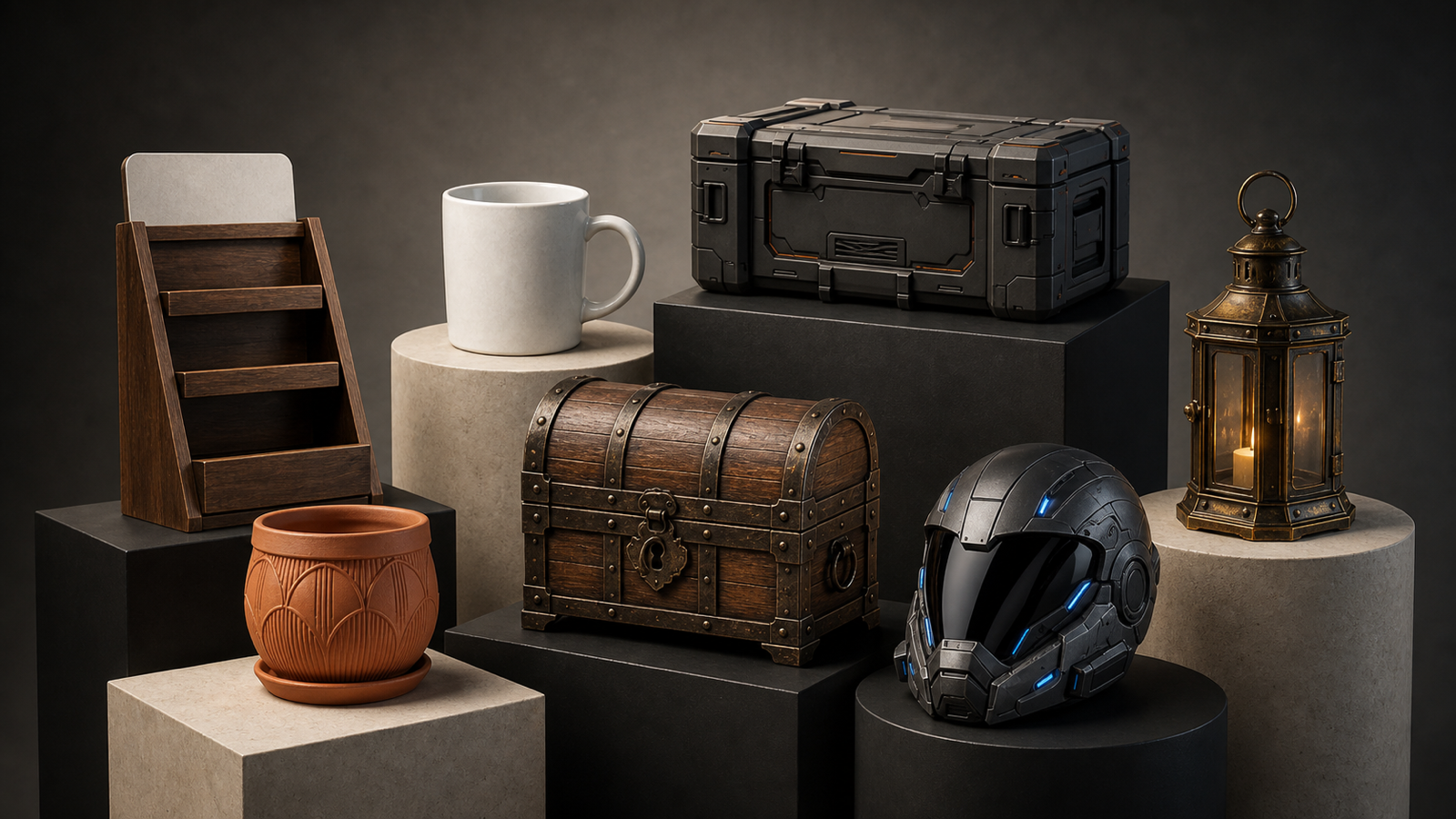
That makes Hunyuan3D-2 especially appealing for people who want to test ideas quickly:
- stylized characters
- toys and mascots
- props and simple objects
- icons and collectible-style concepts
- rough product concepts
The biggest appeal is accessibility. You do not need to sculpt from scratch, and you do not need to be an experienced 3D artist to start experimenting.
Why free 3D generation is getting so much attention
For a long time, making 3D assets meant learning a serious toolchain. That often meant Blender, sculpting tools, retopology, texturing, and a lot of trial and error. Now, tools like Hunyuan3D-2 lower the barrier for beginners.
That matters because many creators today already work visually. They know how to describe an object, generate a concept image, or choose a strong reference photo. Moving from 2D to 3D feels like a natural next step.
This is also why browser-based alternatives such as free image to 3D are becoming more appealing. They make the workflow feel less technical and more approachable for creators who simply want to test ideas without building a full 3D pipeline.
How to use Hunyuan3D-2 for free
The nice part is that the basic workflow is simple.
Step 1: Open the tool
Go to Hunyuan3D-2 on Hugging Face.
Step 2: Choose your input
You can start with an image prompt, and depending on the setup, sometimes also a text prompt. For beginners, an image is usually easier because it gives the model a clear visual starting point.
Step 3: Upload a clean image
The best results usually come from images with:
- one clear subject
- a simple or uncluttered background
- good lighting
- a readable front or side view
- limited overlap with other objects
This same advice matters whether you later test image to 3D generator tools or stay inside Hunyuan.
Step 4: Generate the shape
Click the generation button and let the tool build the mesh. This is the part where expectations matter: sometimes the result is surprisingly usable, and sometimes it looks more like a rough base than a finished model.
Step 5: Review and export
After generation, inspect the overall silhouette and major forms. Ask yourself:
- Is the main shape recognizable?
- Is the profile clean?
- Does it capture the subject well enough to refine later?
Think of the result as a starting mesh, not always a final polished asset.
What kind of images work best
If you want Hunyuan3D-2 to give you something more useful than a blob, image choice matters a lot.
The safest subjects are usually:
- toys n- stylized characters
- single objects
- collectibles
- simple product shapes
- icons or props with strong silhouettes
Realistic human portraits can be trickier. Highly detailed scenes are also harder, because the model has to guess too much hidden geometry. If you want the easiest learning curve, start simple.
This is also where 3D model generator from image platforms can feel friendlier for casual users, because they are often designed more like creator tools than research demos.
What to expect from the output
The most important mindset shift is this: Hunyuan3D-2 is excellent for experimentation, but you should not assume every result will be ready for a professional game, product render, or animation pipeline immediately.
Sometimes the mesh will look soft. Sometimes it will miss finer details. Sometimes the volume will be roughly right, but the forms will need cleanup.
That does not mean the tool failed. It means the output is best used as:
- a concept mesh
- a starting point for refinement
- a quick visual prototype
- a way to test whether an image idea can translate into 3D
For many creators, that is already valuable. A rough 3D base can save time compared with starting from nothing.
Where Hunyuan3D-2 shines
There are a few clear strengths here.
First, it is free to try online. That alone makes Hunyuan3D-2 worth bookmarking.
Second, it helps demystify 2D-to-3D generation. Even if you do not keep every result, you learn quickly what kinds of images translate well into volume and shape.
Third, it is a low-pressure way to explore 3D workflows before deciding whether you want more advanced tools later.
For creators who are curious but not yet ready to commit to a heavy workflow, that is a big advantage.
The limitations you should know about
At the same time, this is still a free web demo-style experience, so it helps to stay realistic.
You may run into:
- slow generation at busy times
- rough or incomplete meshes
- weaker details than expected
- results that need cleanup before real use
That is why many users eventually compare it with a more productized AI image to 3D tool after their first few tests. Hunyuan is great for exploration, but some people may want a smoother everyday experience.
Why See3D AI is a good alternative to mention
If Hunyuan3D-2 is your free experiment-first option, See3D AI is worth mentioning as a practical alternative.
The main reason is convenience. It is positioned as an online 3D AI tool for converting images into editable 3D models, and it also offers free credits through daily check-in. That makes it attractive for users who want to generate more regularly instead of just testing a research-style demo once in a while.
In simple terms:
- Try Hunyuan3D-2 if you want a free, open, experimental entry point.
- Try photo to 3D AI on See3D AI if you want a more creator-oriented browser workflow with recurring free-credit access.
Hunyuan3D-2 vs See3D AI: which should you choose?
Choose Hunyuan3D-2 if:
- you want to experiment for free right away
- you are curious about Tencent’s 3D generation demo
- you want to understand how image-to-3D works
- you are comfortable treating outputs as prototypes
Choose free 3D model generator workflows if:
- you prefer a more polished user-facing experience
- you want recurring free credits through daily check-in
- you plan to test 3D generation often
- you want another option for creator-friendly web usage
They are not mutually exclusive. In fact, the smartest approach is often to try the same input in both and compare the results.
Tips for getting better results
No matter which tool you use, a few habits go a long way.
Start with simple subjects. Do not make your first test a busy street scene or a hyper-real human portrait.
Use clean silhouettes. Strong outlines usually produce better shape results.
Keep your background simple. The more isolated the subject is, the less confused the model becomes.
Generate multiple input versions. Sometimes one reference image works much better than another, even when they look similar.
These habits also help when you use image to 3D AI alternatives later.
Final thoughts
If your goal is to explore 3D generation without spending money, Hunyuan3D-2 is a strong place to start. It gives you a fast way to see how an image or prompt might translate into a 3D mesh, and it helps you understand what modern image-to-3D tools can already do.
At the same time, it is smart to pair that experimentation mindset with a more routine-friendly option like See3D AI. If you like the overall idea of 3D generation but want a smoother creator workflow and free daily check-in credits, it makes sense as an alternative path.
The easiest way to approach both tools is simple: start with Hunyuan for free experimentation, then compare it with image to 3D on See3D AI when you want another browser-based option. That way, you get both the curiosity-driven side of the workflow and the more practical creator side of it.