A Spline AI Generate review should start with the real workflow question: do you want AI 3D generation inside a broader 3D design editor, or do you mainly need a simpler AI 3D model generator for fast text-to-3D, image-to-3D, preview, and model-checking work? Spline AI Generate is appealing for creators who already like Spline's browser-based design environment. See 3D AI is easier to recommend when the priority is a direct image-to-3D or text-to-3D path with browser-based model preview support.

Spline AI Generate Review: What It Is Best For
Spline AI Generate is best for users who want AI 3D creation close to an interactive design canvas. The official Spline AI Generate page and AI 3D Generation documentation position it around generating 3D objects from text or image inputs, then continuing work in Spline's editor-style environment.
That makes it more than a one-click asset generator. A web designer can create a prop concept, place it in a scene, test lighting, and use it as part of an interactive composition. A marketer can explore 3D hero objects for a campaign draft. A product team can use it for quick visual ideation before deciding whether a model needs professional cleanup.
The trade-off is workflow complexity. If you only want a quick 3D model generator from image or a direct text prompt to 3D model, Spline may feel like a larger environment than you need. For that use case, a simpler browser path such as See 3D AI can be more practical.

Text-to-3D and Image-to-3D Workflow: Prompt Quality Matters
Spline AI Generate text to 3D and image to 3D workflows depend heavily on source quality. A vague prompt can produce an interesting object, but it may not produce the scale, silhouette, material, or mesh structure you need. A clean reference image usually gives the model more useful direction, especially for products, props, and furniture.
For text prompts, describe the object, style, proportions, material, and intended use. A better prompt is not just "a chair"; it is "a low-poly lounge chair for a web hero scene, rounded wooden frame, cream fabric cushion, simple geometry, clean silhouette." For image-to-3D, use a clear object photo, avoid busy backgrounds, and check whether the generated result preserves the important shape.
Creators comparing Spline with See 3D AI should test the same prompt in both paths. Try one product object, one furniture prop, one stylized character, and one game-ready draft model. Then compare the preview, mesh cleanup needs, texture quality, and export-readiness rather than judging from the first attractive render.

3D Mesh Usability, Textures, and Production Readiness
The most important review question is not whether the first render looks impressive. It is whether the generated 3D model can survive inspection, editing, export, and real use. AI 3D outputs often need cleanup, retopology, texture fixes, scale checks, or format conversion before they are ready for games, ecommerce, AR, animation, or client delivery.
When testing Spline AI Generate, inspect the model from multiple angles. Look for broken silhouettes, fused details, uneven geometry, stretched textures, hidden holes, strange normals, and over-detailed surfaces that make the mesh hard to edit. If you plan to animate, optimize, 3D print, or use the asset in a game engine, involve a 3D review step before calling it finished.
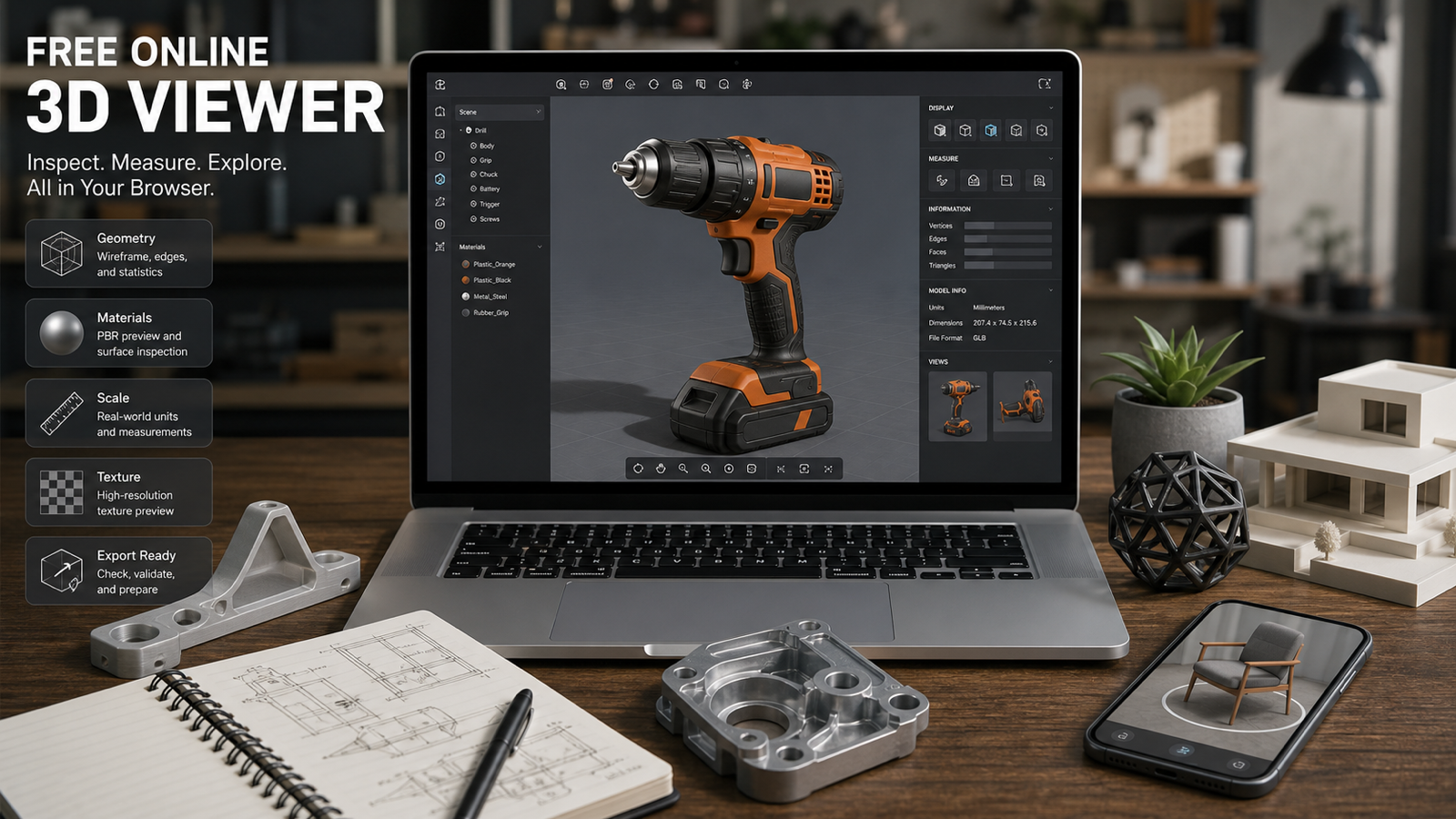
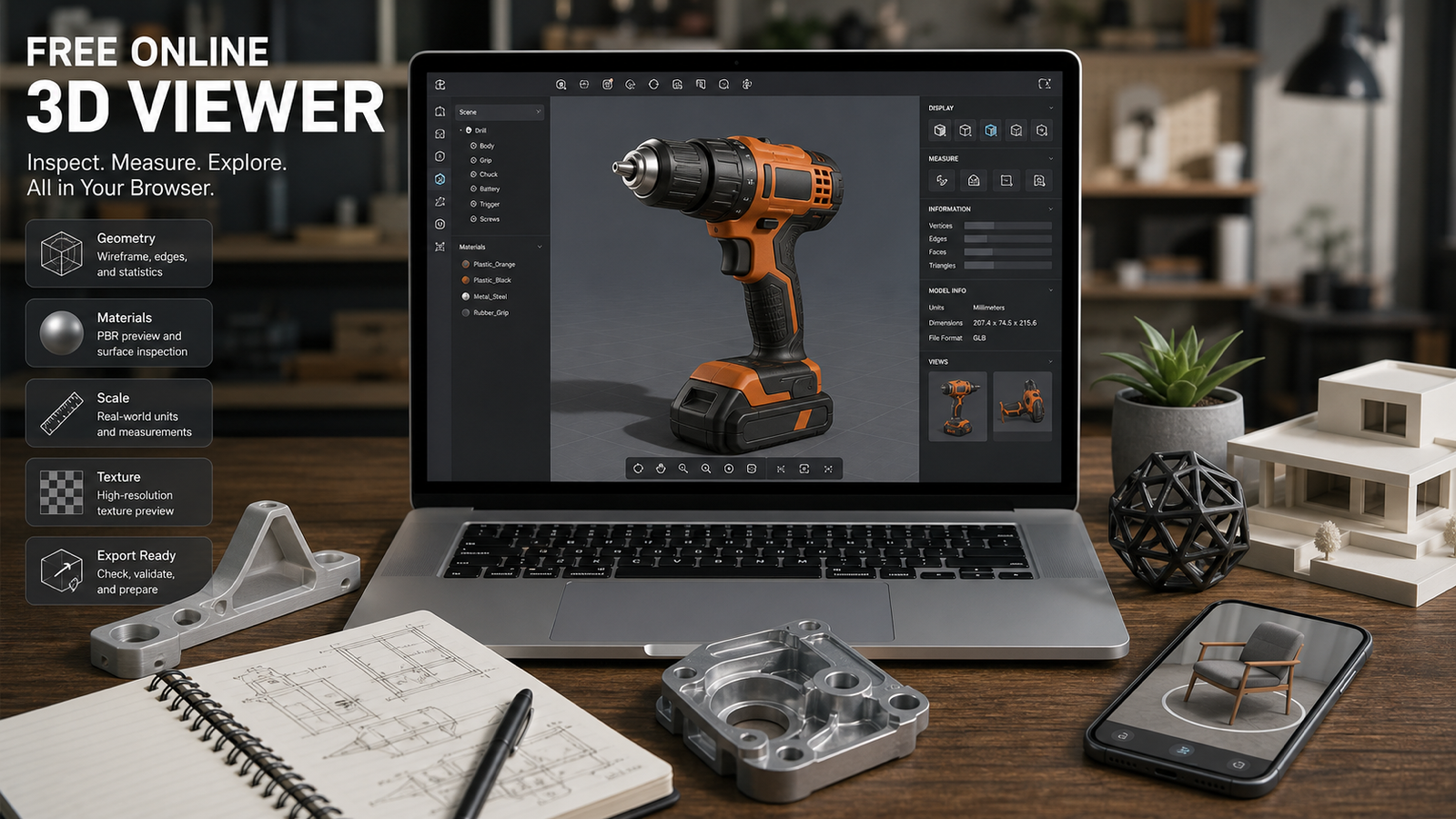
This is also where See 3D AI's Online 3D Viewer can be useful in a practical workflow. A viewer helps creators inspect uploads, rotate assets, check visual quality, and make a clearer decision before moving into cleanup or publishing.

See 3D AI as a Simpler Spline AI Generate Alternative
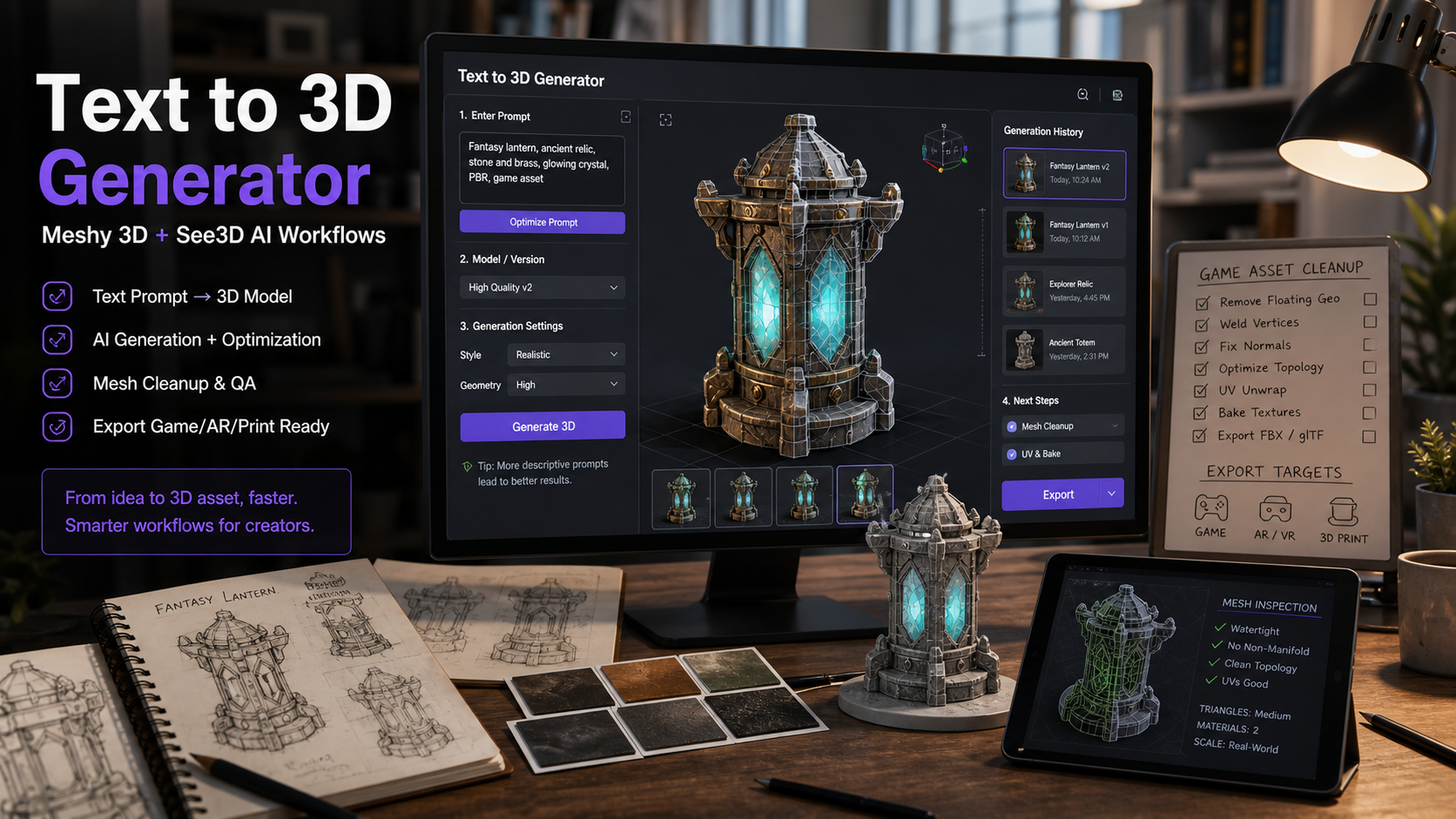
See 3D AI is the better fit when you want a simpler AI 3D asset creation workflow. Instead of starting from a full editor mindset, creators can use Image to 3D AI for photo-based model drafts, Text to 3D AI for prompt-based generation, and the Online 3D Viewer for browser-based preview.
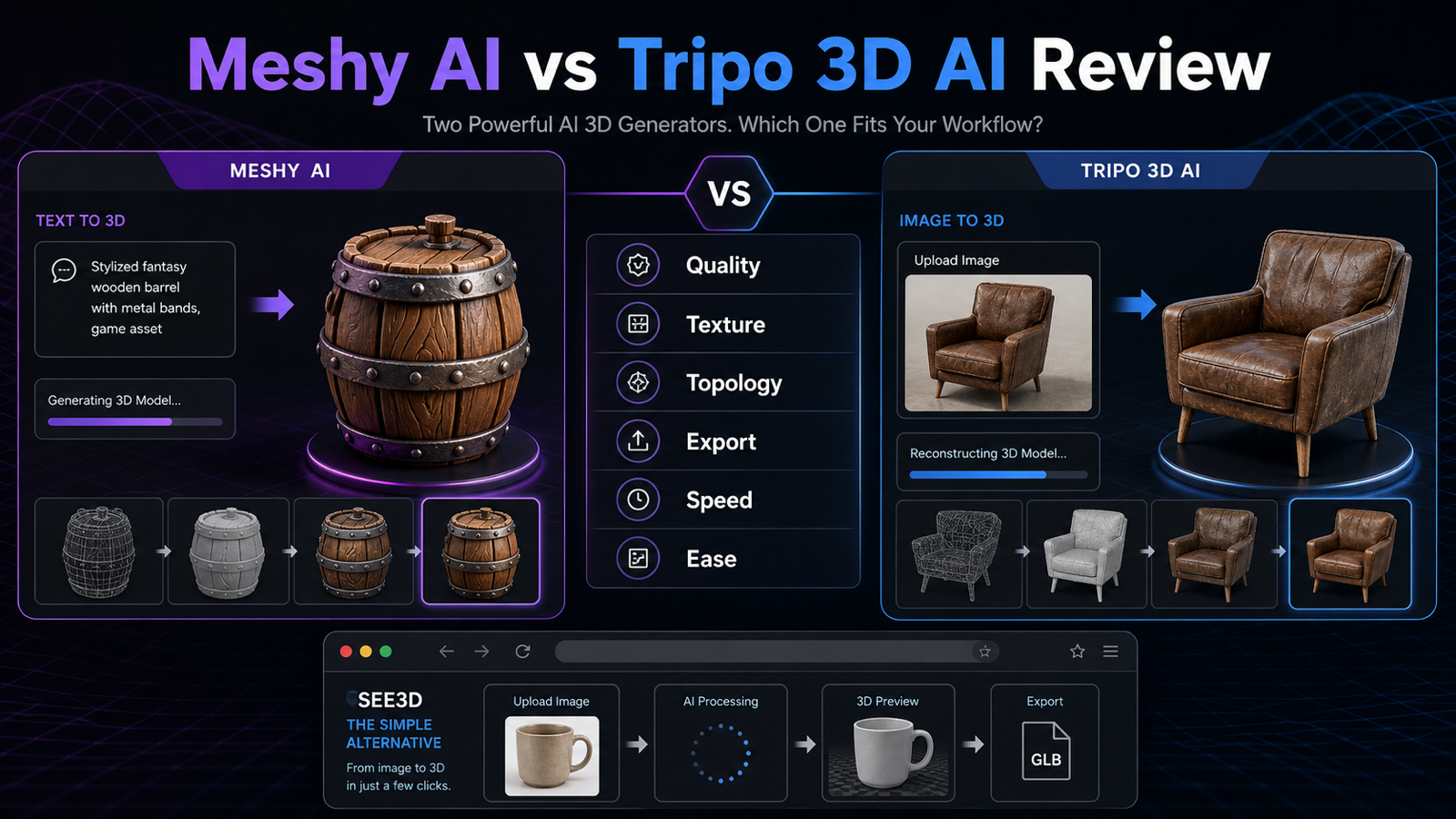
The platform also gives creators model paths to compare, including Meshy 3D, Meshy 3D 6.0, Tripo3D H3.1, and Hunyuan3D 3.0. That matters if your priority is comparing AI 3D model generator outputs rather than designing a full interactive Spline scene.
Choose Spline when you want generation close to scene design and interactive composition. Choose See 3D AI when you want a focused Spline AI Generate alternative for fast image-to-3D, text-to-3D, model preview, and practical asset review.
For related See 3D reading, see the guides to the Free Online 3D Viewer, Text to 3D Generator with Meshy 3D, Meshy AI vs Tripo 3D AI, Tripo 3D H3.1, 3D AI Studio, Canva AI 3D Model Generator, HexaGen Image-to-3D, and the Best AI 3D Model Generator review.

Pricing, AI Add-On Rules, Exports, Privacy, and Rights Checks
Do not make a final buying decision from a review alone. Spline pricing, AI add-on access, export options, generated output rights, and privacy terms can change, so the current official pages matter more than any static summary. Check Spline Pricing, Spline Documentation, Spline Updates, Spline Terms & Conditions, and the Spline Privacy Policy before production work.
Use the same caution for See 3D AI and any model option you test. Confirm model availability, credits, supported exports, commercial-use permissions, watermark behavior, account limits, and privacy handling before using generated assets in client projects, paid ads, ecommerce pages, apps, games, or downloadable products.
A useful pricing review compares the total workflow cost, not only the tool subscription. Include prompt iteration time, cleanup time, export testing, human 3D review, optimization, and licensing checks. A cheaper first generation can become expensive if the mesh requires extensive repair; a more integrated editor can be worth it if it reduces scene-building time.

FAQ About Spline AI Generate and See 3D AI
Is Spline AI Generate good for beginners?
It can be useful for beginners who want to learn 3D scene design while generating objects. If the goal is only fast image-to-3D or text-to-3D output, See 3D AI may feel simpler.
Does Spline AI Generate replace 3D cleanup?
No. Treat AI output as a draft until you inspect mesh structure, textures, scale, topology, export behavior, and licensing needs. Production assets often still need human review.
What should I test before choosing an AI 3D model generator?
Test the same prompt or image across tools, then compare geometry, texture quality, editability, export fit, privacy terms, pricing, and commercial-use permissions.
When is See 3D AI the better alternative?
See 3D AI is a good fit when you want fast image to 3D AI, a text to 3D generator, model preview, and a simpler browser-based asset workflow.

Conclusion: Choose the Workflow You Will Actually Use
This Spline AI Generate review comes down to fit. Spline is more attractive when you want AI 3D generation inside an editor-style 3D design workflow. See 3D AI is easier to recommend when you want a simpler AI 3D model generator online for image-to-3D, text-to-3D, model preview, and practical asset checks.
Before publishing or buying, verify Spline AI Generate pricing, AI add-on rules, export options, privacy terms, commercial rights, and model quality on the current official pages. Then test one real asset from your workflow. The best AI 3D model generator is the one that produces a usable draft, fits your cleanup process, and does not hide important rights or export questions.