If you search for the best 3D studio model in 2026, the real question is usually not about one old-school 3D software package. It is about which AI 3D model generator feels the most useful right now. In April 2026, that question matters more than ever. AI 3D tools are no longer just novelty demos. They are becoming part of real workflows for product mockups, concept art, game assets, quick prototypes, and early design exploration.
But this is also where the market gets confusing. Some tools are great at generating attractive previews but weak at usable geometry. Some platforms look powerful on paper but feel too heavy for people who just want a fast result. Others are open and impressive technically, but not the easiest place to start.
After looking across the current landscape, Meshy 6 stands out as the best overall AI 3D model generator in April 2026. That does not mean it is perfect, and it definitely does not mean it is the best choice for every workflow. But if you want the strongest balance of features, accessibility, flexibility, and output range, Meshy 6 currently has the clearest edge.
At the same time, the right choice depends on what you actually need. Some users will still prefer a simpler image-to-3D modeling tool when they only want a fast concept draft from a photo or reference image.
Why Meshy 6 stands out right now
The biggest reason Meshy 6 feels like the best overall pick is breadth. A lot of AI 3D tools still feel like single-purpose experiments. Meshy feels more like a broader 3D creation platform. It covers text-to-3D, image-to-3D, texturing, and a more mature workflow that makes sense for creators who want more than one kind of output.
That matters because most real users do not work in a straight line. One day you may want to turn a text prompt into a fast fantasy prop. The next day you may want to upload a reference image and generate a rough product model. Another day you may care less about the initial mesh and more about getting decent textures or iterating on shape.
Meshy 6 is strong because it handles that range better than most current alternatives. It feels less like a toy and more like a platform trying to support actual 3D creation habits.
What Meshy 6 does well
The most obvious strength is speed. Meshy 6 is designed for quick ideation, and that makes a real difference. In AI 3D, the first win is often not perfect accuracy. It is getting from idea to visible model quickly enough that you can decide what to do next.
The second strength is versatility. Meshy is not limited to a single input style. If you like prompting from scratch, its text-to-3D model generation is useful. If you work from concept references or product images, the image-driven route is equally important. That flexibility makes it easier to fit Meshy into different creative pipelines.
The third strength is that Meshy 6 seems to understand what most people want from AI 3D right now: not a miracle, but a shortcut. Most creators are not expecting AI to replace expert manual modeling for every asset. They want a fast way to draft, preview, block out forms, or generate a usable base. Meshy is strongest when treated that way.
This is where the current AI 3D conversation becomes more practical. The best tool is not necessarily the one that promises the most. It is the one that reduces friction while giving you a result that is good enough to move the project forward.
Where Meshy 6 still falls short
Calling Meshy 6 the best overall option does not mean its outputs are automatically production-ready.
That is still the biggest trap in AI 3D reviews. It is very easy to be impressed by thumbnails, previews, and marketing examples. It is much harder to judge whether a model holds up when you care about mesh cleanliness, exact proportions, difficult silhouettes, precise hard-surface edges, or downstream editing.
Meshy 6 still struggles in some of the same places where AI 3D in general struggles. Fine structures can break down. Highly specific real-world proportions may drift. Hard-surface accuracy can still feel softer than you want. In some cases, the output is best understood as a starting point rather than a finished asset.
That is not a dealbreaker. It just means the value of Meshy 6 depends on whether you want a final asset or a strong first draft. For many creators, that first-draft role is already worth a lot.
How Meshy 6 compares to the main alternatives
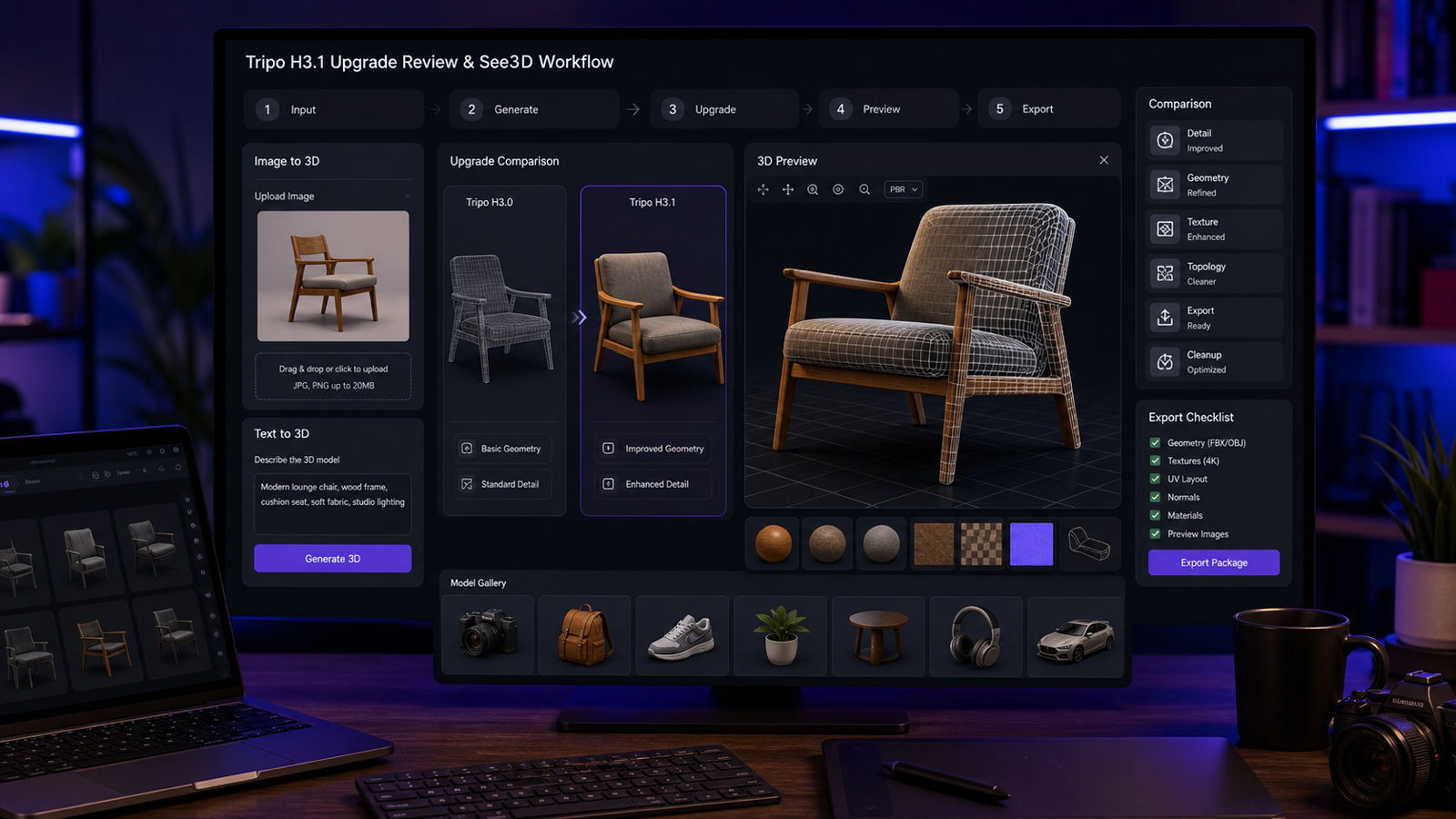
The clearest challenger right now is Tripo H3.1. Tripo has become one of the most visible names in AI 3D generation because it does a good job translating prompts and images into polished-looking results. If you care strongly about presentation quality and asset fidelity, Tripo is an easy tool to take seriously.
In practical terms, Tripo feels like one of the strongest competitors for users who want attractive, high-detail outputs and are willing to compare workflows more carefully. It is not hard to imagine some users preferring Tripo over Meshy depending on subject matter and style.
Then there is Hunyuan3D-2, which matters for a different reason. It is one of the most important open-source 3D-generation systems in the current landscape. That gives it a special appeal for technical users, researchers, and people who care about extensibility or community-led development. Hunyuan3D-2 is not necessarily the easiest mainstream recommendation for everyone, but it is one of the most significant systems in the space.
So why give the “best overall” title to Meshy 6 instead of Tripo H3.1 or Hunyuan3D-2?
Because Meshy 6 feels like the strongest balance. Tripo is a serious competitor, especially if you want highly polished results. Hunyuan3D-2 is important if openness and technical experimentation matter most. But Meshy 6 offers the broadest mix of usability, feature coverage, and everyday creator appeal.
Who should actually use Meshy 6
Meshy 6 is best for creators who want a flexible all-around AI 3D platform rather than a single narrow tool.
It makes the most sense for:
- designers generating fast concept assets
- game creators exploring props, environments, or stylized objects
- ecommerce or product teams creating rough visualizations
- artists who want base models to refine later
- people who value one platform that covers several 3D workflows
It makes less sense if your needs are extremely specific.
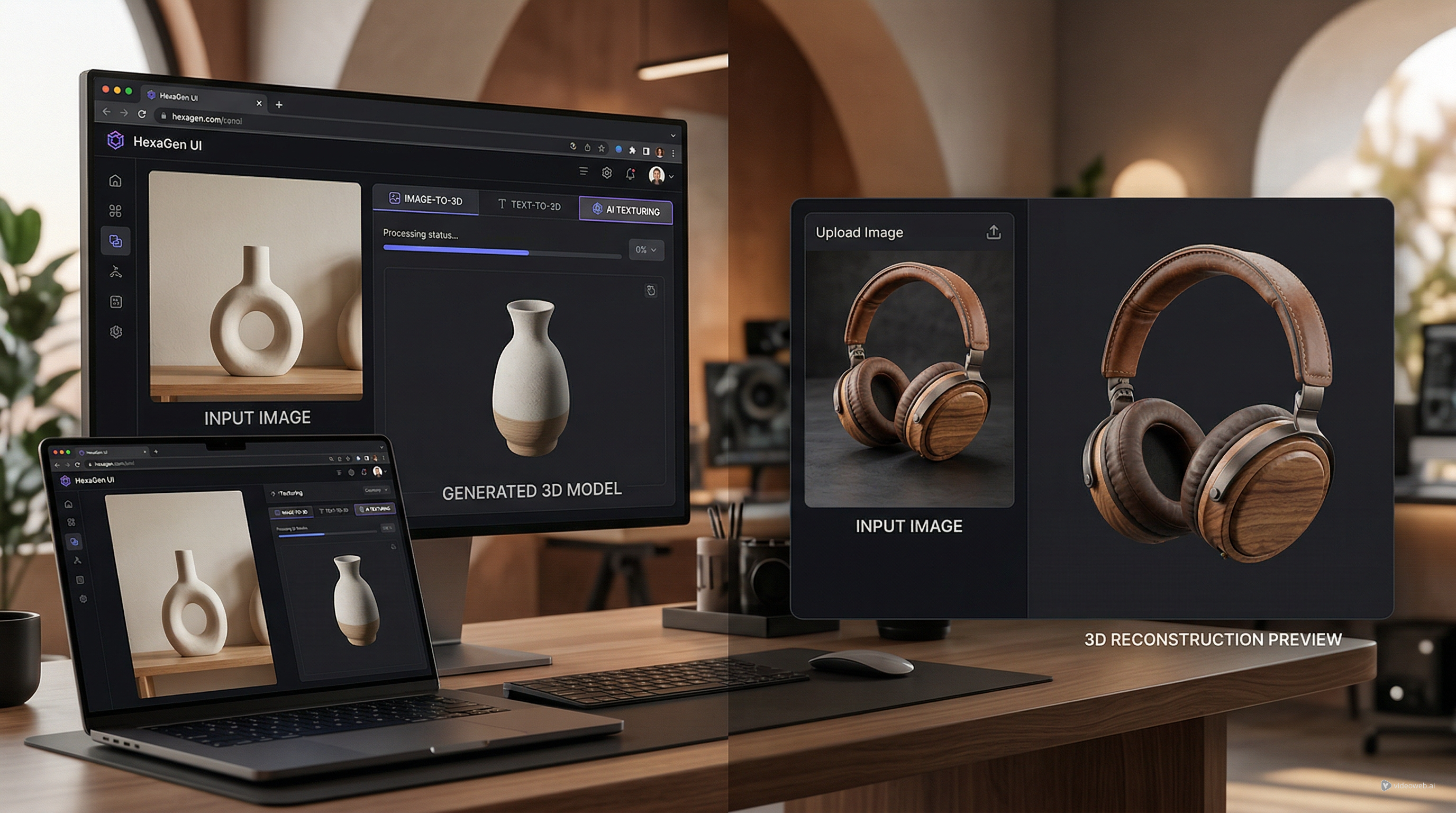
If you only want to upload a product image or a clean concept drawing and quickly preview a 3D draft, a more focused photo-to-3D model workflow may feel easier and more intuitive. Not everyone needs a large AI 3D platform. Some users just want a quick conversion path that gets them to a visible result without extra complexity.
That is why broader does not always mean better. For some people, simpler is more useful.
The practical question: what kind of “best” do you mean?
A lot of AI tool reviews become less helpful because they try to name one universal winner. In practice, “best” depends on the job.
If you mean the best broad AI 3D model generator for creators in April 2026, Meshy 6 is the strongest answer.
If you mean the best option for open-source experimentation, Hunyuan3D-2 deserves far more attention.
If you mean the best polished competitor for prompt-driven and image-driven generation, Tripo H3.1 is a serious alternative.
And if you mean the easiest place to try a lightweight image-to-3D workflow without committing to a heavier platform, a focused tool like See 3D AI may be a more comfortable entry point.
That is the more honest way to review this market. AI 3D is now good enough that one-size-fits-all rankings are less useful than workflow-based recommendations.
Final verdict
As of April 2026, Meshy 6 is the best overall AI 3D model platform for most users. It earns that position because it covers multiple workflows well, moves quickly, and feels mature enough to fit into real creative routines instead of only producing impressive demos.
That said, it is not a magic solution. It still works best as a fast creation and ideation tool rather than a total replacement for manual 3D modeling. If you go in with that expectation, Meshy 6 is easier to appreciate.
The broader lesson is that the best 3D AI tool is increasingly the one that matches your workflow, not the one with the loudest claims. Meshy 6 is currently the safest best-overall recommendation. But for users who value simplicity, faster first drafts, or a lighter starting point, a focused image-to-3D converter can still be the smarter move right now.
Related Article
- Can AI Image-to-3D Tools Really Create Usable 3D Models From Photos in 2026?
- Image to 3D with See 3D: A Viewer-First, Beginner-Friendly Guide
- Hunyuan3D-2 Free Guide: Turn Images Into 3D Online 2026
- Tripo 3D AI Review: What It’s Great At (and Not)
- Seed 3D Model Generation Guide: A Simpler Alternative for Real Users
People Also Read
- Image to 3D on HeyDream AI: A Practical Tripo 3D Step-by-Step Guide
- OpenArt World Review: A Practical Look at This New AI 3D World Generator
- Exploring Luma AI: Transforming Video Creation and 3D Modeling
- How does Kling AI’s video generator technology work and what are its key features?
- Nano Banana 2 vs Seedream 5.0: A Practical Comparison Guide