Why 3D AI Studio Is Getting Attention
3D AI Studio is part of a growing wave of tools that promise to make 3D creation faster for creators who are not traditional modelers. Instead of starting from Blender, ZBrush, or a full game-art pipeline, users can begin with text, a reference image, or a rough visual idea and generate a usable draft in far less time.
That promise is what makes the platform appealing. It presents itself as more than a one-feature generator. Alongside text-to-3D generation, it also highlights image-to-3D workflows, AI texturing, remeshing, rendering, and API access. On paper, that makes it look like an all-in-one environment for rapid 3D asset production.
But an unbiased review has to ask a harder question: does having many features actually translate into a practical workflow, or does it just create the appearance of a bigger product suite? The answer depends on what kind of user you are and how much cleanup you can tolerate after generation.
What the Platform Does Well
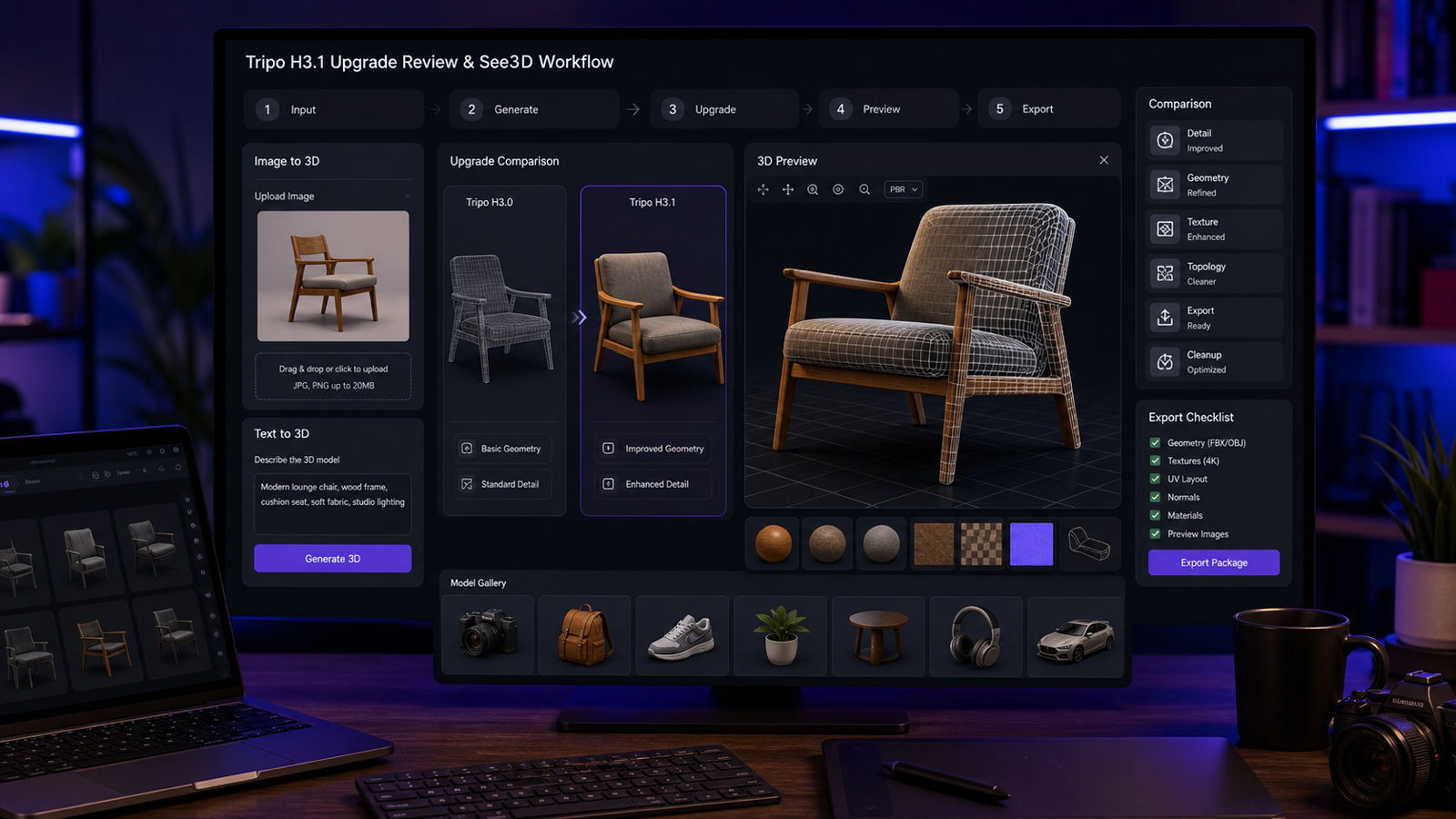
The biggest strength of 3D AI Studio is convenience. If you want to move quickly from concept to 3D draft, the platform gives you several useful entry points. You can try text-to-3D generation when you want to describe an object from scratch, or use an image-to-3D workflow when you already have a product photo, concept sketch, or reference image.
This flexibility matters because different creators begin from different sources. A game prototype team may start with prompt-based ideas. An e-commerce team may already have product photography. A concept artist may have sketches but no 3D pipeline. In those situations, being able to switch between prompt-driven and image-driven creation is genuinely useful.
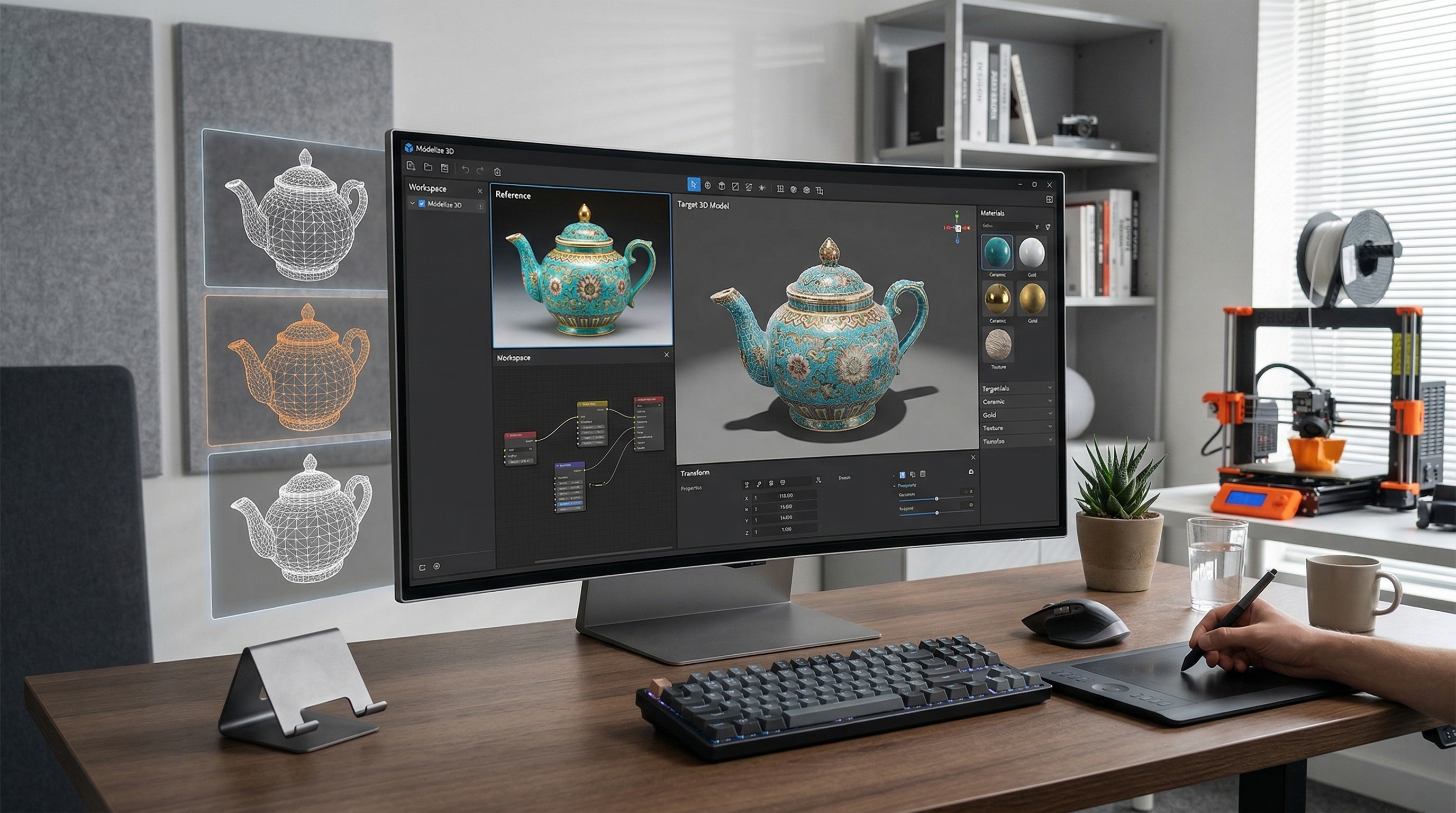
The platform also benefits from offering related tools in the same environment. AI texturing and remeshing are valuable because raw AI meshes are rarely perfect. When a tool acknowledges that users may need texture help or topology cleanup, it usually feels more realistic than a platform that acts as though generation alone solves everything.
Where 3D AI Studio Still Feels Limited
The main limitation is not unusual for AI 3D tools: draft quality and production quality are not the same thing. A generated model may look promising in a preview, but real usefulness depends on mesh cleanliness, texture coherence, silhouette accuracy, and how much repair work is needed after export.
That is why image-to-3D modeling should be judged carefully. If you upload a reference image, the real question is not whether the system produces “something 3D.” The real question is whether that output is close enough to save you time. For hobby use, ideation, and concepting, the threshold can be low. For commercial asset production, game integration, or serious product visualization, the threshold is much higher.
This is where 3D AI Studio feels promising but not automatically unbeatable. The platform can speed up early creation, but many users will still need to evaluate outputs the traditional way: check the geometry, inspect the textures, and decide whether the saved time is worth the cleanup.
Pricing and Whether the Credit System Makes Sense
Pricing is a major part of whether this tool feels practical. 3D AI Studio uses a credit-based structure, which can be good or bad depending on your workflow. Credit systems are helpful when you want predictable usage bursts, but they can become frustrating when experimentation is part of the process and multiple reruns are necessary.
For casual users, the question is simple: can you generate enough useful results before credits disappear too quickly? For agencies, indie studios, and frequent creators, the better question is cost per usable asset. An AI tool is not really cheap if you need several attempts and still have to spend time fixing the result later.
This is also where the platform’s 3D generation API becomes relevant. API access adds value if you are building a product pipeline, automating asset generation, or integrating 3D creation into a larger business workflow. But for most solo creators, the API is not the deciding factor. A browser workflow is often more important than backend access.
So the value of the platform depends on your level. If you are a builder or production team, a 3D generation API may be meaningful. If you are just trying to turn a few images into editable models, simplicity may matter more than technical depth.
Who 3D AI Studio Is Best For
3D AI Studio is easiest to recommend for users who want a broad creative toolkit rather than one narrow feature. It makes sense for indie developers, concept teams, creators testing multiple 3D ideas, and users who may benefit from having texturing, rendering, and remeshing in one place.
It is less clearly the best fit for people who only want the simplest possible image-to-3D modeling workflow. If your goal is straightforward conversion from a photo or concept image into a 3D model, a more focused tool can feel easier and faster.
That is why See 3D AI is worth recommending as an alternative. Its core appeal is clarity. Instead of leading with a broad studio concept, it centers the workflow around image-to-3D AI: upload an image, generate a 3D result, preview it, and continue from there. For many readers, that simplicity is not a downgrade. It is exactly what they want.
A Simpler Alternative for Image-to-3D Users
If your main purpose is turning reference images into 3D objects without overthinking the rest of the pipeline, Image to 3D AI on See 3D AI is the more approachable recommendation.
The reason is not that it necessarily replaces every advanced feature in 3D AI Studio. The reason is that it aligns better with a common user goal: getting from image to usable 3D model as directly as possible. That is valuable for product mockups, simple 3D prototypes, creator experiments, and users who want to test ideas before investing more time or money.
A focused tool also makes evaluation easier. When you use image-to-3D AI, you can judge it on the result itself rather than on how many extra modules the platform includes. For many beginners and even some experienced creators, that cleaner workflow is a real advantage.
Final Verdict
An unbiased conclusion on 3D AI Studio is this: it looks strongest as a flexible AI-assisted 3D workspace, not as a magic replacement for traditional 3D production. Its feature set is attractive, especially if you like the idea of moving between prompt-based generation, image-based creation, texturing, remeshing, and rendering in one environment.
Its main weakness is the same weakness most AI 3D tools still face: the gap between “generated” and “production-ready.” If you can accept that and treat the platform as a speed tool for ideation and early drafts, it can be a useful option.
But if your priority is a simpler, more direct image-to-3D modeling path, See 3D AI may be the better place to start. For many users, especially those testing ideas quickly, Image to 3D AI feels like the more practical recommendation.
Recommended Tools
- Image to 3D AI — the best recommendation for readers who want a focused and simple image-to-3D workflow.
Related Articles
- Image to 3D with See 3D: A Viewer-First, Beginner-Friendly Guide
- Hunyuan3D-2 Free Guide: Turn Images Into 3D Online 2026
- Seed 3D Model Generation Guide: A Simpler Alternative for Real Users
- Tripo 3D AI Review: What It’s Great At (and Not)
People Also Read
- Image to 3D on HeyDream AI: A Practical Tripo 3D Step-by-Step Guide
- Exploring Luma AI: Transforming Video Creation and 3D Modeling
- Nano Banana 2 vs Qwen Image 2.0 vs Seedream 5.0: Which Model Fits Your Workflow?
- Nano Banana 2 vs Nano Banana Pro: What Changed and Which One Fits Your Workflow?
- How to Use Flux AI Image Generator: A Smarter Way to Create AI Images from Image Inputs
- How to Use Sea Imagine AI’s Image Generator: A Beginner-Friendly Tutorial