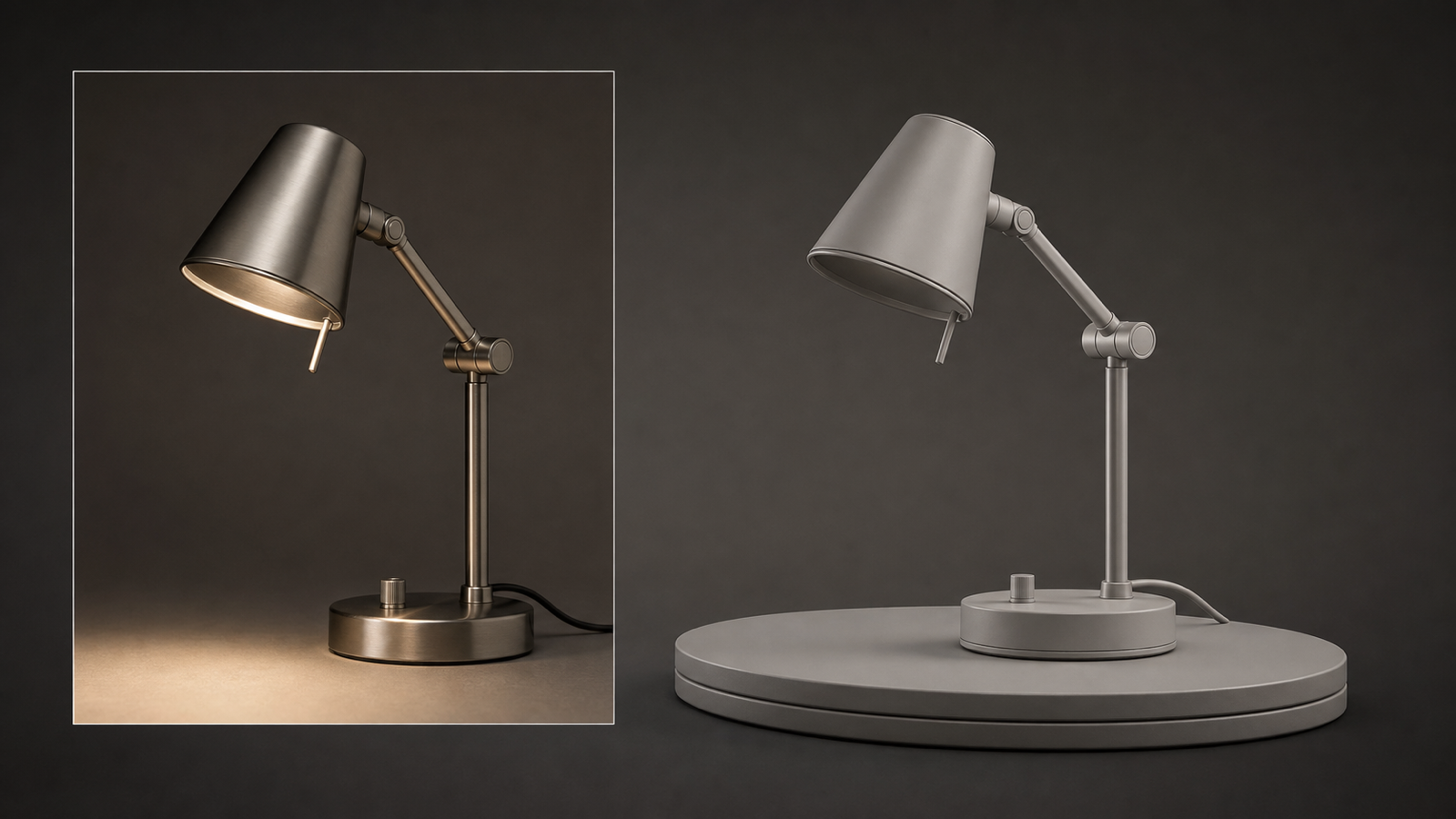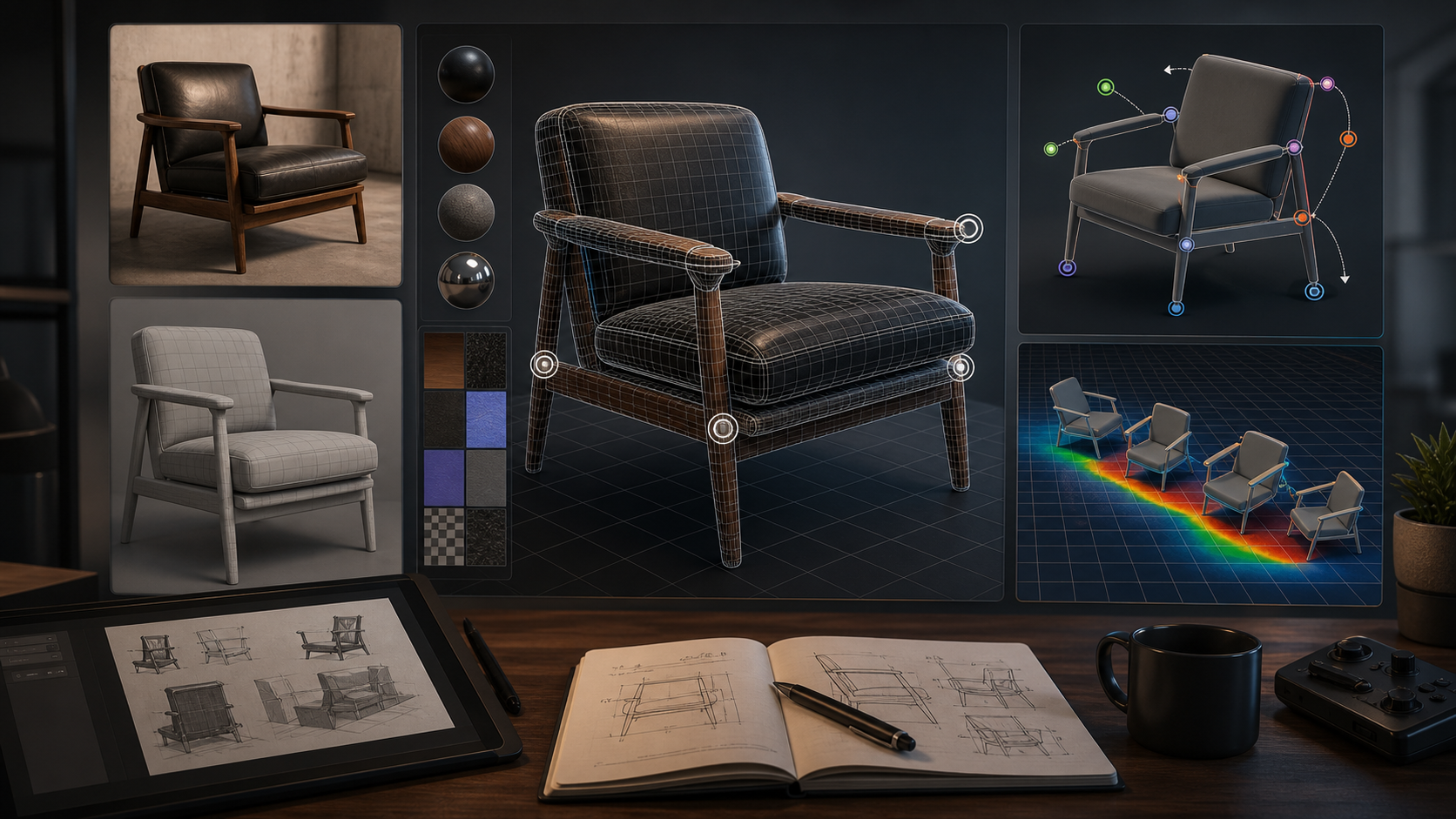
Seed3D 2.0 is one of the more technically interesting 3D generation releases of 2026 because it focuses less on quick visual novelty and more on geometry, PBR materials, part-aware output, completion, articulated assets, and simulation-ready structure. This objective Seed3D 2.0 review looks at what those changes mean for creators, 3D beginners, product designers, game prototypers, and AI tool watchers who want practical answers rather than launch-demo hype.
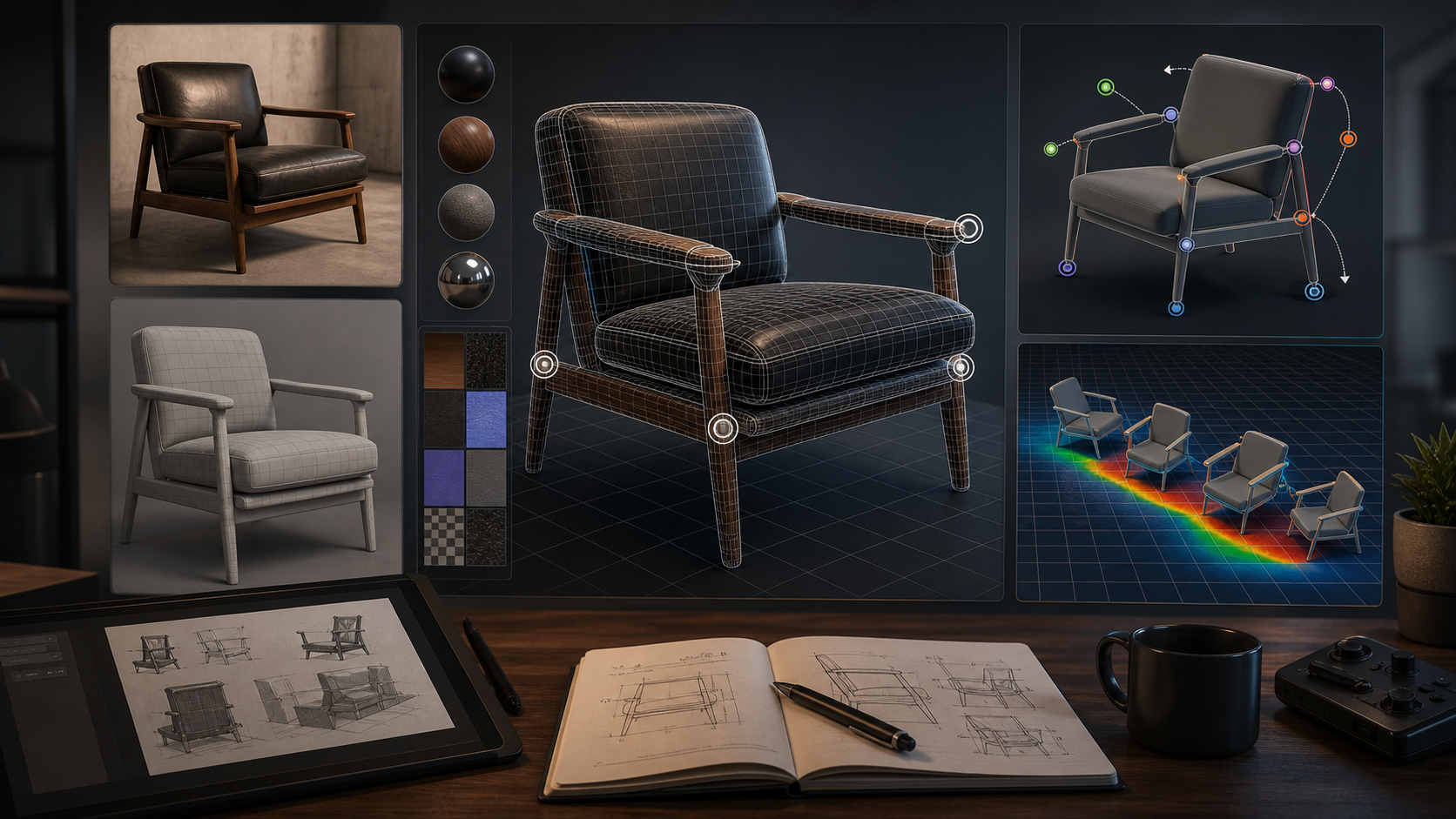
The short version: Seed3D 2.0 appears to push image-to-3D generation closer to assets that can survive inspection in Blender, Unity, Unreal, design visualization, and robotics simulation workflows. However, that does not mean every user will immediately get production-ready output. Official demos and papers usually show curated examples, and real-world results can still depend on input quality, model access, cleanup time, topology, UVs, hidden surfaces, and export requirements.
For many everyday users, it may make sense to try a simpler AI image to 3D tool first, then move into heavier pipelines once the project actually needs advanced geometry, PBR validation, rigging, or simulation checks.
What Seed3D 2.0 Changes Compared With Earlier Image-to-3D Tools
Seed3D 2.0 changes the conversation by targeting structural usefulness, not only front-facing appearance. Earlier image-to-3D tools often produced models that looked convincing in a preview window but became harder to use once rotated, lit differently, imported into a game engine, or edited as mesh data. ByteDance Seed’s release notes and technical report describe Seed3D 2.0 as an upgrade over Seed3D 1.0 in geometry generation, texture/material generation, and downstream usability.
The most important technical shift is the move toward a coarse-to-fine geometry pipeline. Instead of asking one model pass to infer both the overall object and the fine surface detail, Seed3D 2.0 separates broad structure from high-frequency detail recovery. In practical terms, this is meant to help with sharper edges, thin structures, and complex shapes where older image-to-3D outputs often became melted, over-smoothed, or structurally vague.
The second major change is material generation. Seed3D 2.0 uses a unified PBR approach rather than treating RGB texture and PBR decomposition as loosely chained steps. For product designers and game prototypers, that matters because a base color map alone is not enough. A model that looks acceptable under one preview light can fall apart under studio lighting, outdoor lighting, metallic reflections, roughness variation, or real-time rendering constraints.
The third change is downstream awareness. Seed3D 2.0 is not only about single-object reconstruction. The published paper describes scene layout planning, part-aware decomposition, and training-free articulation generation. That points toward 3D assets that are easier to segment, complete, move, and test in simulation or interactive environments.
Seed3D 2.0 Image to 3D Review: Strengths Without the Hype
The strongest case for Seed3D 2.0 is that it addresses the pain points serious users complain about after the first wow moment. If you have used an image to 3D modeling tool for quick drafts, you already know the pattern: the thumbnail looks good, the front view is impressive, then the back side, underside, topology, or material channels reveal the cleanup bill.
Seed3D 2.0 appears designed to reduce that gap. Its geometry improvements are especially relevant for hard-surface objects, product forms, furniture, mechanical details, props, and assets with thin parts. Better detail recovery does not automatically mean clean retopology, but it can reduce the amount of manual remodeling needed before a concept becomes useful.
Its PBR direction is also meaningful. In a normal product mockup workflow, a designer may need the same object under multiple lighting conditions, inside a web viewer, in a pitch deck render, and later inside a prototype scene. If roughness, metallic behavior, and albedo are more stable, the result is easier to evaluate across contexts. This is one reason Seed3D 2.0 for creators and designers is worth watching.
Part-aware generation may be the bigger long-term feature. A single fused mesh can work for a static preview, but interactive design often needs parts: chair seat, chair legs, cabinet doors, robot arms, wheels, handles, hinges, shells, buttons, and panels. Seed3D 2.0’s part-level decomposition and completion direction suggests a path from visual 3D generation toward assets that can be selected, animated, assembled, or simulated.
Still, the right conclusion is not “Seed3D 2.0 solves 3D.” A fair Seed3D 2.0 image to 3D review should say this: it looks like a strong research and model-quality upgrade, but everyday users should judge it by exported files, editability, repeatability, and cleanup time.
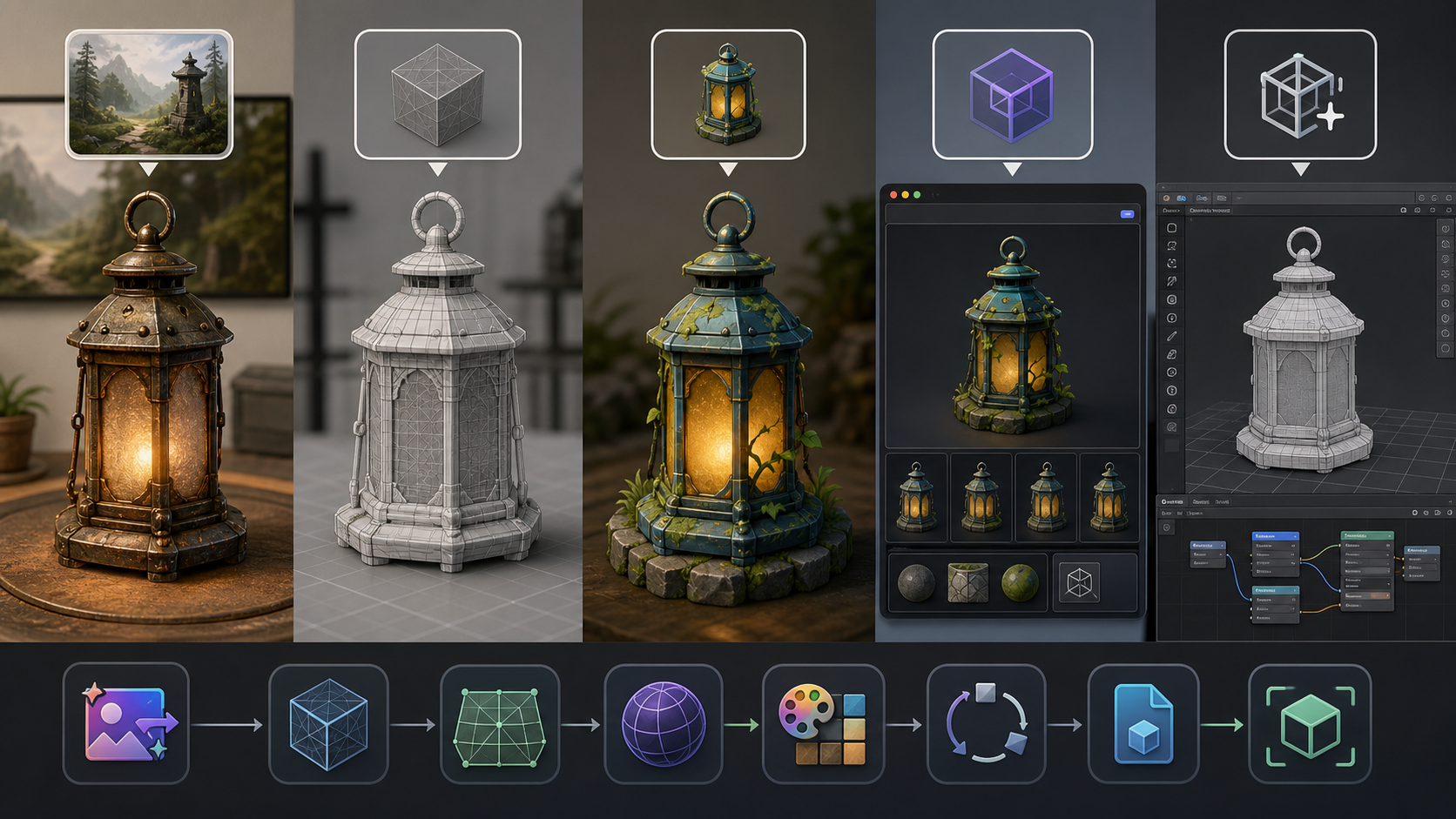
Where Seed3D 2.0 May Still Be Limited in Real Workflows
The likely limits are familiar to anyone who has tried to convert image into 3D model with AI and then use the result in a real project. Access is the first issue. Seed3D 2.0 is tied to ByteDance’s official ecosystem and Volcano Engine access path, so a beginner looking for an instant browser experience may face more friction than with consumer 3D generators.
The learning curve is another practical barrier. Even if the generation step is simple, judging the output is not. Users still need to inspect scale, normals, UVs, triangle density, material maps, object origin, hidden surfaces, non-manifold geometry, overlapping faces, disconnected parts, and whether the mesh behaves correctly when decimated or imported into another tool.
Hidden geometry remains a problem for AI image-to-3D in general. A single image cannot fully reveal the back, inside, bottom, or occluded portions of an object. Seed3D 2.0’s completion and scene understanding may improve plausible reconstruction, but plausibility is not the same as factual accuracy. For a toy concept or game draft, that may be fine. For industrial design, robotics, fabrication, or exact product visualization, it can be a serious limitation.
Topology is also separate from visual fidelity. A high-quality mesh can still be awkward for rigging, deformation, subdivision, UV editing, or game optimization. If the output is dense, uneven, or triangulated in ways that do not match the intended use, artists may still need retopology or remeshing. That is why production readiness should be evaluated per workflow rather than accepted as a general label.
Finally, official demos and papers may not match daily user results. They are useful evidence of capability, but they usually come from controlled inputs, selected outputs, and expert evaluation settings. A creator uploading a compressed product photo, messy sketch, low-light object image, or multi-object scene may see different results.
Seed3D 2.0 vs Meshy, Tripo, Hunyuan3D, Hyper3D, and Simpler Browser Tools
Seed3D 2.0 sits in a different part of the market from many consumer-friendly generators. It is best understood as a high-fidelity, research-led model suite with strong emphasis on geometry, PBR, and simulation-aware downstream use. That makes it exciting, but not automatically the easiest choice.
| Tool | Best fit | Practical strengths | Likely trade-offs |
|---|---|---|---|
| Seed3D 2.0 | Users watching high-fidelity image-to-3D and simulation-ready research | Improved geometry, unified PBR materials, part-aware output, articulation, scene layout direction | Access friction, workflow complexity, need for real export testing |
| Meshy | Creators and teams that want a polished web/API workflow | Text-to-3D, image-to-3D, PBR options, remesh/export controls, broad format support | Still needs quality checks for topology, style accuracy, and production cleanup |
| Tripo | Fast concept generation and accessible 3D drafting | Simple text/image workflows and quick iteration | Best treated as a fast draft tool unless output passes inspection |
| Hunyuan3D | Technical users who value open-source model access | Open model ecosystem, image-to-3D research momentum, PBR work in newer versions | Setup, hardware, dependency, and local workflow complexity |
| Hyper3D / Rodin | Creators who want browser-based generation with editing and export tools | Image-to-3D, text-to-3D, PBR positioning, creator-friendly workflow | Results still vary; advanced production use requires mesh inspection |
| Simpler browser tools | Beginners, marketers, students, early product mockups | Low setup, faster learning curve, easier first drafts | Less control, less technical depth, more cleanup for demanding use |
Meshy is often more practical when users want API documentation, export formats, text-to-3D preview/refine flow, image-to-3D parameters, remeshing, PBR maps, and familiar commercial tooling. Tripo is attractive for speed and low-friction concept work. Hunyuan3D is compelling for technical users because open-source access gives researchers and developers more control. Hyper3D is strong for browser-based creation and iterative asset generation.
Seed3D 2.0’s advantage is not necessarily convenience. Its appeal is that it directly attacks the harder quality problems: geometry precision, material consistency, part decomposition, articulated output, and simulation-readiness. For AI tool watchers, that makes it a serious benchmark. For a beginner, it may be more model to understand than tool to casually use.
When See 3D AI Is the More Practical Starting Point
For users who mainly want a browser-based image to 3D modeling tool, See 3D AI is easier to recommend as a starting point. It is designed around a direct upload-and-generate workflow, with image-to-3D and text-to-3D entry points that are easier for non-technical users to understand.
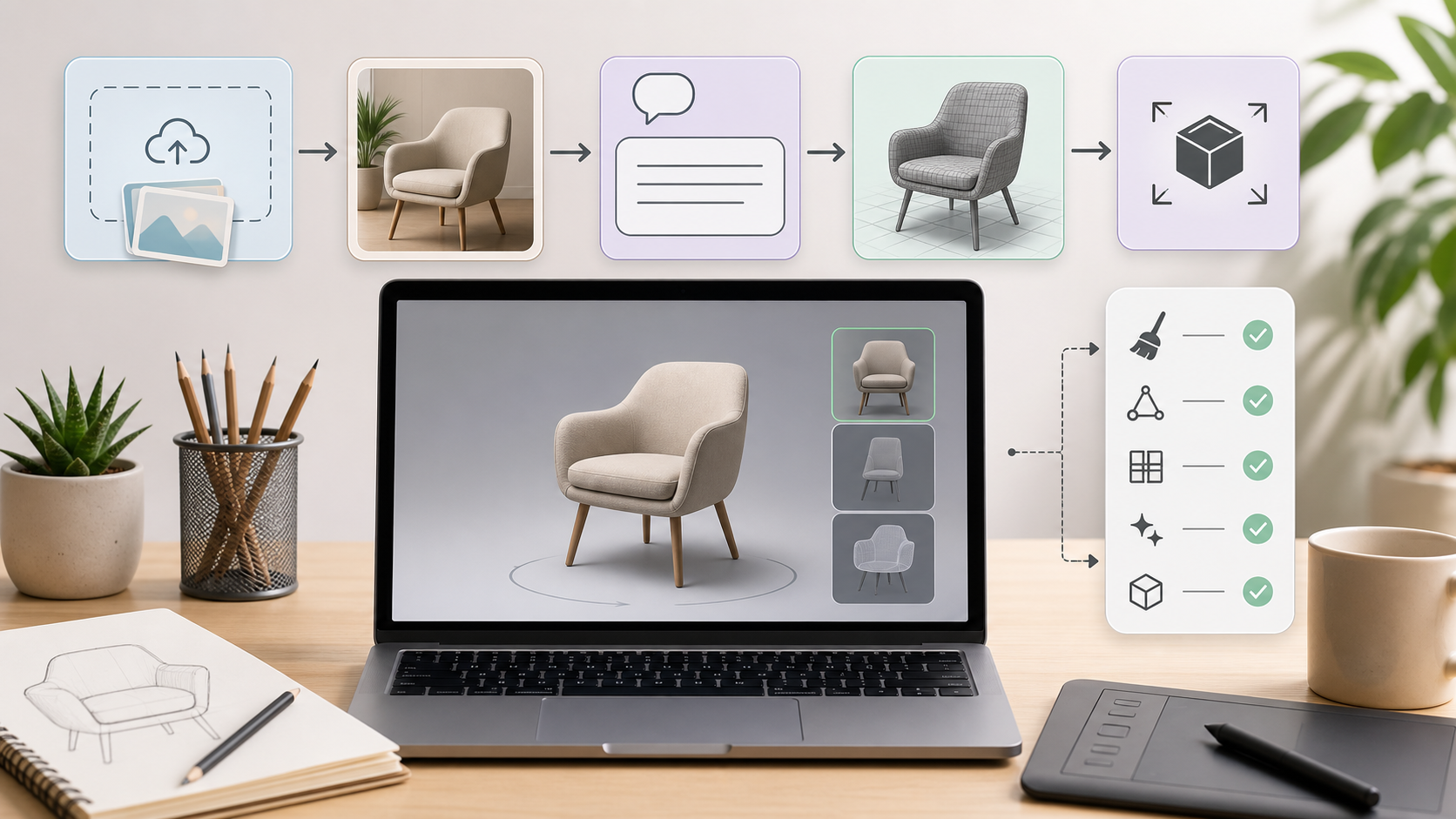
That does not mean See 3D AI should be compared to Seed3D 2.0 as a research model. The better comparison is by user need. A product designer making early shape studies, a student exploring 3D for the first time, a marketer creating a mockup, or a game prototyper testing object ideas may not need part articulation or simulation-ready scene layout on day one. They may need a simple image to 3D modeling tool for quick drafts.
See 3D AI is also useful for users who want text to 3D AI for concept generation before committing to Blender cleanup, engine import, or specialized 3D pipelines. A text prompt to 3D model workflow is not always precise enough for final assets, but it can be a fast way to explore silhouettes, object categories, stylized props, and early product directions.
A practical path looks like this: use See 3D AI to test whether an image or prompt produces a useful 3D direction; inspect the result in a viewer; decide whether the concept is worth more serious cleanup; then move to more advanced tools or manual modeling when the asset needs reliable topology, rigging, physical interaction, or engine-ready optimization.
Recommended Workflow for Creators, Designers, and Game Prototypers
The best way to evaluate any AI image to 3D tool is to test it against the job you actually need done. For quick visual ideation, judge speed, ease of upload, visual likeness, and whether the model communicates the concept. For product mockups, inspect proportions, material logic, surface continuity, and whether the model looks believable from all sides. For game assets, check triangle count, silhouette, UVs, collision needs, texture maps, LOD options, and whether the asset can be optimized without losing its identity.
For Seed3D 2.0 specifically, the most useful test set would include:
- A hard-surface product with sharp edges and visible material variation.
- A simple character or creature-style asset where topology and occluded geometry matter.
- A multi-part object such as a chair, cart, toy vehicle, small appliance, or hinged item.
- A scene-style prompt or multi-view input where layout and object relationships matter.
- A game prototype prop that must be imported, scaled, decimated, and lit in-engine.
For every output, rotate the model, relight it, export it, import it into your target tool, and inspect it in wireframe. If the asset only looks good in the original web preview, it is a reference model, not a production model. If it survives export, relighting, cleanup, and optimization with reasonable effort, then it becomes a useful part of the pipeline.
Sources and Verification Notes
This review is based on ByteDance Seed’s official Seed3D 2.0 release announcement, the arXiv technical report Seed3D 2.0: Advancing High-Fidelity Simulation-Ready 3D Content Generation, and current public product or documentation pages for Meshy, Tripo, Hunyuan3D, Hyper3D, and See 3D AI. Claims about Seed3D 2.0’s two-stage geometry pipeline, unified PBR generation, part-aware decomposition, articulation, scene layout planning, and human preference study come from the official release and paper.
Because public demos, benchmark examples, and model papers do not fully represent every user’s everyday uploads, this article treats production-readiness as a workflow question rather than a guaranteed result.
Recommended Articles
In-site articles:
- Seed 3D Model Generation Guide: A Simpler Alternative for Real Users
- Can AI Image-to-3D Tools Really Create Usable 3D Models From Photos in 2026?
- Best AI 3D Model Generator in April 2026? A Review of Meshy 6
- Tripo 3D AI Review: What It’s Great At and Not
- Hyper3D Review: A Fast, Flexible AI 3D Tool That Makes the Most Sense for Drafting and Iteration
People also read:
- Image to 3D on HeyDream AI: A Practical Tripo 3D Step-by-Step Guide
- OpenArt World Review: A Practical Look at This New AI 3D World Generator
- Exploring Luma AI: Transforming Video Creation and 3D Modeling
- Nano Banana 2 vs Seedream 5.0: A Practical Comparison Guide
FAQ
Is Seed3D 2.0 production-ready?
Seed3D 2.0 is moving toward more production-useful output, especially through better geometry, PBR materials, part-aware generation, and simulation-ready features. Still, users should inspect topology, UVs, materials, scale, hidden geometry, and export behavior before treating any generated model as production-ready.
Is Seed3D 2.0 better than Meshy or Tripo?
Seed3D 2.0 appears stronger as a research-led quality upgrade for geometry, materials, and downstream 3D structure. Meshy and Tripo may be easier choices when the priority is accessible web generation, API workflow, fast drafts, or a simpler creator experience.
Can beginners use Seed3D 2.0?
Beginners can follow the concept, but the practical workflow may feel heavier than browser-based image-to-3D tools. New users may find it easier to start with See 3D AI, Meshy, Tripo, or another simple tool before learning mesh inspection, retopology, PBR cleanup, and engine import.
What is the best use case for Seed3D 2.0?
Seed3D 2.0 is most interesting for workflows where geometry precision, material realism, part-level structure, articulation, or simulation compatibility matter. That includes advanced product visualization, robotics simulation research, interactive assets, and more demanding game or design prototypes.
Should I use image-to-3D or text-to-3D first?
Use image-to-3D when you have a clear reference image and care about matching a specific object. Use text-to-3D AI for fast concept generation when you are exploring ideas, categories, shapes, or visual directions before preparing a more controlled reference.
Conclusion
Seed3D 2.0 is worth watching because it addresses the hard parts of AI 3D generation: cleaner geometry, better PBR materials, part-aware asset structure, completion, articulation, and simulation-ready output. For creators and designers, that makes it more than another preview-generator demo. It suggests a future where AI 3D tools produce assets that are easier to edit, inspect, animate, and test.