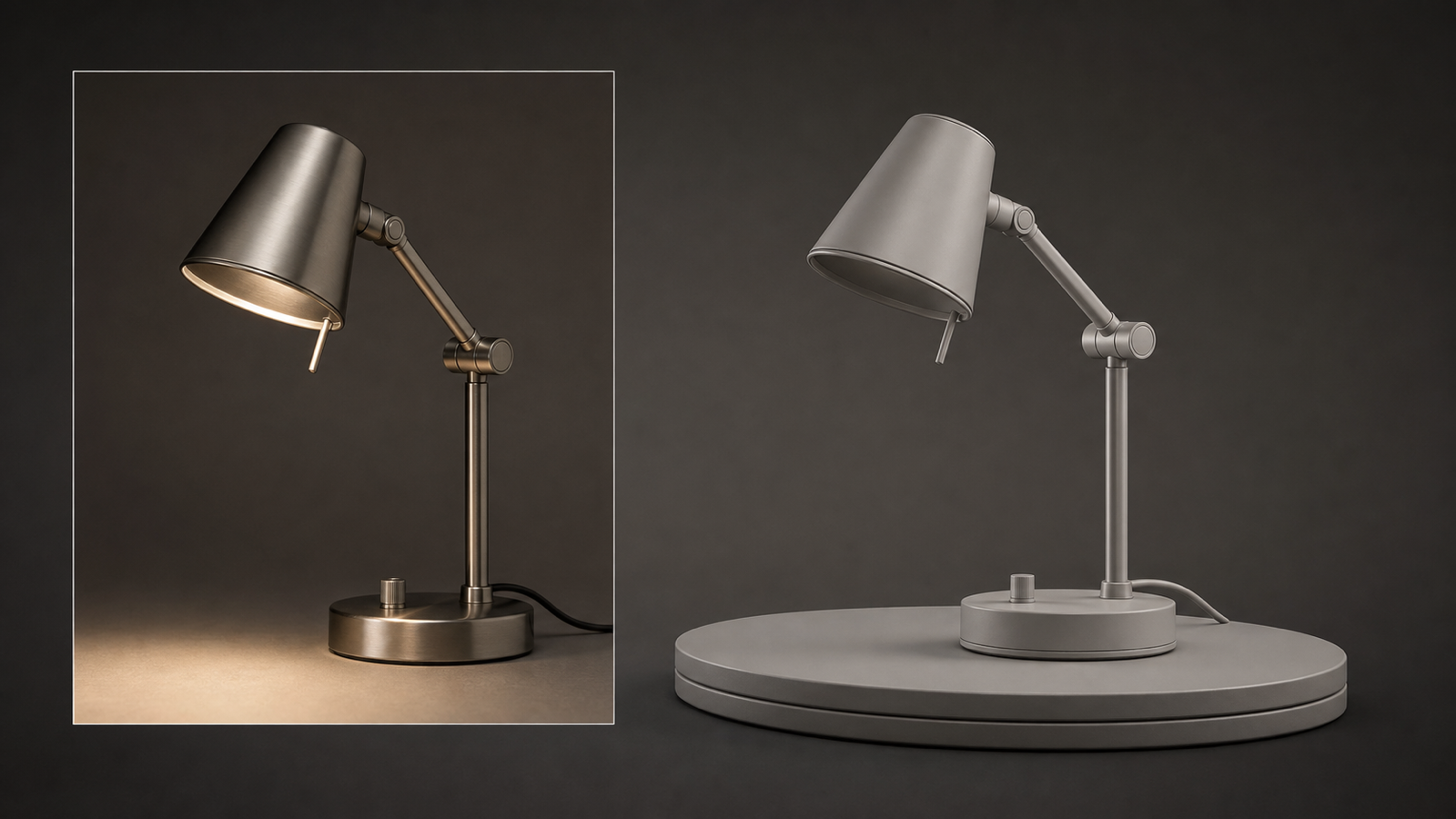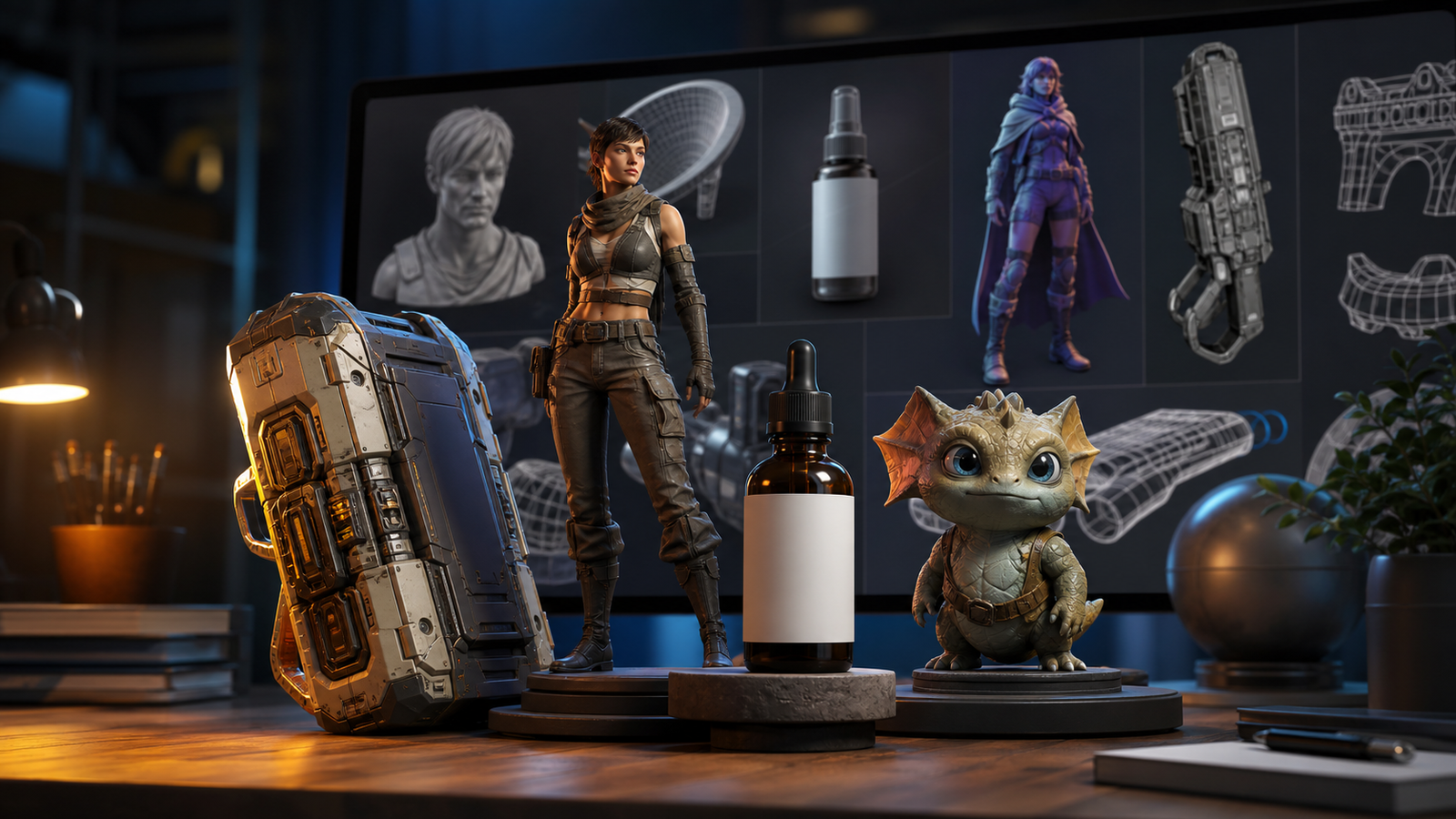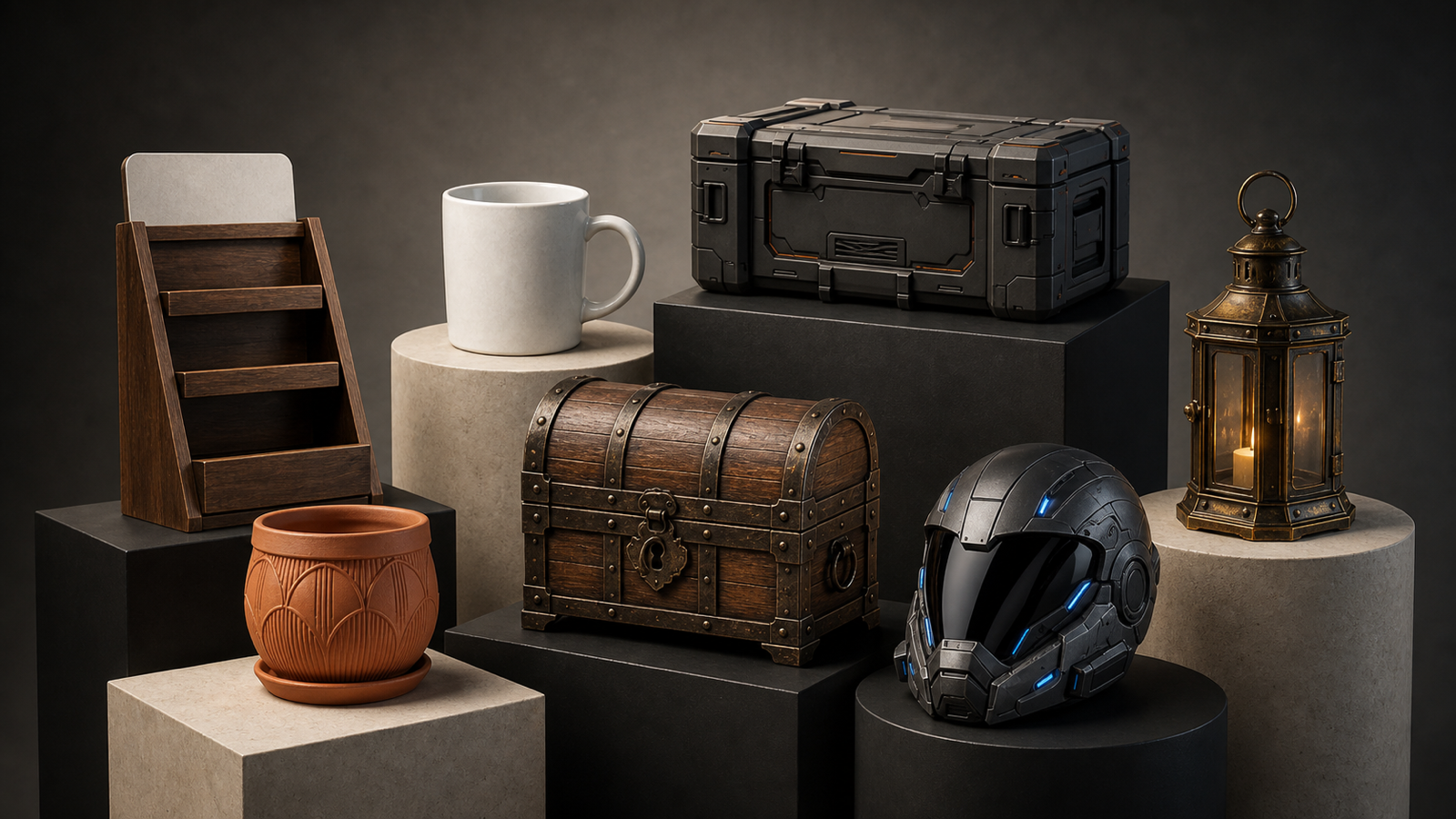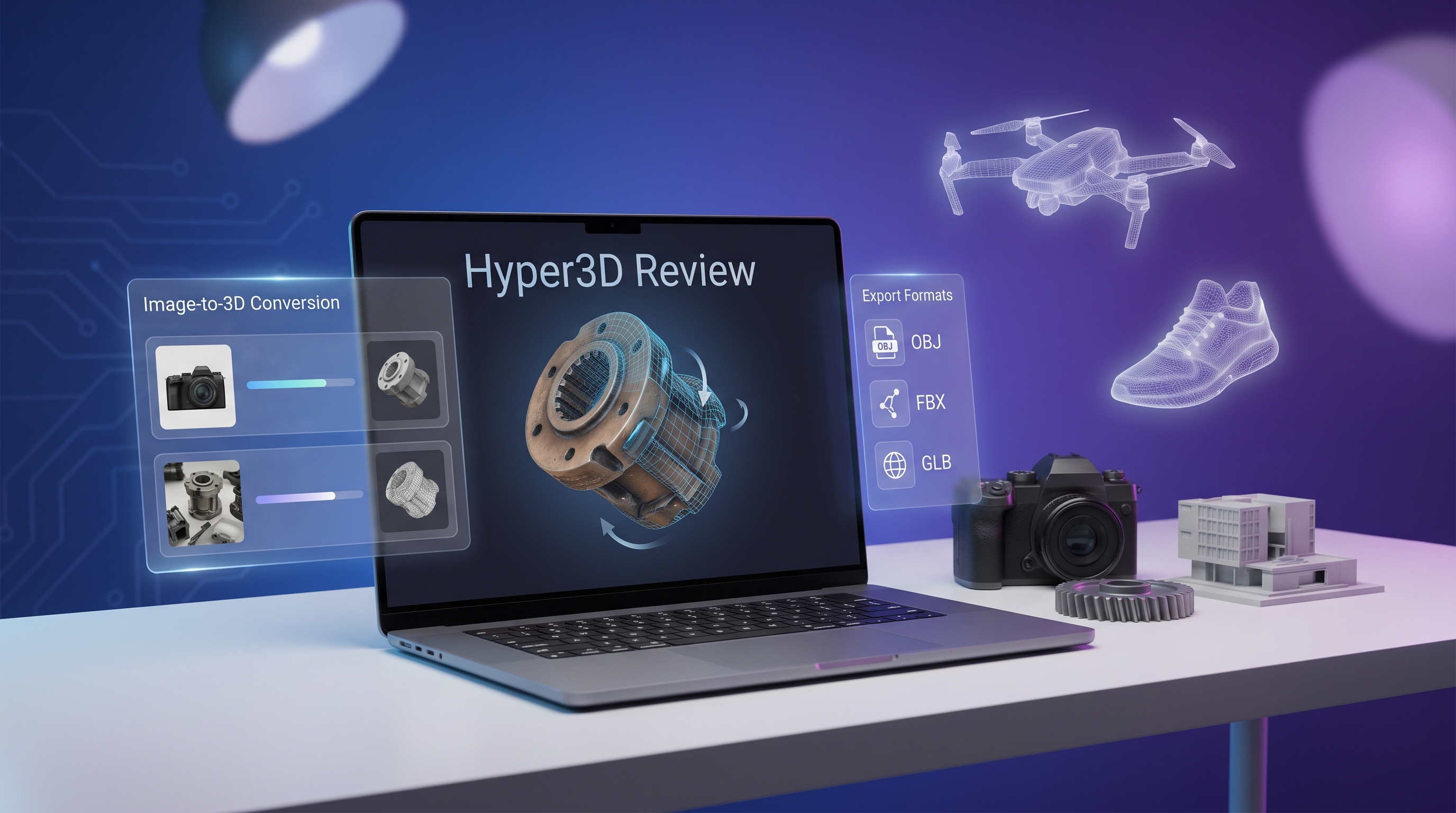
If you are curious about Hyper3D, the most useful way to think about it is this: it looks less like a single-purpose generator and more like a broader AI 3D workspace built around its Rodin model family. From the public interface, it supports Image to 3D, Text to Image/3D, Remix Gen, Turbo Gen, and 3D Editing. It also lets users upload reference images, set image direction to improve generation accuracy, and work with common 3D file types such as OBJ, FBX, and GLB.
What makes the platform feel ambitious is the surrounding tool stack. On the site, Rodin AI sits inside a larger ecosystem that includes OmniCraft, an API, and helper tools such as Image Enhancer, Image Remix, HDRI Generation, Texture Generator, Rodin Search, Mesh Editor, Model Viewer, and Format Convertor. Hyper3D also lists plug-ins or integrations for Unity, Blender, Maya, Unreal, Omniverse, Daz3D, and Cocos, which suggests it is trying to fit into real production pipelines rather than only serving as a novelty demo.
A practical note before the review: this is an assessment based on Hyper3D’s public product pages and workflow descriptions, not a lab-style benchmark. So the goal here is not to crown a universal “winner,” but to explain what the tool seems good at, where it may still feel rough, and who it is likely to suit best.
What Hyper3D Seems to Do Well
The biggest strength of this AI 3D model generator is breadth. Many AI 3D tools do one thing well but feel boxed in. Hyper3D looks broader. You can start from an image, start from text, remix a result, push it through editing, and then use extra utilities around texturing, searching, viewing, or converting. If you are someone who likes experimenting, that is appealing because it reduces the number of tabs and tools you need open.
It also looks reasonably pipeline-aware. Support for common file types and DCC or engine integrations matters. If you are generating rough assets for a game prototype, a concept pass, or a quick product mockup, it is far more useful to have something exportable than to have something merely pretty in a browser. That alone makes Hyper3D’s 3D workflow more credible than tools that stop at preview-only output.
Another plus is that Hyper3D clearly acknowledges the reality of AI 3D generation: input quality matters. The site recommends clean backgrounds or masking, diffuse lighting, centered subjects, and multiple views when possible. That sounds simple, but it is actually a good sign. It suggests the platform is not pretending image-to-3D is magic; it is telling users how to improve reconstruction quality in practical terms.
Where Hyper3D Still Feels Limited
The main caveat is not unique to Hyper3D; it is a category-wide issue. AI 3D generation is very good at getting you a starting point, but not always a final production asset. Even when geometry looks impressive at first glance, the hard parts are still the same ones that have challenged this space for a while: thin structures, hidden surfaces, precise topology, and consistency when the source image is imperfect.
That is why I would not oversell Rodin AI as a full replacement for traditional 3D work. It looks strongest as a speed tool for ideation, mockups, previsualization, and “good-enough” draft assets. If you need a hero-quality asset for a final game build, an ad campaign, or a clean retail 3D viewer, you should still expect cleanup and refinement afterward.
There is also a “platform complexity” tradeoff. Hyper3D’s range is a strength, but it can also make the experience feel less focused. If you enjoy an ecosystem, that is a plus. If you just want a dead-simple upload-and-convert experience, the platform may feel broader than necessary.
Who Should Use Hyper3D?
Hyper3D makes the most sense for creators who want to turn concept images into rough 3D assets quickly, indie game developers testing props or stylized objects, product teams building fast 3D mockups, designers exploring shapes before manual cleanup, and teams that value export options and engine compatibility.
It makes less sense for users who expect one-click perfection, or for artists who already know they need tightly controlled topology, exact geometry, or fully polished production assets from the start.
Overall Verdict
My unbiased take is that this 3D generation platform looks genuinely useful, especially if you judge it by the right standard. As a speed-first creative tool, it is compelling. As a production shortcut, it is promising. As a complete replacement for traditional 3D modeling, it is not there yet — and to be fair, neither is most of the category.
So the most honest conclusion is this: Hyper3D looks strongest when you use it to eliminate the blank-page problem. It can help you move from “I have an idea” to “I have a 3D draft I can inspect, refine, and export” much faster than doing everything manually. For many creators, that alone is enough to make it worth a try. The site also shows a 7-day free trial and multiple plan tiers, including Creator, Business, Education, and Enterprise, plus API access, which reinforces the sense that it is being positioned for both individual experimentation and team use.
A Quieter Alternative Worth Keeping in Mind
If your workflow is more image-first and your real goal is simply “turn this picture into a usable 3D model without wandering through a whole ecosystem,” then the Image to 3D modeling tool on See3D AI is a reasonable alternative to keep in mind. It is positioned around a more focused flow: image structure recognition, automatic mesh generation, texture restoration, and standard-format output. It is also described as suitable for products, portraits, design assets, and object shots.
I would not frame that as “one tool beats the other.” It is more that they seem to serve slightly different moods. Hyper3D feels like the broader, more tool-heavy option. See3D AI looks like the simpler image-to-3D path when you want to stay focused.
Related Article
- Image to 3D with See 3D: A Viewer-First, Beginner-Friendly Guide
- Seed 3D Model Generation Guide: A Simpler Alternative for Real Users
- Can AI Image-to-3D Tools Really Create Usable 3D Models From Photos in 2026?
- Tripo 3D AI Review: What It’s Great At and Not
- Hunyuan3D-2 Free Guide: Turn Images Into 3D Online 2026