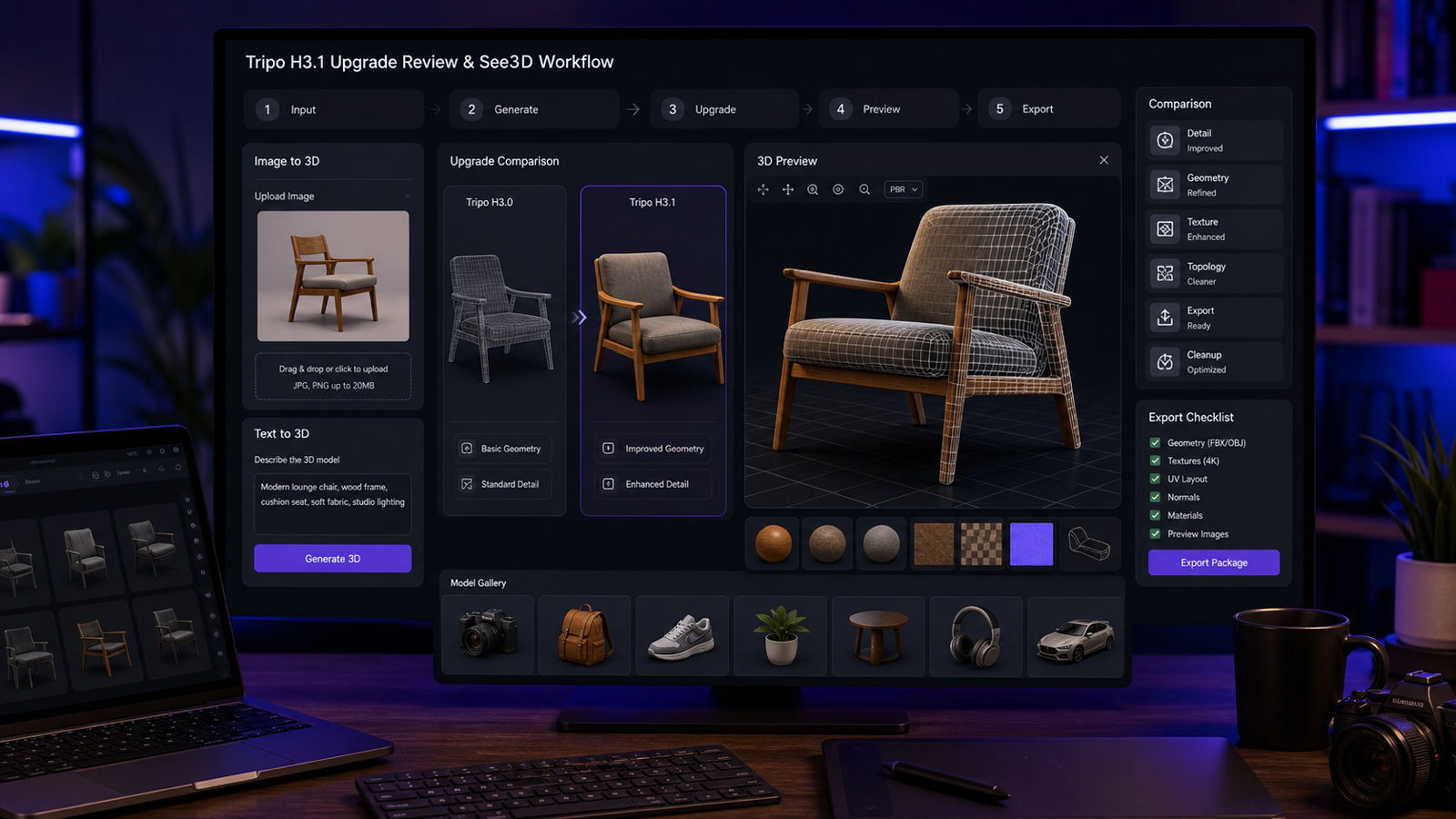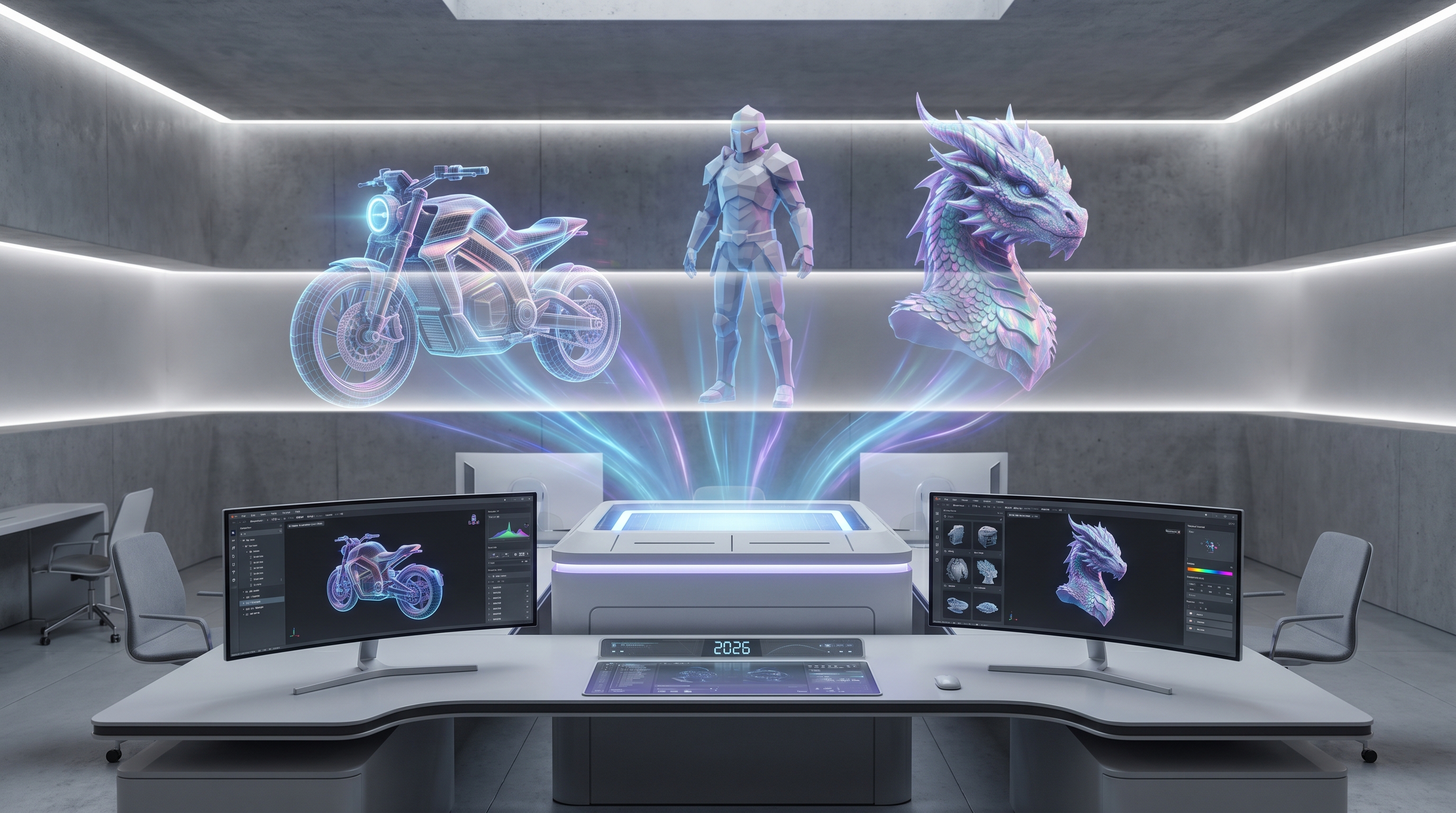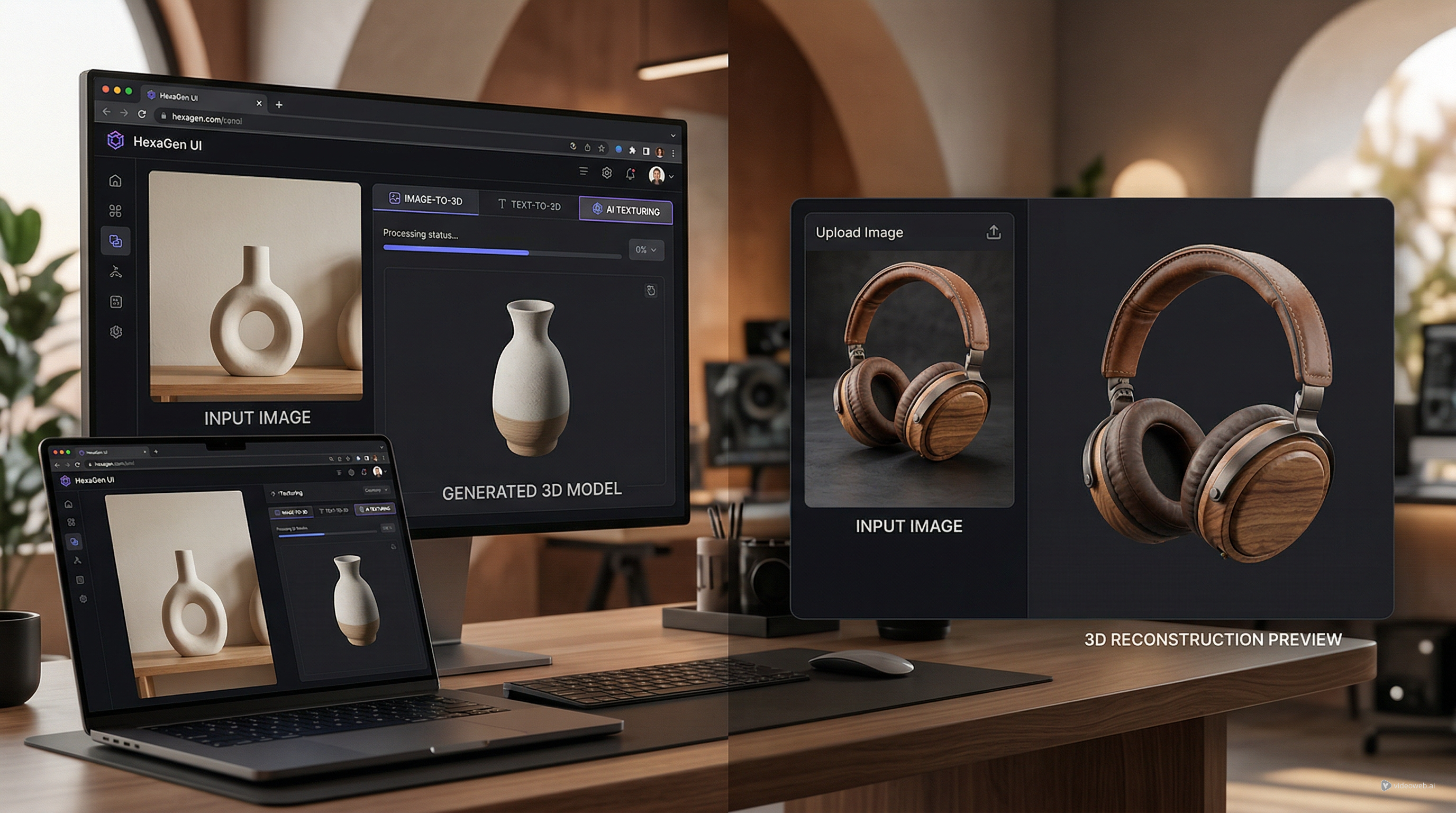
This Seed3D 2.0 review is for creators who care less about benchmark headlines and more about whether an AI-generated 3D model is useful after the first preview. For game developers, product designers, ecommerce teams, AR/VR creators, toy designers, educators, and indie makers, the real test is simple: does the model hold up when you rotate it, inspect hidden surfaces, relight it, export it, and clean it up?
Seed3D 2.0 matters because it points toward a more usable kind of AI image to 3D generation: stronger geometry, PBR-aware materials, part-aware assets, and more attention to downstream workflows. At the same time, most creators need an easier place to start than a research-heavy pipeline. That is where See 3D AI fits as a practical browser-based starting point for Image to 3D, Text to 3D, inspection, and quick 3D drafts.
Why Seed3D 2.0 Matters for AI 3D Creators
Seed3D 2.0 matters because AI 3D is moving from "interesting preview" toward "asset candidate." A generated model is not valuable only because it looks good from the front. It becomes useful when the silhouette reads from multiple angles, the texture logic survives rotation, and the structure can be refined for product mockups, game props, AR previews, simulation tests, or 3D printing drafts.
Official Seed materials position Seed3D 2.0 as a next-generation 3D generative model, and the release article, Higher Precision and Greater Usability: Seed3D 2.0 Released, emphasizes precision and usability. That framing is important for creators because many AI 3D tools have historically struggled with backsides, undersides, thin parts, seams, and material consistency.
The practical takeaway is this: Seed3D 2.0 is worth watching if you create anything that needs more than a decorative 3D preview. But beginners who want to test the image-to-3D workflow today may be better served by a direct tool such as See 3D AI before worrying about model architecture.

What Seed3D 2.0 Is
Seed3D 2.0 is a 3D generative model direction from ByteDance Seed focused on producing more usable 3D assets from visual or text-driven inputs. In creator terms, it is not just about making a mesh appear. It is about whether that mesh has readable shape, surface logic, material realism, part structure, and enough consistency to survive inspection.
The Seed3D 2.0 Technical Report is the deeper source for model details, while Seed3D 1.0 gives useful context for the earlier stage of the family. For non-research users, the key idea is that AI 3D generation is being pushed toward outputs that can be used in pipelines rather than only viewed as demos.
Creators should still verify current access, API availability, supported inputs, export formats, model availability, pricing, rights, and commercial-use terms before planning around Seed3D 2.0. The review value is in understanding what the model direction suggests for everyday 3D work.

What Looks Stronger: Geometry, PBR Materials, and Part-Aware Assets
The most important Seed3D 2.0 improvements for creators are geometry precision, PBR material direction, and part-aware structure. Geometry affects whether the model reads correctly in 3D. PBR materials affect whether surfaces behave believably under light. Part-aware assets affect whether an object feels organized enough to inspect, edit, rig, articulate, or simulate.
For a product designer, this means rounded edges, label areas, seams, and material transitions should be easier to evaluate. For a game developer, it means props may become better first drafts because panels, handles, hinges, and hard-surface details can be more readable. For AR/VR creators, it means a generated object has a better chance of feeling stable when viewed in space.
The creator question is not "does the model look impressive in a render?" The better question is "does the geometry still make sense when I view the side, back, top, underside, and close-up material areas?" That is the level where Seed3D 2.0 becomes interesting.

Why Image-to-3D Quality Depends on More Than the First Preview
Image-to-3D quality depends on what happens after the front-view preview. A model can look convincing from one angle and still fail when rotated. Hidden surfaces may be incomplete, thin edges may thicken, labels may smear, holes may appear, and texture alignment may drift around corners.
That is why creators should inspect every AI 3D model from front, side, back, top, underside, and three-quarter angles. A sneaker, for example, needs sole thickness, upper shape, material contrast, color placement, and silhouette to remain coherent. A chair needs leg placement, backrest curvature, cushion volume, and scale logic. A food package needs clean rectangular structure and material feel.
See 3D AI image to 3D is useful here because beginners can start from a source image, generate a 3D draft, and think in viewer-first terms. The point is not perfection; the point is learning whether the output is worth refining.

Best Seed3D 2.0 Use Cases for Product, Game, AR, and Simulation Drafts
Seed3D 2.0 is most relevant where a 3D draft must communicate structure. Product mockups need clean shape and material direction. Game props need readable silhouettes and usable geometry. AR/VR assets need stable proportions from all angles. Simulation-ready content needs part logic, scale, and surface behavior that can be tested further.
Good use cases include:
- Product mockups for ecommerce, packaging, furniture, desk objects, and consumer goods.
- Game props such as crates, lanterns, treasure chests, tools, toys, collectibles, and stylized environment pieces.
- AR/VR previews where silhouette, scale, and material believability matter.
- Toy and character concepts where proportions and part separation affect refinement.
- Education and marketing assets where quick 3D explanation is more important than final production detail.
- Simulation and articulation research where part-aware structure may become especially valuable.
The best first projects are simple but meaningful: a mug, chair, lantern, crate, sneaker, desk lamp, package, or toy figure. These reveal geometry, material, and hidden-surface issues faster than a complex full scene.

Where See 3D AI Fits as a Simpler Creator Workflow
See 3D AI fits as the practical starting point for creators who want to generate and inspect 3D models without entering a research pipeline. Its public pages position it as a browser-based AI 3D creation tool for product design, game assets, AR previews, ecommerce visuals, and creative prototyping.
The simplest path is direct: use Image to 3D when you already have a product photo, sketch, object reference, or concept image. Use Text to 3D when you only have an idea, such as "stylized wooden treasure chest with metal bands" or "compact desk lamp with circular base and matte metal finish."
See 3D AI is not positioned here as a replacement for Seed3D 2.0 research. It is the easier browser-based 3D model generator for everyday creators who want to upload, generate, inspect, and decide whether a draft deserves cleanup in a dedicated 3D tool.

How to Test Any AI 3D Model Generator Properly
The right way to test an AI 3D model generator is to inspect usability, not just beauty. A pretty render can hide weak backsides, messy topology, broken texture direction, floating parts, or poor scale logic. A useful review checks the model like a working asset.
Use this review checklist:
- Rotate the model from front, side, back, top, underside, and three-quarter angles.
- Check silhouette, proportions, thickness, holes, floating pieces, and hidden surfaces.
- Relight the asset to evaluate material realism, roughness, metalness, and texture alignment.
- Look for part separation where the object should have handles, panels, limbs, hinges, legs, or accessories.
- Export or download only after confirming the current platform supports the format you need.
- Open the model in a viewer or 3D tool and judge cleanup difficulty.
Before publication or client use, confirm See 3D AI tool availability, pricing, credits, watermark rules, private-generation rules, and export support on the live site and terms pages. A useful AI 3D model review always includes that practical verification step.

Prompt and Reference-Image Examples for AI Image to 3D
Prompting matters because image-to-3D and text-to-3D tools need clear object priorities. The best prompts tell the model what to preserve, what material direction matters, and what use case the draft should support.
Reusable image-to-3D review prompt formula:
Use this image as the source for a 3D model draft. Preserve [main object], [silhouette], [front-view proportions], [material direction], [visible details], and [color palette]. Generate a clean 3D model suitable for [product mockup / game prop / AR preview / toy concept / educational model / 3D printing draft]. Prioritize readable geometry, clean surface structure, realistic material direction, and a model that can be inspected from all sides.
Reusable text-to-3D prompt formula:
Create a 3D model of [object/prop/product/character/environment element]. Shape: [main geometry]. Material: [wood/metal/plastic/fabric/ceramic/glass/stone]. Style: [realistic/stylized/low-poly/toy-like/product design/game asset]. Details: [important details]. Use case: [game prototype/product mockup/AR preview/concept art/3D printing draft]. Keep the silhouette clear, the structure readable, and the small details practical for cleanup.
Seed3D 2.0 testing formula:
Test this model idea as a Seed3D 2.0-style review case. Evaluate geometry precision, hidden surfaces, thin edges, material realism, PBR behavior, part separation, scale, texture alignment, and whether the model remains useful after rotation, relighting, export, and inspection.
Prompt examples:
- Turn this product photo into a 3D model draft. Preserve the product shape, rounded edges, label area, plastic texture, and front-view proportions. Keep it suitable for ecommerce visualization and AR preview.
- Create a 3D model of a small sci-fi crate with beveled edges, metal panels, corner guards, blank label areas, and clean hard-surface geometry for a game prototype.
- Use this chair image as the source. Preserve the leg placement, curved backrest, cushion shape, wood grain direction, and overall scale. Generate a model suitable for furniture concept review.
- Create a 3D model of a ceramic coffee mug with a smooth handle, glossy surface, simple cylindrical body, subtle handmade texture, and clean shape for product mockup use.
- Turn this toy sketch into a 3D model concept. Preserve the large head, short limbs, simple accessories, cute silhouette, and soft toy-like proportions.
- Create a fantasy lantern prop with brass frame, frosted glass panels, small handle, warm glowing center, and clean readable silhouette from all angles.
- Use this sneaker image as the reference. Preserve the sole thickness, upper shape, material contrast, color placement, and main silhouette. Make it useful for product visualization review.
- Create a stylized wooden treasure chest with curved lid, metal bands, simple lock plate, warm wood material, and game-ready draft structure.
- Create a 3D model of a compact desk lamp with circular base, thin stem, adjustable shade, matte metal material, and clean mechanical proportions.
- Turn this food package image into a 3D product model draft. Preserve the box dimensions, front-panel layout, material feel, and clean rectangular structure.
- Create a small creature statue concept with a simple pose, clear body silhouette, stone material, and readable facial details, suitable for a collectible toy prototype.
- Generate three 3D drafts from the same object idea: product mockup, stylized game prop, and low-poly prototype. Compare silhouette, material logic, texture clarity, and cleanup difficulty.

Seed3D 2.0 vs Everyday Image-to-3D Tools
Seed3D 2.0 and everyday image-to-3D tools answer different needs. Seed3D 2.0 is important for understanding where AI 3D generation is going: better geometry, stronger PBR materials, part-aware assets, and more usable 3D structures. Everyday tools such as See 3D AI are useful because they let creators test ideas quickly without waiting for a research workflow to become part of their stack.
Use Seed3D 2.0 as the model to watch if you care about next-generation 3D generation, API access, technical progress, and asset usability at scale. Use See 3D AI when the question is immediate: can I turn this image into a 3D model draft, inspect it, and decide whether it is worth cleaning up?
For beginners, the everyday workflow usually wins first. Start with See 3D AI, learn what a generated 3D asset gets right and wrong, then follow Seed3D 2.0 as the standard for where model quality may head next.

Final Verdict: Is Seed3D 2.0 Worth Watching, and Should Beginners Start With See 3D AI?
Seed3D 2.0 is worth watching because it addresses the problems that matter most for serious AI 3D: geometry precision, PBR material logic, part-aware assets, articulation potential, and simulation-ready content. It is not only a "cool 3D preview" story. It is part of the shift toward AI-generated 3D assets that may become more useful in real pipelines.
Beginners, however, should usually start with See 3D AI because the first skill is not reading a technical report. The first skill is creating a draft, rotating it, inspecting surfaces, checking material direction, and deciding whether the model is worth refining. See 3D AI gives creators a simple browser-based entry point for that habit.
FAQ
What is Seed3D 2.0?
Seed3D 2.0 is a next-generation 3D generative model direction from ByteDance Seed focused on more precise, usable AI-generated 3D assets.
Does Seed3D 2.0 replace everyday image-to-3D tools?
Not for most creators today. Seed3D 2.0 is important to watch, while browser tools such as See 3D AI are easier for quick image-to-3D and text-to-3D drafts.
What should I inspect in an AI 3D model?
Check silhouette, proportions, hidden surfaces, holes, thin edges, material realism, PBR behavior, texture alignment, part separation, export format, and cleanup difficulty.
Can See 3D AI help beginners?
Yes. See 3D AI is a practical starting point for users who want to upload an image or write a prompt, generate a 3D draft, and inspect whether the result is useful.
What should creators verify before commercial use?
Confirm current Seed3D 2.0 access, API availability, supported inputs, export formats, pricing, rights, commercial-use terms, and See 3D AI pricing, credits, privacy, watermark rules, and export support.
The short verdict: Seed3D 2.0 is worth following as a serious AI 3D quality signal, while See 3D AI is the practical place to begin creating, inspecting, and learning what usable AI 3D models actually require.